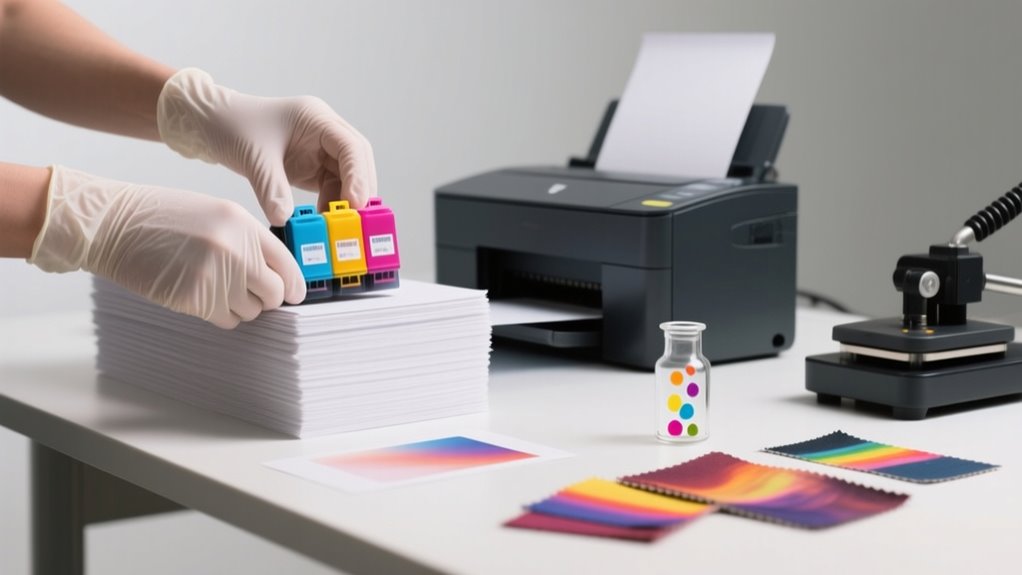
You can use sublimation ink for regular printing by choosing coated or specially designed papers that prevent ink absorption and enhance color vibrancy.
Adjust your printer settings to the highest quality and lower ink density to avoid bleeding and dullness.
Keep prints fully dry before any handling to maintain sharpness.
While results won’t match sublimation on polyester, this method works well for testing or creative projects.
Discover more tips on optimizing print quality and paper choices ahead.
How Does Sublimation Ink Differ From Regular Ink?
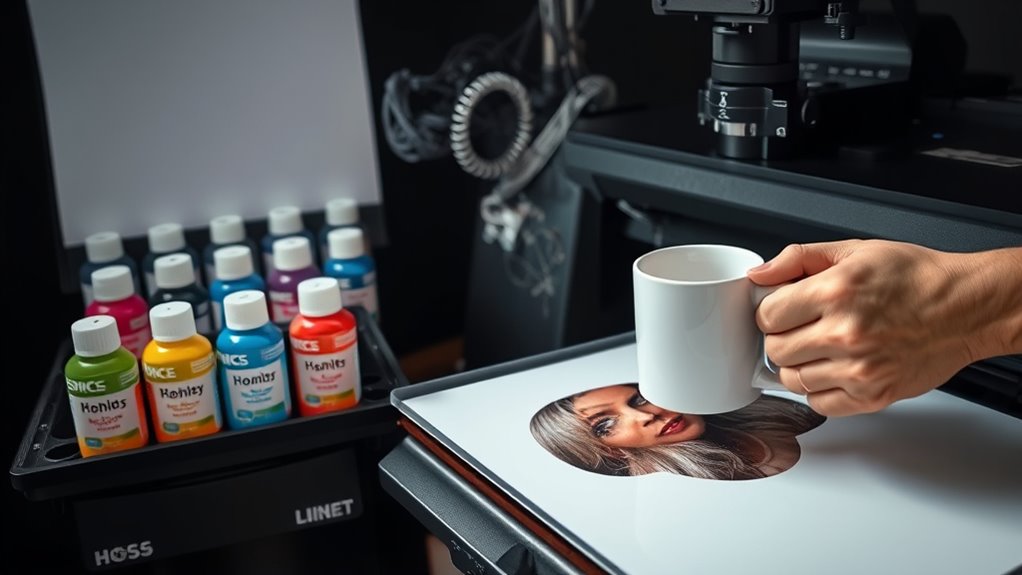
Although both are types of ink, sublimation ink works very differently from regular ink. When you use sublimation ink, you’re working with a dye-based pigment that actually transforms from a solid directly into a gas under heat. This unique property allows the dye to bond permanently with polyester or specially coated surfaces during the heat transfer process.
Sublimation ink transforms from solid to gas, bonding permanently with polyester or coated surfaces through heat.
In contrast, regular ink stays liquid or dries on paper, adhering only to the paper fibers without any chemical bonding.
Sublimation ink also tends to be more transparent and less vibrant on plain paper, so it doesn’t produce vivid colors unless it’s used on sublimation-compatible materials. Regular inkjet inks, on the other hand, aren’t heat-activated and won’t gasify, making them unsuitable for sublimation transfers.
Plus, you’ll need specific printers and sublimation paper for sublimation ink, whereas regular ink works fine with standard printers and paper.
Can You Use Sublimation Ink on Regular Paper?
Also, regular paper doesn’t hold or release the ink properly during the transfer process. So, your final image won’t be as sharp or durable as you might hope. It’s definitely better to stick with sublimation paper if you want the best results.
Ink Behavior On Paper
When printing with sublimation ink on regular paper, expect dull colors and less sharp images because the paper absorbs the ink instead of allowing it to sit on the surface. Regular paper lacks the polymer coating that helps sublimation ink transfer effectively, so the ink gets trapped and reduces transfer quality.
You’ll notice washed-out colors and potential bleeding at the edges. This makes regular paper suitable only for testing or layouts, not for final prints.
| Aspect | Effect on Sublimation Ink |
|---|---|
| Absorption | Ink soaks into paper fibers |
| Color Vibrancy | Colors appear dull and washed out |
| Image Sharpness | Less defined, with possible bleeding |
| Transfer Efficiency | Reduced due to lack of coating |
Print Quality Differences
Since sublimation ink interacts differently with regular paper compared to specialized sublimation paper, you’ll notice a considerable drop in print quality. Regular paper absorbs the ink, causing colors to appear dull and edges to bleed, reducing image clarity.
Unlike sublimation paper, regular paper lacks a polymer coating, so the ink transfer during heat pressing is incomplete or faded. This means your prints won’t have the sharpness or vibrancy you expect from true sublimation transfers.
While you can use sublimation ink on regular paper for testing designs or layouts, it’s not ideal for professional-quality results. If you want crisp, durable prints, sticking to specialized sublimation paper is essential, as regular paper compromises the overall print quality substantially.
Best Papers for Sublimation Ink on Regular Paper
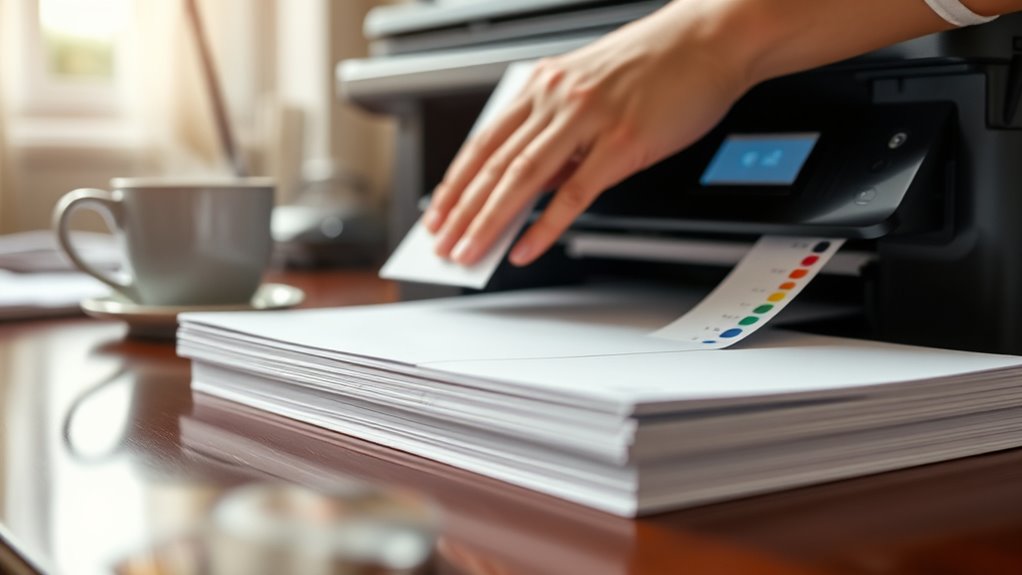
When you’re using sublimation ink on regular paper, the kind of paper you pick really affects how the ink soaks in and how bright your prints turn out. For example, coated matte or semi-gloss photo papers tend to handle the ink way better than plain copy paper. This means you’ll get sharper images and more vibrant colors. So, knowing these differences can really help you choose the best paper for whatever printing project you have in mind.
Paper Types Comparison
How do you choose the best paper for sublimation ink if you’re using regular printing methods? Regular paper for sublimation often absorbs ink, causing dull, blurry images and color bleeding. To get sharp, vibrant results, you need the right Transfer Paper or high-quality inkjet paper with a smooth, coated surface.
Here’s what to keep in mind:
- Coated sublimation paper prevents ink absorption, preserving color brightness
- Regular office paper leads to poor image quality and less durability
- Inkjet Transfer Paper improves detail and vibrancy on polyester substrates
- Specialized sublimation papers ensure sharper, longer-lasting prints
- Compatibility with your substrate boosts final output quality
Choosing the right paper makes all the difference when printing with sublimation ink on regular printers.
Ink Absorption Effects
Why does ink absorption matter so much when using sublimation ink on regular paper? Ink absorption directly affects how well your print will transfer. Regular paper tends to soak up sublimation ink into its fibers, causing the ink to bleed at the edges and dull your colors.
This absorption reduces transfer efficiency, making your images less vibrant and less detailed. To combat this, the best papers for sublimation ink on regular paper have a smooth, coated surface that minimizes ink absorption.
These specialized sublimation-compatible papers feature a polymer coating that keeps the ink on the surface, ensuring crisp, vibrant prints. Avoid standard copy paper if you want to maintain sharpness and color intensity in your sublimation projects.
Print Quality Differences
Although sublimation ink works best with specialized papers, you can still improve your print quality by choosing the right type of regular paper. Regular copy paper often absorbs ink too much, causing dull colors and blurry edges. Instead, opt for coated or glossy papers that help keep colors bright and sharp.
Here’s what you should consider for better print quality with regular paper:
- Use high-quality coated inkjet paper for dye-based inks
- Avoid uncoated or standard copy paper
- Choose glossy photo papers to reduce ink bleeding
- Expect less vibrancy than sublimation-specific papers
- Remember that paper choice directly affects transfer durability
Printer Settings for Sublimation Ink on Regular Paper
When you print with sublimation ink on regular paper, setting your printer to the highest quality or photo print mode guarantees the best results. Adjust your printer settings to match the regular paper type and size precisely. This guarantees the ink bonds correctly without smudging or misalignment.
Use custom color profiles or manual color adjustments since sublimation ink reacts differently than standard ink. This helps you achieve accurate, vibrant colors. Disable any automatic color management in your print settings to avoid unwanted color shifts that can distort your design.
Also, print at a resolution of 1200 DPI or higher to capture fine details and sharp edges. These printer settings optimize your output, making your sublimation prints on regular paper look professional and vivid. By carefully configuring these aspects, you ensure your sublimation ink performs its best on regular paper, delivering high-quality prints every time.
How to Prevent Ink Bleeding and Color Dulling on Regular Paper
To keep your colors bright and avoid ink bleeding, start by picking thick, smooth paper. It really makes a difference in how the ink soaks in. Also, tweaking your printer settings can do wonders—this helps sharpen your prints and stops too much ink from piling up. And don’t forget, letting your prints dry completely before you touch them is key to preventing smudges and keeping those colors popping.
Managing Ink Absorption
Why does sublimation ink often bleed and lose its vibrancy on regular paper? It’s because regular paper’s porous surface soaks up too much ink, causing excessive ink absorption that dulls colors and blurs details. To manage this, you need strategies that control how much ink the paper takes in.
Try these tips to keep your prints sharp and vivid:
- Use high-quality coated or gloss regular paper to reduce ink absorption.
- Lower your printer’s ink density to avoid saturating the paper.
- Allow prints to dry fully before any heat transfer to prevent smudging.
- Apply a light spray of fixative or clear coating to seal the ink.
- Avoid overloading the paper with heavy ink layers.
Enhancing Print Sharpness
Although sublimation ink isn’t designed for regular paper, you can still achieve sharp, vibrant prints by carefully controlling your materials and printer settings. To enhance print sharpness when you print with sublimation ink on regular paper, choose high-quality, smooth, uncoated sheets to minimize bleeding.
Use lower ink density settings and ensure your printer is properly calibrated for sublimation ink. Allow your prints to dry fully before handling to preserve clarity and prevent smudging.
Minimizing Color Bleeding
When you print with sublimation ink on regular paper, minimizing color bleeding is essential to keep your designs crisp and vibrant. To prevent ink bleeding and color dulling, focus on these key steps:
Choose high-quality, smooth, uncoated regular paper to reduce ink absorption. Lower ink density or color saturation settings to avoid excess ink causing bleeding.
Allow ample drying time before handling prints to prevent smudging. Use fresh sublimation ink and calibrate your printer for consistent ink flow.
Run test prints on scrap paper to fine-tune print speed, temperature, and pressure.
Controlling Ink Costs When Printing With Sublimation Ink
Since sublimation ink costs more than standard inkjet ink, you’ll want to control its use carefully to keep expenses down. Controlling ink costs during regular printing means limiting sublimation ink to occasional test prints or using a dedicated printer for sublimation tasks.
Monitoring ink levels and print volume helps you avoid unnecessary waste. Also, choosing high-yield sublimation inks can lower your per-page cost when you must use them for non-sublimation prints.
Here’s a quick guide to controlling ink costs:
| Strategy | Action | Benefit |
|---|---|---|
| Dedicated Printers | Use separate devices | Prevents ink mixing, reduces waste |
| Monitor Ink Levels | Check frequently | Avoids unexpected shortages |
| Use High-yield Ink | Select compatible inks | Lowers cost per print |
Can You Convert Your Sublimation Printer Back to Regular Ink?
Managing ink expenses might lead you to contemplate switching your sublimation printer back to regular ink for everyday printing tasks. You can convert your sublimation printer, but it’s not a quick switch. The process involves flushing out sublimation ink thoroughly and refilling the tanks gradually with standard ink, following your printer’s manufacturer instructions carefully.
Epson EcoTank printers handle this conversion better, yet patience is key.
Here’s what you should expect:
Multiple cleaning cycles to prevent clogging or color mixing
Gradual ink replacement over hours or days
Possible initial color inconsistencies
Risks of damaging the ink delivery system if tubing is mishandled
The necessity to strictly follow manufacturer guidelines
When to Use Sublimation Paper vs. Regular Paper
Why should you choose sublimation paper over regular paper for your printing projects? Sublimation paper is specially coated with a polymer layer that prevents ink absorption, guaranteeing vibrant, sharp transfers. Regular paper soaks up ink, leading to dull colors and potential bleeding, which ruins your final product’s quality.
Use sublimation paper when you want bright, durable prints on polyester or coated surfaces. This paper ensures efficient ink release and crisp images.
Choose sublimation paper for vibrant, long-lasting prints with sharp details on polyester and coated materials.
That said, regular paper isn’t useless. It’s cheaper and readily available, making it perfect for testing layouts or draft prints before committing to expensive sublimation paper. However, don’t rely on regular paper for final sublimation transfers since it causes incomplete ink release and blurry results.
For the best outcome, match sublimation ink with sublimation paper. So, reserve regular paper for practice runs and stick with sublimation paper when quality truly matters in your printing projects.
Maintaining Print Quality on Regular vs. Sublimation Paper
Although both regular and sublimation paper can be used with sublimation ink, maintaining print quality depends largely on your paper choice. Using sublimation ink on sublimation paper guarantees vibrant, sharp prints thanks to its polymer coating that prevents ink absorption. In contrast, using regular paper causes ink to bleed and dull your images, leading to blurry and washed-out results.
To keep your prints looking their best, consider these points:
- Sublimation paper preserves color accuracy and sharpness
- Regular paper absorbs ink, causing loss of detail
- Thicker sublimation paper texture controls smudging
- Using regular paper often results in uneven coloration
- Matching sublimation ink with sublimation paper ensures crisp, vibrant transfers
Choosing the right paper is vital when using sublimation ink. While regular paper might seem convenient, it compromises image clarity and vibrancy. So, sublimation paper is your best bet for quality prints.
Printer Maintenance Tips for Sublimation Ink
Since sublimation ink tends to dry quickly and clog the printer’s nozzles, you’ll need to clean the print head regularly using manufacturer-approved solutions. Proper printer maintenance helps avoid blockages and keeps your prints sharp.
Use the printer’s maintenance utility for head alignments and nozzle checks, especially after installing sublimation ink. Avoid leaving ink in the printer unused for too long, as this increases clogging risks.
When replacing or refilling ink tanks, follow instructions carefully to prevent air bubbles and ensure consistent flow. Running periodic test prints on standard paper helps you monitor color accuracy and print head health.
| Task | Frequency | Tips |
|---|---|---|
| Print head cleaning | Weekly or as needed | Use approved cleaning solutions |
| Nozzle checks | After ink install | Utilize printer’s maintenance tool |
| Ink tank refill | When low | Avoid air bubbles, follow guidelines |
| Test prints | Monthly | Check color accuracy and clogging |
Regular cleaning and maintenance keep your sublimation printer running smoothly.
Frequently Asked Questions
Can Sublimation Ink Be Used for Printing Photos on Fabric?
Yes, you can use sublimation ink for printing photos on fabric, especially if you want vibrant fabric customization. You print your photo on sublimation paper, then use heat and pressure to perform dye transfer onto polyester-based fabrics.
This process embeds the ink into the fibers, creating durable, high-resolution images that won’t fade or crack. Just remember, it works best on synthetic fabrics, not natural fibers like cotton.
Is Sublimation Ink Safe for Children’s Crafts?
Yes, sublimation ink is safe for children’s crafts when you use child-safe inks and non-toxic materials properly. You’ll want to work in a well-ventilated area and supervise kids closely to avoid inhaling fumes or direct contact with the liquid ink.
Once the ink is heat-transferred and cured, it becomes non-toxic and durable. This makes it perfect for personalized, safe projects kids can enjoy without worry.
How Long Does Sublimation Ink Last on Printed Materials?
You can expect sublimation ink longevity to be impressive on the right materials, often lasting 5 to 10+ years. Its fading resistance is strong because the ink bonds permanently with polyester or coated surfaces.
To maximize ink longevity, you’ll want to guarantee proper heat transfer and curing during printing. Also, regular cleaning and avoiding harsh chemicals will keep your prints vibrant and durable for a long time.
Can Sublimation Ink Be Used With Inkjet Printers?
You can’t fit a square peg in a round hole. Sublimation ink only works with inkjet printers that have compatibility for it.
If your printer supports refillable cartridges or tanks designed for sublimation ink, you’re good to go. Using the right setup guarantees vibrant colors and excellent ink longevity on your prints.
Otherwise, you risk clogging or damage. Always check your printer’s specs before diving in.
What Are the Environmental Impacts of Sublimation Ink?
You should know that sublimation ink raises environmental concerns mainly due to its chemical composition. The dyes and solvents can release harmful VOCs during manufacturing and use, potentially contaminating air and water.
If you don’t dispose of the ink properly, it can leach chemicals into soil and ecosystems. To minimize impact, use eco-friendlier, water-based inks and recycle materials responsibly while optimizing energy use during printing.
Conclusion
Using sublimation ink on regular paper is like painting on a new canvas. You need the right tools and touch. By choosing the best paper, adjusting your printer settings, and preventing ink bleeding, you’ll bring your designs to life with vibrant colors.
Remember, switching back to regular ink keeps your printer versatile. With a little care and maintenance, your prints will shine bright, just like a masterpiece fresh from the studio. Keep creating!
Leave a Reply