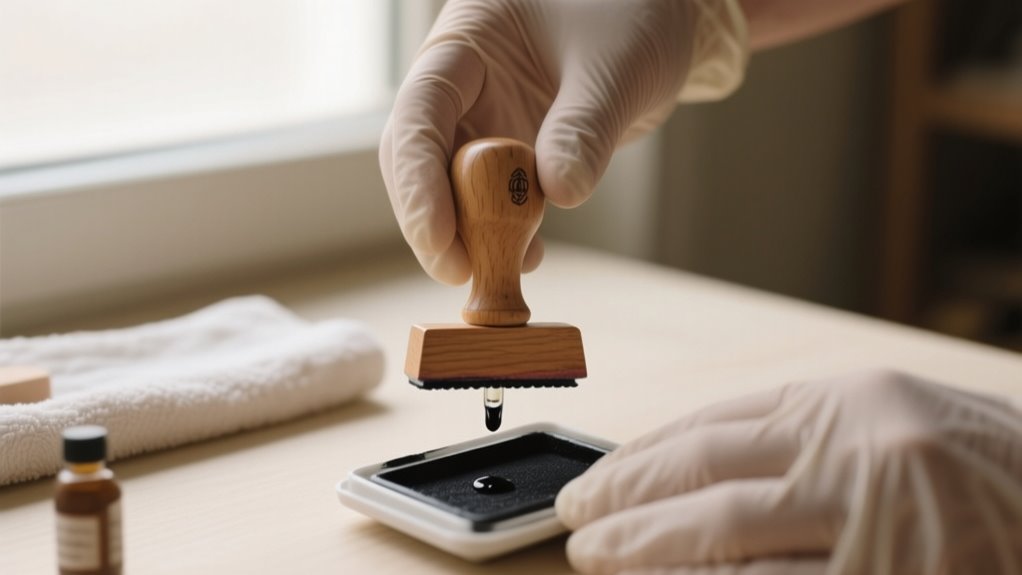
To refill your stamp with ink in seven easy steps, first gather your materials and set up a clean workspace.
Identify your stamp type and the correct ink needed.
Release and remove the ink pad or cartridge, then apply ink gradually without overfilling.
Let the ink soak in before reinserting the pad securely.
Finally, test the stamp and clean any excess ink to maintain clarity.
Follow these basics, and you’ll soon master stamp care and clear impressions.
Gather Materials and Set Up a Clean Workspace
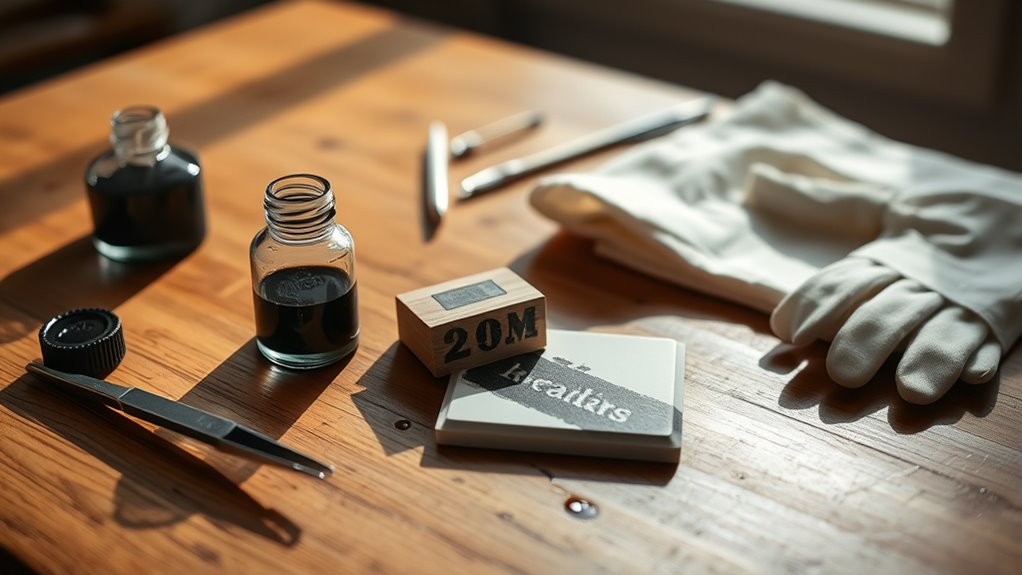
Where should you begin when refilling a stamp with ink? Start by gathering all the materials you’ll need, including your stamp, the correct ink refill, and a stamp pad if applicable.
Before you get started, set up a clean workspace in a well-lit, flat area. This helps you avoid mistakes and keeps your stamp pad and refill safe from dust or debris that could ruin your impression quality. Place paper towels or a cloth under the stamp to protect your surface from spills.
Organize your supplies neatly and clear distractions to keep the process smooth and efficient. Having everything at hand means you won’t be scrambling mid-refill. Remember, a tidy, well-prepared area is key to successful stamp maintenance and clean ink application. Taking these steps upfront saves time and ensures your stamp works perfectly after the refill.
Identify Your Stamp Type and Ink Requirements
Before you start refilling, it’s a good idea to figure out whether your stamp is self-inking, pre-inked, or the traditional kind. Each one needs a slightly different approach.
You should also check the manufacturer’s guidelines to make sure you’re using the right type and color of ink for your specific model.
Knowing exactly where the ink pad or cartridge sits will help you refill it correctly and avoid any damage.
Stamp Types Overview
How do you know which ink to use when refilling your stamp? It all starts with identifying your stamp type. Self-inking stamps usually require water-based refill ink, while pre-inked stamps need oil-based ink made for their specific reservoirs.
Rubber stamps often use separate ink pads that can be re-inked. Using the wrong ink can damage your stamp or ruin the impression quality, so it’s essential to check the manufacturer’s recommendations.
| Stamp Type | Ink Type Needed |
|---|---|
| Self-inking stamps | Water-based refill ink |
| Pre-inked stamps | Oil-based ink |
| Rubber stamps | Ink pads (varies) |
| Brand-specific | Follow guidelines |
Knowing your stamp type helps you pick the right refill ink every time.
Ink Compatibility Essentials
Why does ink compatibility matter when refilling your stamp? Using the right ink ensures your stamp works smoothly and produces clear impressions.
First, identify if your stamp is pre-inked or self-inking, as this determines the ink type you need. For most pre-inked stamps, use oil-based ink, while self-inking stamps require water-based ink.
Always check your stamp model’s instructions or the manufacturer’s website for recommended ink brands and specifications. Avoid mixing different ink types or brands because incompatible ink can damage the stamp’s internal mechanisms or cause poor prints.
Also, make sure the ink color matches your needs. Following these ink compatibility essentials helps you refill the ink correctly and maintain your stamp’s performance.
Unlock and Remove the Ink Pad or Cartridge
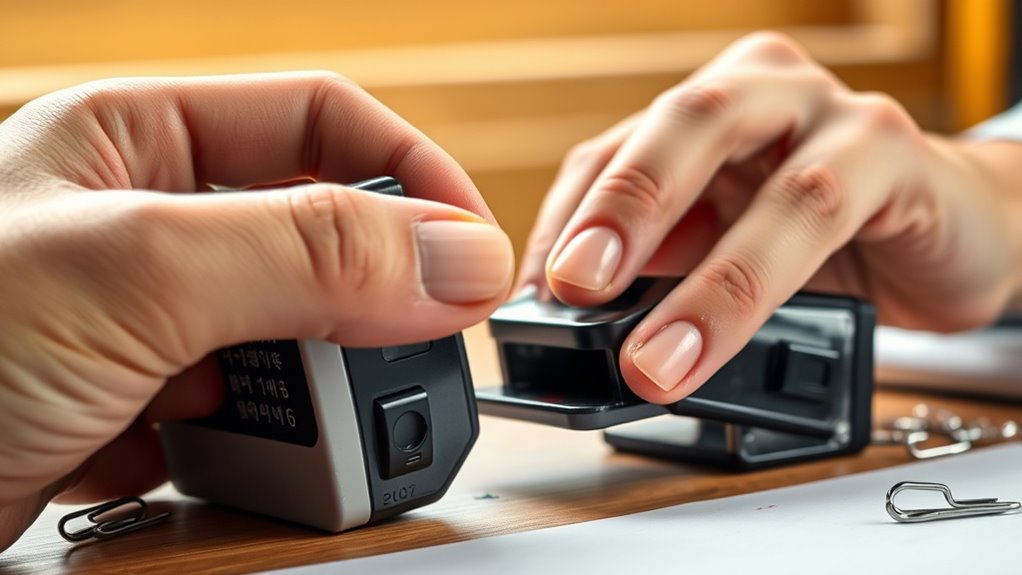
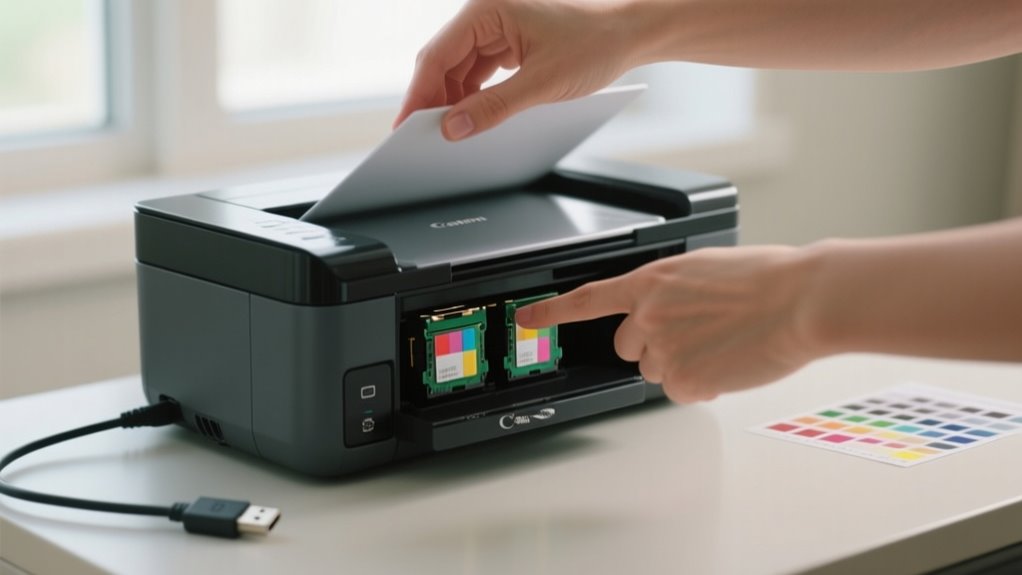
When you open the ink pad or cartridge, gently press down or slide the stamp handle according to your model’s mechanism to reveal the ink compartment. To release the ink pad, look for a latch or button, usually on the underside or side, and press or slide it to free the pad. Carefully pull the ink pad or cartridge straight out, avoiding contact with the foam or ink surface to prevent contamination.
Always check your stamp’s instructions to guarantee you follow the correct unlocking method and avoid damaging internal parts.
| Stamp Model Type | Unlock Method |
|---|---|
| Self-inking | Press/slide latch |
| Pre-inked | Slide handle or press |
| Custom designs | Consult manual |
Apply Ink Without Overfilling
Although it might be tempting to add a large amount of ink at once, you should apply it gradually by squeezing only a few drops at a time to avoid overfilling the stamp’s reservoir or pad.
Adding ink slowly guarantees you don’t flood the stamp body with excess ink, which can cause smudging and leakage. After each few drops, wait a few minutes to let the ink absorb fully, then test the impression.
This helps you gauge whether more ink is needed without risking over-saturation. Keep a close eye on the ink level throughout the process to maintain even distribution and prevent the pad from becoming overly saturated.
Avoid pouring or squeezing large quantities at once, as it’s harder to control and increases the chance of ink spilling out of the stamp body. Taking these careful steps keeps your stamp clean and functional, ensuring crisp impressions every time.
Let Ink Soak
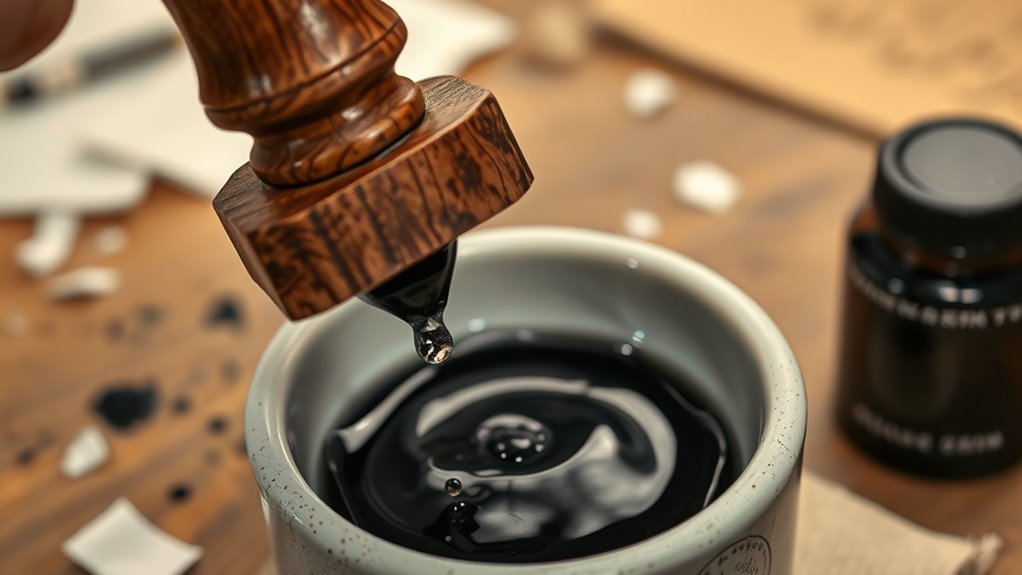
After you add ink to your stamp, just let it soak overnight. This helps make sure the ink is fully absorbed and spreads out evenly. Try to keep the stamp flat and upright while it soaks—it really helps the ink settle uniformly. Being patient like this will give you clear, consistent impressions every time.
Optimal Soaking Duration
To achieve clear and consistent impressions, you should let the ink soak into the stamp pad for at least 12 to 24 hours. This ideal soaking duration ensures proper ink absorption, allowing the ink to fully permeate the pad and preventing uneven distribution.
Avoid using the stamp immediately after refilling; giving it this time helps maintain consistent, clear stamping results. While the exact ink absorption time varies depending on your ink type and stamp model, the standard overnight period generally works best.
Allowing enough soaking time also minimizes risks like ink leakage or patchy impressions caused by incomplete absorption. By following this guideline, you’ll get the most reliable performance from your refilled stamp every time you use it.
Ink Absorption Tips
When you apply ink to your stamp, let it sit overnight so the pad absorbs it fully. This ink absorption step is essential for your rubber stamp to deliver clear, consistent impressions.
Start with a small amount of ink to avoid overfilling, then let the ink soak in completely. Placing the rubber stamp horizontally during this time helps the ink distribute evenly across the pad.
Proper soaking prevents uneven marks and guarantees a smooth ink flow when you use the stamp next. By giving the ink sufficient time to permeate the pad, you’ll get sharper, more defined stamped images every time.
Patience in this process helps maintain the quality and longevity of your rubber stamp’s performance.
Reinsert the Ink Pad Securely
Before reinserting the ink pad, make sure it’s fully saturated to avoid uneven impressions. Once the surface of the pad is evenly soaked, carefully reinsert it into the stamp housing.
Align the pad with the designated slots or guides inside the stamp to guarantee it fits correctly without tilting. Press the ink pad firmly into place until you feel a click or secure seating, which prevents any shifting during use.
Double-check that the handle or locking mechanism engages properly, keeping the pad stable and maintaining the stamp’s integrity. This secure fit ensures the ink distributes evenly across your stamping surface every time.
Taking these steps helps you avoid smudges or incomplete prints due to a loose or misaligned ink pad. By reinserting the ink pad correctly, you set the stage for crisp, professional-looking stamps with consistent ink coverage.
Test Your Stamp, Clean Excess Ink, and Maintain It
Although you’ve just refilled and reinserted the ink pad, you should always test your stamp on scrap paper to check for even ink distribution and clear impressions. If the impression looks blotchy or too dark, blot the stamp lightly on scrap paper several times to remove surplus ink and sharpen the image.
Always test your stamp on scrap paper to ensure clear, even impressions before use.
Next, clean excess ink from the stamp surface using a damp cloth or paper towel to prevent smudges and ink buildup. This step keeps your stamp looking neat and prevents unwanted marks.
To maintain your stamp’s performance, regularly inspect and clean its internal mechanisms to avoid ink clogging. Store your stamp in a dry, cool place, and only re-ink when the impressions become noticeably faint.
Following these simple steps will help you keep your stamp in great working condition and ensure every impression stays crisp and clear.
Frequently Asked Questions
How Often Should I Refill My Stamp With Ink?
You should refill your stamp with ink whenever the impressions start looking faint or inconsistent. If you use your stamp frequently, expect to refill it every few months. For low-volume use, once or twice a year might be enough.
Can I Use Any Type of Ink for All Stamps?
No, you can’t use any type of ink for all stamps. Different stamps need specific inks. Pre-inked stamps usually require oil-based ink, while self-inking ones use water-based ink.
Using the wrong ink can ruin your stamp’s mechanism and cause poor impressions. When you refill, consider ink color choices carefully. Also, do regular stamp cleaning to avoid clogs and smudges.
Always follow the manufacturer’s guidelines for the best results.
What Should I Do if My Stamp Is Still Faint After Refilling?
If your stamp is still faint after refilling, don’t worry. It’s not just about adding more ink. Start with thorough stamp cleaning to remove dried ink or debris blocking transfer.
Next, double-check ink compatibility; using the wrong type can cause faint impressions. Allow the ink to fully absorb overnight, then test again.
Finally, inspect internal parts for proper alignment. This ensures smooth ink flow and crisp stamping every time.
Is It Safe to Reuse Old Ink Pads for Refilling?
It’s generally not safe to reuse old ink pads for refilling without proper stamp cleaning. Old pads can harbor bacteria or dried ink that affects ink compatibility, leading to uneven impressions or damage.
If you want the best results, thoroughly clean or replace the pad before adding ink. This guarantees your stamp stays in good shape and works smoothly every time, preventing clogging and maintaining consistent ink flow.
How Do I Store Ink to Prevent It From Drying Out?
To prevent ink drying, store your ink bottles upright in cool, dry places away from direct sunlight and heat. Always keep the caps tightly sealed to stop air exposure.
When you transfer ink into smaller storage containers, use airtight or resealable lids to maintain freshness. Following these steps guarantees your ink stays vibrant and ready to use, so you won’t waste time dealing with dried-out ink or messy refills.
Conclusion
Now that you know how to refill your stamp in just seven easy steps, you’re ready to keep your stamping sharp and efficient.
Did you know that regularly maintained stamps can last up to five times longer than neglected ones? By following these simple tips, you’ll save money, reduce waste, and enjoy crisp, clean impressions every time.
Keep your workspace clean, handle ink carefully, and your stamps will serve you well for years to come!