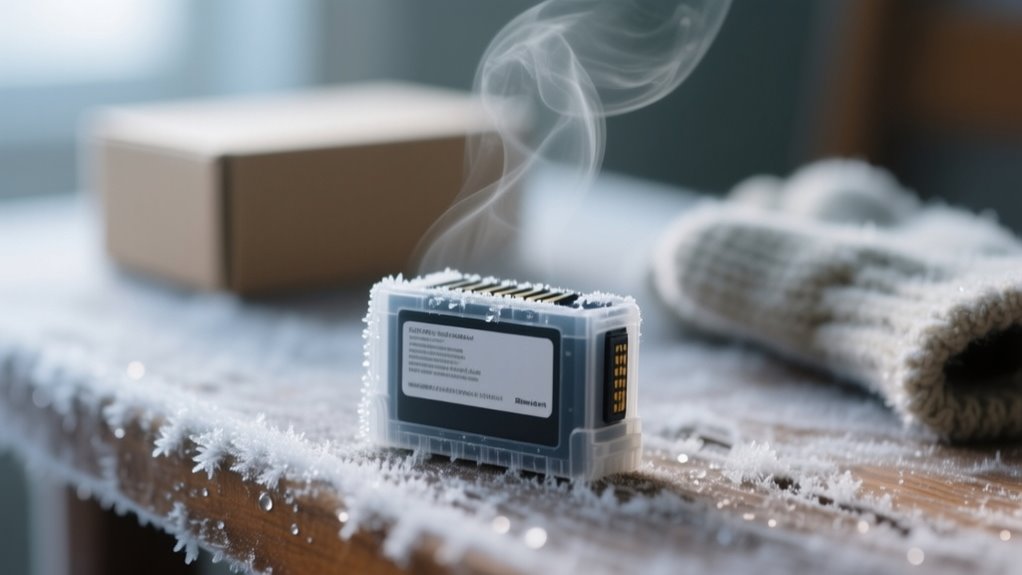
Yes, printer ink can freeze, especially water-based types, below 32°F (0°C). This can cause clumps, cartridge cracks, and print defects.
To protect your ink, store cartridges in a cool, dark place above 35°F (1.5°C). Keep them sealed upright, and let them warm up for a few hours before use.
Avoid using a cold printer immediately to prevent damage. If you want to keep your print quality sharp and avoid costly issues, there are a few essential steps you should know next.
Does Printer Ink Freeze? What You Need to Know
Although you might not realize it, printer ink can freeze when temperatures drop below 32°F (0°C), especially if it’s water-based. When ink freezes, the water inside expands, which can crack plastic cartridges and cause pigments or solvents to separate.
This damage often ruins the ink, making it clumpy or changing its consistency, so it won’t print properly once thawed. Not all inks freeze at the same temperature, though. Aqueous-based inks are more vulnerable, while pigment-based and toner inks resist freezing better.
To prevent ink from freezing, you need to focus on proper storage. Keeping your ink cartridges in temperature-controlled environments avoids exposure to freezing temperatures. If you plan to store ink in cold conditions, take precautions like insulating the cartridges or bringing them indoors.
At What Temperature Does Printer Ink Become Unusable?
You’ll find that printer ink usually becomes unusable around freezing temperatures, near 32°F (0°C). But keep in mind, this can vary depending on what the ink is made of.
When it gets really cold, the ink can thicken, separate, or sometimes even cause the cartridge to crack. And that’s going to mess with your print quality for sure.
Ink Freezing Temperature Range
When does printer ink stop working due to cold? Printer ink generally freezes below 32°F (0°C), but the exact freezing temperature depends on its ingredients. Water-based inks freeze around 32°F, while inks with additives like glycerine freeze at lower temperatures.
Once frozen, ink cartridges become thick or separated, making your ink unusable. To protect your ink in cold weather, store cartridges between 35°F and 95°F to maintain their liquid state and print quality.
| Ink Type | Freezing Point (°F) | Recommended Storage Temperature (°F) |
|---|---|---|
| Water-based | 32 | 35 – 95 |
| Specialty inks | 25 – 31 | 35 – 95 |
| Additive-rich | 20 – 30 | 35 – 95 |
| Standard cartridges | 32 | 35 – 95 |
| Humectant-rich | 28 – 32 | 35 – 95 |
Effects Of Low Temperatures
If temperatures dip below 32°F (0°C), your printer ink, especially water-based types, starts freezing. This can quickly make it unusable. Freezing causes the water in the ink to expand, putting pressure on your ink cartridges and often leading to cracks or leaks.
This damage can be permanent, ruining both the ink and the cartridge. Even before freezing, when the temperature falls below 50°F (10°C), the ink’s viscosity increases. It becomes thicker and harder to flow properly during printing.
This results in poor print quality and clogs. Most manufacturers suggest storing ink above 35°F (1.5°C) to avoid freezing and keep it usable. Once frozen and thawed, pigments and solvents can separate, further damaging the ink and potentially harming your printer’s performance.
Thresholds For Ink Damage
Although printer ink formulas vary, most water-based inks start becoming unusable once temperatures drop near freezing, around 0°C (32°F). The freezing point depends on the ink’s humectant and solvent mix, so some inks freeze slightly below 0°C.
When ink freezes, pigment or dye can separate, cartridges may crack, and printheads might get damaged, causing permanent ink damage. Temperature thresholds are vital: storing ink below -15°C (5°F) drastically raises the risk of unusable ink and poor print quality.
To avoid problems, keep your printer ink at a safe storage temperature above 10°C (50°F). By understanding these limits, you’ll protect your ink from cold weather and maintain smooth printing performance.
How Freezing Ink Damages Cartridges and Printheads
When ink freezes, the water inside expands, which can crack your cartridge’s plastic casing. And those cracks? They might cause leaks that damage your printhead and other parts of your printer. On top of that, frozen ink often clogs the nozzles, leading to poor print quality and potentially costly repairs. So, it’s definitely something you want to avoid!
Cartridge Cracks From Expansion
Because freezing causes ink to expand, you risk cracking the plastic cartridges and damaging the printheads inside your printer. Frozen ink expands inside the cartridge, creating pressure that can cause cracks or permanent deformation.
These cracks lead to ink leaks, which not only waste ink but can also damage sensitive printer components and reduce print quality. The expansion from frozen ink puts stress on the cartridge walls, increasing the chances of nozzle failures and printhead damage.
If you thaw a frozen cartridge too quickly or improperly, you may worsen the cracks or cause leaks to develop. To protect your printer, keep cartridges away from freezing temperatures and handle any frozen ink carefully to avoid cartridge cracks caused by expansion.
Printhead Clogging Risks
Cracks from frozen ink don’t just risk leaks; they can also cause serious printhead clogging. When freezing ink expands, it cracks cartridges, letting air in and disrupting ink flow.
As the ink thaws, pigment separation and increased viscosity can clog nozzles, directly harming printhead performance. This blockage leads to poor print quality with streaks, smudges, or incomplete prints.
Repeated freeze-thaw cycles only worsen the damage, weakening printhead components and making clogs more frequent. If you want to keep your printer running smoothly, avoiding freezing ink is essential.
Protect your cartridges from cold temperatures to prevent printhead clogging and maintain consistent print quality over time.
How to Store Ink Cartridges to Prevent Freezing in Winter
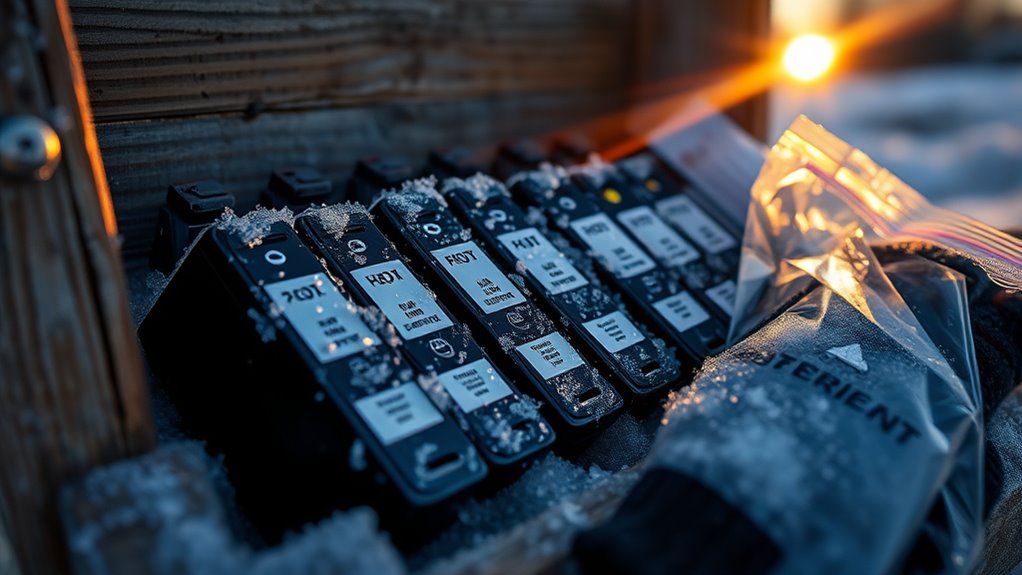
To keep your ink cartridges from freezing during winter, store them in a cool, dark place where the temperature stays steady between 15°C and 30°C (59°F and 86°F). Avoid places like garages or basements where temperatures can dip below freezing, risking ink damage.
Always keep cartridges sealed in their original packaging and store them upright to prevent leaks and exposure to moisture. Consistent temperature control helps maintain ink quality and prevents freezing.
Keep cartridges sealed and upright to avoid leaks and moisture, ensuring ink quality and preventing freezing.
Furthermore, maintain indoor humidity between 35% and 65% to reduce static electricity and protect the ink. When you bring cartridges inside from a colder environment, let them acclimate at room temperature for at least three hours before use.
This gradual adjustment avoids condensation inside the cartridge, which could harm the ink or your printer. By following these storage tips, you’ll protect your ink cartridges from freezing and ensure they perform reliably throughout the winter months.
What to Do If Your Ink Cartridge Has Frozen and Thawed
Even with careful storage, ink cartridges can sometimes freeze and thaw, especially in harsh winter conditions. When dealing with frozen ink, it’s essential to manage the thawing process carefully to avoid damaging the cartridge or compromising print quality.
Here’s what you should do if your ink cartridge has frozen and thawed:
- Allow the cartridge to thaw gradually at room temperature for at least 3 hours. Avoid direct heat sources, as high temperatures can harm the cartridge.
- After thawing, gently shake the cartridge to remix any separated pigments or solvents caused by the freezing.
- Inspect the cartridge carefully for any cracks or leaks from expansion during freezing before inserting it back into your printer.
- If you notice streaks or nozzle errors, run a cleaning cycle on your printer to restore peak performance.
Following these steps guarantees your cartridge recovers safely from freezing and maintains print quality despite temperature fluctuations.
Should You Keep Your Printer On During Cold Weather?
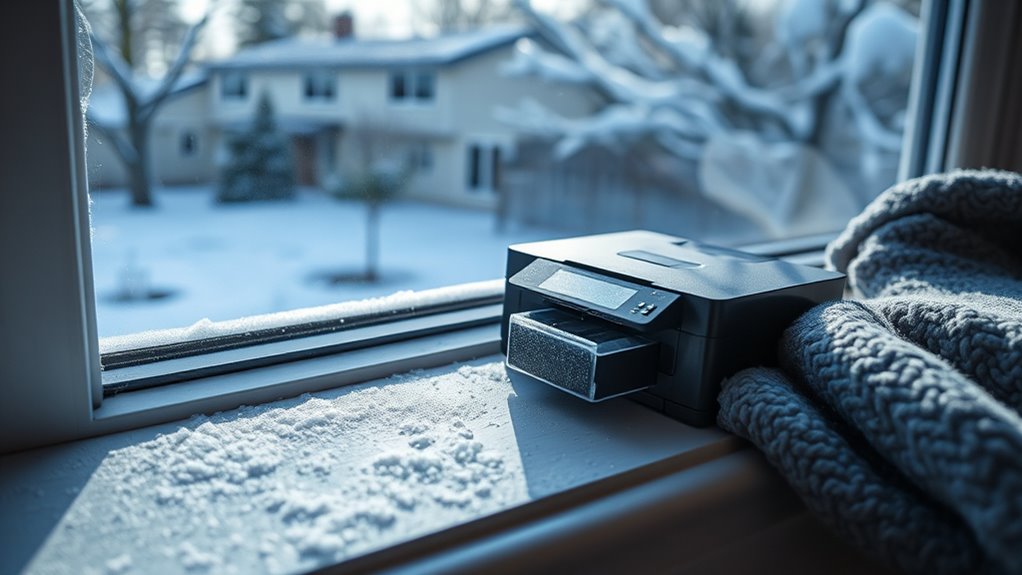
You might be wondering if keeping your printer on during cold weather can help prevent it from freezing. Well, it actually can cause condensation to build up when the device warms back up. And that moisture isn’t good news—it can damage the internal parts and mess with your print quality. So, before you start printing after your printer’s been in the cold, make sure to give it some time to warm up in a controlled environment. That way, you’ll keep everything running smoothly!
Powering On Risks
Although it might be tempting to power on your printer right after bringing it inside from the cold, doing so can cause serious damage. When ink freezes or your cold printer warms too quickly, condensation forms inside, harming internal parts.
Before powering on, you need to let it adjust to the room’s temperature and humidity. Here’s why waiting matters:
- Powering on too soon can cause ink clumps or toner to clog nozzles.
- Cold printers can develop print defects like streaks or missing lines.
- Rapid temperature changes may lead to static buildup and mechanical failures.
- Waiting at least two hours prevents condensation and guarantees the best print quality.
Always give your printer time to acclimate before powering on to avoid costly repairs.
Printer Warm-Up Time
Since cold temperatures can thicken ink and cause nozzle clogs, keeping your printer turned on during chilly weather helps maintain a steady internal temperature. This prevents these issues.
If your printer has been in a cold environment, let it warm up for at least two hours before use to reach room temperature. Turning it off allows components to cool, which risks ink cartridge thickening and printhead damage.
After warming up, run a test print or cleaning cycle to ensure smooth operation.
| Action | Time Required | Purpose |
|---|---|---|
| Warm-up printer | 2 hours | Reach room temperature |
| Test print | 5 minutes | Check print quality |
| Cleaning cycle | 10 minutes | Prevent nozzle clogs |
Managing Condensation Effects
Keeping your printer warm helps prevent ink thickening, but managing condensation inside the device is just as important during cold weather. Condensation can cause toner clumping and damage sensitive components. To protect your printer, follow these tips:
- Keep your printer on during cold spells to maintain stable temperature control and reduce condensation buildup.
- Avoid turning it off and on immediately after exposure to the cold; instead, let it acclimate for at least two hours indoors.
- Store your printer in a temperature-controlled environment to minimize rapid temperature changes that encourage condensation.
- Don’t use the printer while it’s still cold, as moisture and thickened ink may lead to nozzle errors and streaks.
Proper storage and acclimation help extend your printer’s lifespan while preventing condensation issues.
Is It Safe to Order and Ship Ink Supplies in Winter?
When you order ink supplies in winter, you risk packages freezing if they’re left in cold, unheated places like trucks or mailboxes. Shipping ink during freezing temperatures can cause the ink inside cartridges to expand and potentially damage them.
To protect your investment, look for proper packaging that insulates against cold. Choosing delivery options like indoor pickup or requiring signatures ensures your package doesn’t sit outside in the cold.
If possible, schedule shipments during warmer days or opt for expedited, temperature-controlled shipping methods. Once your ink arrives, prioritize immediate ink storage in a warm, indoor environment to prevent any freezing-related harm.
How to Spot Expired or Damaged Ink Cartridges
After protecting your ink cartridges from freezing and cold damage, it’s important to know how to recognize when they’ve gone bad. Using expired ink or damaged cartridges can harm your printer and ruin print quality. Here’s how you can spot problems early:
Protect your printer by learning to identify expired or damaged ink cartridges early.
- Check for discoloration, sediment buildup, or dried ink around the nozzles. These are signs of expired ink.
- Look closely for visible cracks, leaks, or broken seals. These indicate damage.
- Monitor ink flow. If it’s inconsistent or sluggish despite proper installation, the cartridge may be expired or damaged.
- Notice any drop in ink levels or incomplete ink delivery. This suggests the cartridge isn’t functioning properly.
Also, always verify the expiration date on the cartridge packaging or label. Spotting these issues early helps maintain your printer’s performance and prevents wasted ink and poor print quality.
Protecting Wide-Format Printer Ink During Cold Weather
Although wide-format printer ink delivers vibrant, large-scale prints, it’s especially vulnerable to freezing at temperatures below -15°C (5°F). This can lead to container cracks and ink separation.
To protect your ink supply, store cartridges in a warm room where temperatures stay between 15°C and 30°C (59°F to 86°F). Avoid exposing cartridges to freezing temperatures, whether in transit or storage, since this can compromise ink quality and printer performance.
Before using cartridges after cold exposure, let them and your printer acclimate for at least two hours in a warm room. This helps prevent condensation and nozzle blockages.
Scheduling deliveries during warmer months and using proper packaging also helps safeguard the ink supply from cold damage. Following manufacturer-recommended storage temperatures ensures your wide-format printer ink remains stable and ready for vibrant printing, even in winter’s chill.
How Big Systems Helps Manage Ink and Prevent Winter Damage
Managing printer ink during cold weather requires more than just proper storage. You need a partner who understands the challenges winter brings. Big Systems helps you manage ink and prevent winter damage with expert solutions catered to cold conditions.
They guarantee your ink stays safe by focusing on:
- Using temperature-controlled transportation to protect ink during shipping and delivery.
- Advising on ideal storage environments with stable temperatures (15–30°C) and humidity (35–65%) to prevent freezing.
- Offering inventory management that includes rotating stock annually, so you avoid expired ink that’s more vulnerable to cold damage.
- Providing maintenance and repair services to quickly address any freezing or condensation issues inside your printer.
Frequently Asked Questions
Can Frozen Ink Affect Print Color Accuracy?
Yes, frozen ink can seriously affect print color accuracy. When ink freezes, it changes the ink viscosity, disrupting smooth ink flow through the printer.
This leads to inconsistent color consistency, causing your prints to look dull or faded. The pigment particles may separate, reducing overall print quality.
To keep your prints sharp and vibrant, you’ll want to avoid freezing and guarantee your ink stays at a stable temperature.
Are All Printer Brands Equally Vulnerable to Ink Freezing?
No, not all printer brands are equally vulnerable to ink freezing. You’ll find that brand compatibility and ink formulation play big roles in how well your ink withstands cold. Some manufacturers use special inks with better freeze resistance, so following manufacturer guidelines is key.
Also, your storage conditions matter a lot. Keeping cartridges in a controlled environment reduces freezing risk regardless of brand. Always check specific recommendations for your printer’s ink.
How Long Does It Take for Ink to Freeze Outdoors?
Think of your printer ink as a delicate flower in a winter garden. It wilts only when the cold lingers too long.
Outdoors, ink storage faces temperature sensitivity. Depending on environmental factors like wind chill and how sealed your cartridge is, ink can freeze anywhere from 1 to several hours once it hits its freezing point just below 32°F.
Can Ink Freezing Void My Printer Warranty?
Yes, ink freezing can void your printer warranty. Manufacturers consider ink cartridge storage essential because ink formulation is temperature sensitive.
If you don’t follow proper winter maintenance and store cartridges in freezing conditions, damage like cracks or clogs can occur. This user mishandling often leads to denied warranty claims, as most warranties exclude damage from extreme temperatures.
To keep your warranty valid, store ink cartridges in a warm, controlled environment.
Is It Better to Use Sealed or Opened Cartridges in Winter?
You’re better off using sealed cartridges in winter because they offer superior ink sealing techniques that protect ink from freezing. Proper cartridge storage combined with temperature regulation keeps the ink stable and prevents clumping or drying out.
For winter printing tips, always store unopened cartridges in a warm, controlled environment. This approach guarantees reliable print quality and minimizes risks associated with cold weather affecting your printer’s performance.
Conclusion
Now that you know how chilly weather can play tricks on your printer ink, you’re better equipped to keep your cartridges cozy and performing at their best. A little care goes a long way in preserving your ink’s liveliness through winter’s frosty whispers.
So, don’t let the cold catch you off guard. Embrace these tips and keep your printing smooth and worry-free, no matter how brisk it gets outside.
Leave a Reply