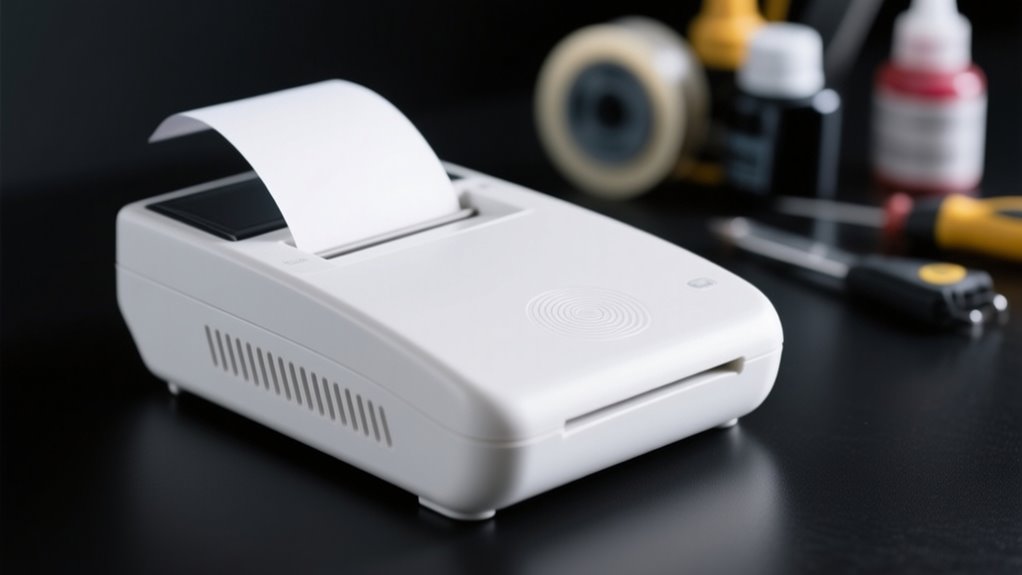
You don’t need ink for a thermal printer because it uses heat to create images. With direct thermal printers, heat activates special heat-sensitive paper that darkens without ink.
Thermal transfer printers use heat to melt ink from a ribbon onto labels but still avoid liquid cartridges. This makes maintenance easier and printing faster.
If you want to understand the key differences, durability, and when to replace consumables, there’s more valuable info ahead.
How Thermal Printers Print Without Ink
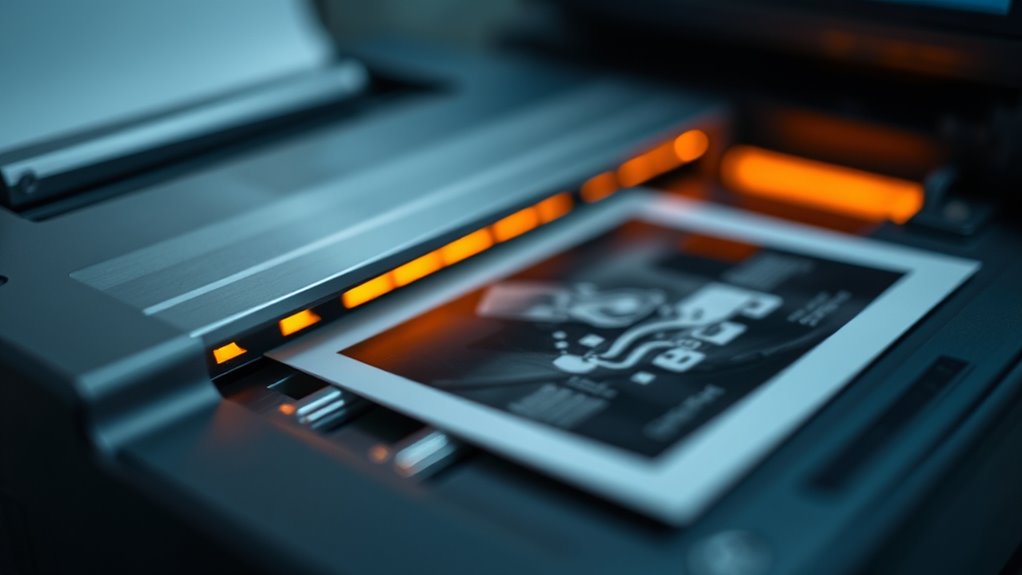
How do thermal printers manage to print without ink? They rely on a clever printing process that uses heat rather than traditional ink cartridges. When you use a direct thermal printer, it heats specific areas on heat-sensitive paper, activating a chemical coating that turns black instantly.
This means you don’t need any ink or toner, just special paper with that reactive layer. On the other hand, thermal transfer printers use a ribbon coated with ink. Heat melts the ink onto the label’s surface, but since it’s solid ink on a ribbon, you still avoid liquid ink cartridges.
Both methods depend solely on heat to create images, which simplifies maintenance and lowers supply costs. So, by using heat-sensitive paper or thermal transfer ribbons, thermal printers offer a clean, efficient way to print without the mess and expense of traditional ink. You get crisp prints without worrying about running out of ink cartridges.
Differences Between Direct Thermal and Thermal Transfer Printers
You’ll notice that direct thermal printers use heat-sensitive paper that darkens when heated. On the other hand, thermal transfer printers melt ink from a ribbon onto the label. Because of this difference, thermal transfer prints tend to last longer and hold up better against wear and environmental factors. Knowing these distinctions can really help you pick the right printer for what you need.
Printing Mechanism Differences
Although both direct thermal and thermal transfer printers use heat as part of their printing process, they operate quite differently. In direct thermal printing, the printing mechanism relies on heat-sensitive paper that darkens when heated, producing images without any ink or ribbons, making it truly inkless.
On the other hand, thermal transfer printers use ribbons coated with wax, resin, or both. When heated, these ribbons melt ink onto the label material, creating the image. So, while direct thermal printers activate a chemical coating on the paper itself, thermal transfer printers require ribbons to transfer ink.
Understanding this key difference helps you choose the right printer based on your needs since one uses heat-sensitive paper alone and the other depends on ribbons as part of its printing mechanism.
Durability And Applications
Since durability varies greatly between the two, choosing the right printer depends on how long your prints need to last and the conditions they’ll face. Direct thermal printers use heat-sensitive paper, producing prints that fade faster and aren’t ideal for long-term or harsh environments.
Thermal transfer printers, however, deliver higher durability by transferring ink from ribbons, making them perfect for demanding printing applications.
| Feature | Direct Thermal | Thermal Transfer |
|---|---|---|
| Ink/Ribbon | No ink, uses heat-sensitive paper | Uses ribbon for ink transfer |
| Durability | Short-term, fades quickly | Long-lasting, resists fading |
| Environmental Resistance | Sensitive to light & moisture | Highly resistant |
| Ideal Applications | Receipts, short-term labels | Barcodes, asset tags, outdoor use |
| Cost | Lower upfront | Higher due to consumable ribbons |
Choose based on your durability needs and environment.
Durability Differences Between Thermal Print Types
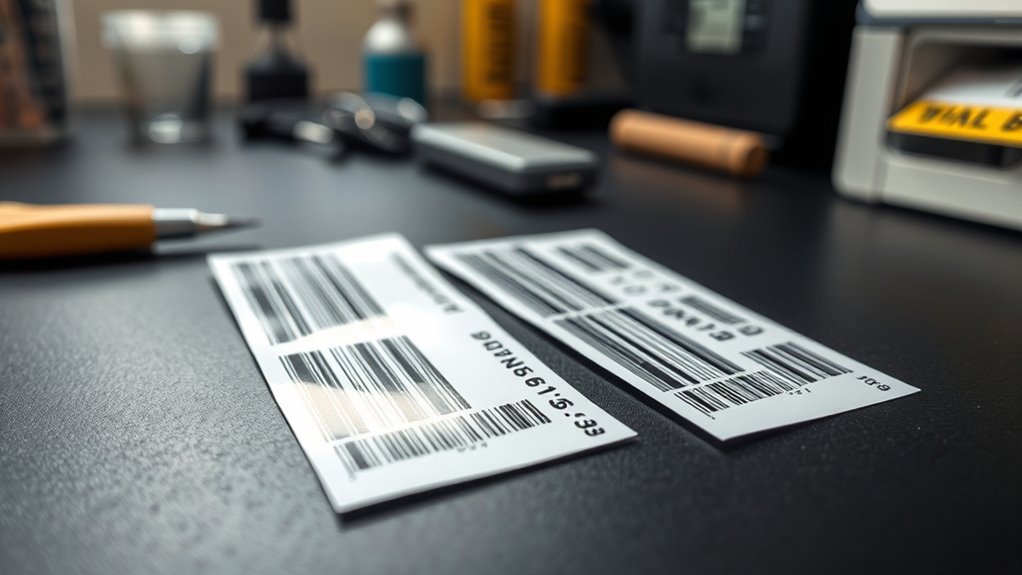
When comparing thermal print types, you’ll notice that durability varies markedly between direct thermal and thermal transfer prints. Direct thermal printers use heat-sensitive paper, which means the print can fade within 6 months to a year, especially if exposed to heat, light, or chemicals. So, if you rely on direct thermal printing, you’ll want to store your prints in cool, dark places to extend their printing longevity.
On the other hand, thermal transfer printing uses a ribbon to transfer ink onto more durable materials like polyester labels. This method offers far superior durability and resistance to UV rays, water, chemicals, and abrasion, often lasting several years. Thermal transfer prints are ideal when you need long-lasting labels for outdoor or industrial use.
Both thermal printers eliminate the need for traditional ink, but when it comes to durability, thermal transfer clearly outperforms direct thermal, giving you prints that stand the test of time.
Key Consumables for Thermal Printers
If you want to keep your thermal printer running smoothly, understanding its key consumables is essential. Unlike traditional printers, thermal printers don’t use ink or toner. Instead, their inkless technology depends on specific materials to produce clear, lasting prints.
Keeping your thermal printer running smoothly means understanding its unique, inkless consumables.
The main consumables vary depending on the thermal printing type:
- Thermal paper: Heat-sensitive rolls used in direct thermal printers.
- Thermal transfer ribbons: Wax or resin-based films that transfer ink when heated.
- Backing liners: Support materials for labels or tags.
- Print heads: The component that applies heat, requiring occasional care.
- Cleaning supplies: Essential for maintaining print quality and longevity.
Thermal transfer printers rely on ribbons that don’t dry out like liquid ink, while direct thermal printers use heat-sensitive paper that reacts to the print head’s heat. Both consumables keep your printer efficient and cost-effective without needing traditional ink cartridges.
When and Why to Replace Thermal Paper or Ribbons
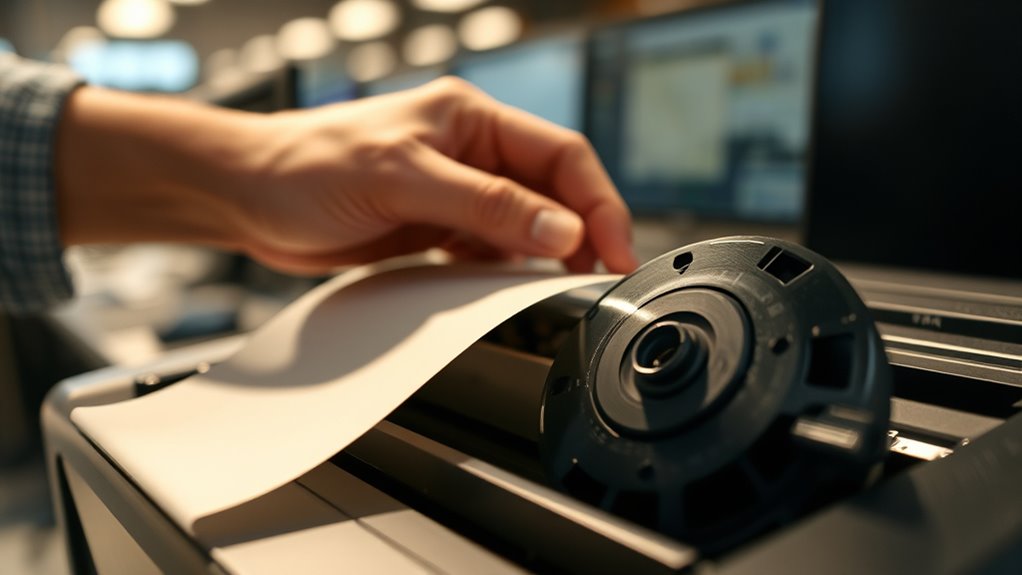
You’ll want to replace thermal paper whenever the print starts to fade or becomes hard to read. It’s a good idea to keep an eye on this so your prints always look clear.
Now, if you’re using a thermal transfer printer, the ribbons will wear out after a certain number of prints. How quickly this happens really depends on how much you use the printer.
Thermal Paper Replacement Timing
How do you know it’s time to replace your thermal paper or ribbons? Monitoring print quality is essential. When you notice fading or illegible prints, it’s a clear sign that replacement is necessary.
Proper replacement timing is vital for effective thermal printer maintenance and to avoid downtime. Keep an eye on these signs:
Print quality begins to fade or becomes inconsistent. Thermal paper shows signs of premature fading or discoloration. You’ve stored thermal paper improperly or past its shelf life.
The volume of printing has increased, accelerating wear. Printed images appear faint or incomplete.
Ribbon Usage And Lifespan
Although thermal paper doesn’t require ribbons, thermal transfer printers rely on ribbons made of wax, resin, or a combination that wear out as you print. You’ll need to substitute these ribbons once their ink-like material runs out, which depends largely on your print volume.
High-volume printing shortens the lifespan of ribbons, so expect more frequent replacements in busy settings. Unlike ink cartridges, ribbons don’t dry out but do wear out with continuous use.
Properly storing ribbons and thermal paper in cool, dark places helps extend their usability, reducing how often you replace them. Knowing when and why to replace ribbons ensures consistent print quality and prevents interruptions in your thermal transfer printing process.
How Thermal Printing Cuts Your Costs
A thermal printer cuts your costs by eliminating the need for ink, toner, or cartridges, which are common expenses in traditional printing. With thermal printing, you enjoy an inkless process that markedly lowers your ongoing consumables costs. This technology uses heat-sensitive paper or ribbons, reducing maintenance costs and minimizing hardware failures.
Thermal printers slash costs by removing ink, toner, and cartridge needs, lowering consumable and maintenance expenses.
Choosing a thermal printer means you’ll benefit from:
- Reduced consumables expenses due to inkless operation
- Lower maintenance costs with fewer moving parts
- Less downtime from hardware issues, cutting repair costs
- Faster print speeds that boost productivity and reduce labor expenses
- Cost-effectiveness ideal for high-volume printing needs
Best Applications for Thermal Printers
Saving on ink and maintenance is just one advantage of thermal printers; their real strength lies in where and how you use them. If you handle high-volume printing tasks, such as in retail or logistics, thermal printers deliver speed and reliability without frequent upkeep.
You’ll find them perfect for producing thermal labels that need durability, like barcodes and receipts exposed to water, chemicals, or sunlight.
When working with heat-sensitive paper, direct thermal printers shine for short-term labels like shipping tags or event tickets that don’t require long-lasting durability. For labels that must endure harsh conditions over time, thermal transfer printers provide extra resilience, making them ideal for asset tags and outdoor signage.
Choosing the Right Thermal Printer for Your Business
When choosing a thermal printer for your business, you’ll want to match the printer type to your specific labeling needs. If you need cost-effective, short-term labels, direct thermal printers are a smart choice since they don’t require ink or ribbons.
For labels that must withstand harsh environments or last longer, thermal transfer printers, which use ribbons, provide superior durability and print quality.
Thermal transfer printers use ribbons to deliver durable, high-quality labels ideal for harsh conditions and long-term use.
Consider these key factors to decide:
- Label longevity requirements
- Environmental exposure and durability needs
- Print volume and speed demands
- Consumables cost, including ink and ribbons
- Desired print quality and resolution
Troubleshooting Common Thermal Printer Issues
Although thermal printers don’t use ink, you might still face print quality issues like faded or unclear images. These problems often stem from a dirty print head or worn-out thermal paper. Start troubleshooting by inspecting the print head. Dust and residue buildup can cause incomplete images.
Regular cleaning with a soft cloth and isopropyl alcohol keeps the print head in good condition and maintains print quality. Also, check your thermal paper. Using low-quality or incompatible paper can lead to poor adhesion and faded prints.
Make sure you store your thermal paper in a cool, dark place to prevent premature fading. If prints continue to fade despite cleaning and proper paper, consider replacing the thermal paper roll. By following these steps, you can resolve common issues and guarantee your thermal printer produces clear, reliable prints without the need for ink.
Tips for Extending Thermal Printer Consumable Life
To extend the life of your thermal printer consumables, you should store thermal paper in cool, dark places and avoid exposing labels to direct sunlight or moisture. Proper environmental storage is essential for maintaining print quality and preventing premature fading.
Effective consumable management also plays a critical role in maximizing your thermal printer lifespan.
Here are some tips to help you:
- Use high-quality thermal paper and ribbons for consistent results.
- Regularly perform print head maintenance to avoid buildup and uneven prints.
- Keep thermal labels away from heat and humidity to prevent deterioration.
- Monitor your print volume and replace consumables promptly to avoid printing errors.
- Store unused thermal paper in airtight containers to protect it from environmental damage.
Frequently Asked Questions
Can Thermal Printers Print in Color Without Ink?
No, thermal printers can’t do color printing without ink alternatives like special ribbons. If you want color, you’ll need thermal transfer printers using multi-color ribbons. These affect print quality and material compatibility.
These ribbons act as ink substitutes, but they’re costlier than standard direct thermal methods. So, while color printing’s possible, it usually means higher expenses and more complex materials compared to simple black-and-white thermal prints without ink.
Are Thermal Printers Noisy During Operation?
Like a whisper in a library, thermal printers keep noise levels impressively low. You won’t be disturbed by loud operational sounds because these quiet models rely on heating elements instead of noisy motors or fans.
If you’re after sound reduction, their acoustic features shine, making them perfect for offices or homes where silence matters. So, you can count on thermal printers to operate smoothly without interrupting your peace.
How Fast Do Thermal Printers Typically Print?
Thermal printers typically print at speeds between 4 to 12 inches per second, depending on thermal paper types and print resolution. You’ll notice faster printing speed with lower resolution and simpler designs.
Maintenance requirements are minimal, which adds to cost efficiency since you avoid ink expenses. Using the right thermal paper guarantees consistent quality and speed, making thermal printers ideal when you need quick, reliable printing without frequent upkeep.
Do Thermal Printers Require Special Software Drivers?
Yes, you do need special software drivers for your thermal printer. These drivers guarantee proper printer connectivity and help manage print head maintenance by controlling heat precisely.
They also optimize thermal paper compatibility, which impacts print durability and reduces energy consumption. Without the right drivers, your prints might misalign or fade quickly.
Can Thermal Printers Print on Materials Other Than Paper?
Of course, your thermal printer isn’t just a one-trick pony stuck with boring old thermal paper! If you’re using direct thermal, you’re limited to heat-sensitive paper, which is perfect for barcode printing but not great for durability.
Want labels that survive harsh environments? Thermal transfer printers let you print on polyester, vinyl, even metal, boosting print durability for tough label applications. So yes, your printer can handle more than paper, just choose the right tech!
Conclusion
You don’t always need ink to print, but that doesn’t mean you’re free from consumables. Direct thermal printers skip ink and rely on heat-sensitive paper. Thermal transfer printers use ribbons to create durable prints.
One prioritizes simplicity, the other longevity. Knowing when to replace paper or ribbons keeps your printer humming smoothly. By choosing the right type and maintaining it well, you balance cost and quality, ensuring your business prints with precision every time.
Leave a Reply