Category: Ink

  • How to Use Infusible Ink Transfer Sheets in 7 Easy Steps

    How to Use Infusible Ink Transfer Sheets in 7 Easy Steps

    To use Infusible Ink Transfer Sheets, first cut and mirror your design on the sheet, then carefully weed away the excess ink.

    Next, clean and preheat your blank, inserting cardstock inside to prevent bleed.

    Secure your design with heat-resistant tape, then press at the recommended temperature and time.

    Once pressed, let it cool completely before peeling off transfer materials.

    Proper care afterward keeps your project vibrant and lasting.

    Keep going to master tips for perfect results and longevity.

    Cut Your Design on Infusible Ink Transfer Sheets
    mirror cut remove prepare

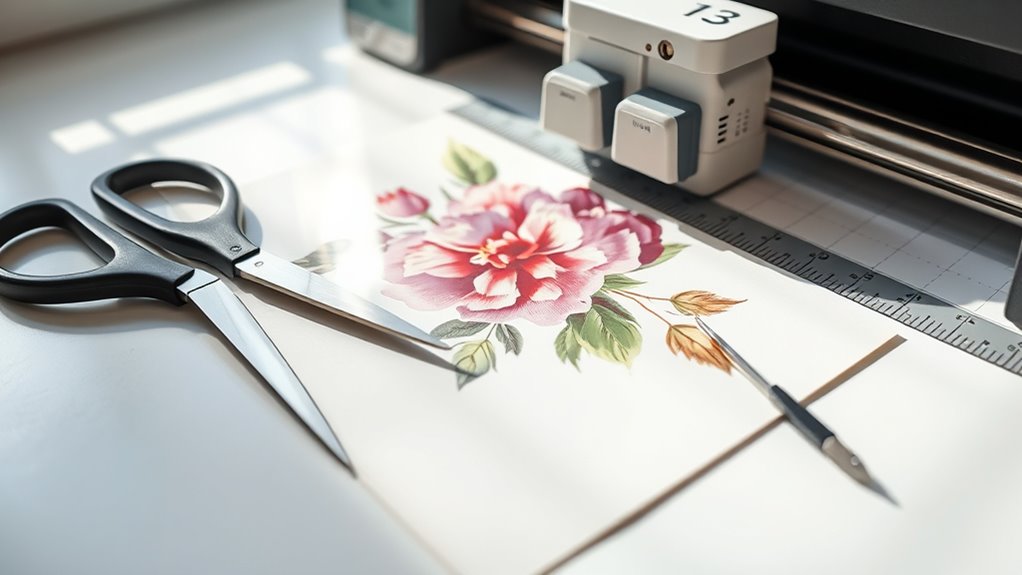
    Before you start cutting, place your Infusible Ink Transfer Sheet liner side down on a Standard Grip Mat to guarantee proper alignment. Open Design Space and create or resize your design, making sure to mirror the image before cutting. This step is essential because it prevents your design from printing in reverse.

    Next, select “Infusible Ink Transfer Sheet” as your material setting for ideal cutting. If you’re using an older Cricut model, switch to “Custom” and then choose the appropriate setting. Load your mat and blade into the machine, then press Go to cut your design with precision.

    After cutting, gently remove the negative pieces by cracking the cut lines if needed. This careful removal helps prepare your design for the next stage without damaging the Infusible Ink Transfer Sheets. Following these steps guarantees your design cuts cleanly and accurately every time.

    Weed Away Excess Infusible Ink for a Clean Design

    Once you’ve cut your design, carefully crack and roll the cut lines to loosen the excess Infusible Ink from the transfer sheet. This makes the weeding process much easier.

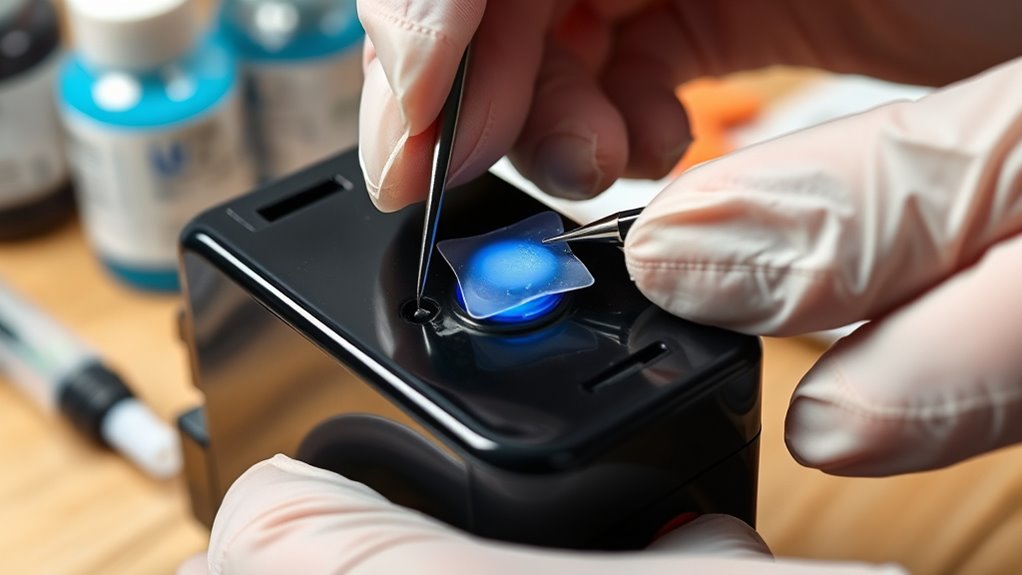
    Start removing the negative pieces around your design, leaving the positive image intact on the liner. Use tweezers or your fingers to gently pick away small or intricate bits of excess material, especially in detailed areas.

    Carefully remove negative pieces, preserving the positive design, using tweezers or fingers for intricate details.

    Working in a well-lit space helps you spot these tiny pieces and weed them precisely for a clean, professional look. Don’t forget to trim the liner to match your design’s size. This prevents overhang that could interfere with heat transfer later.

    Taking your time during weeding ensures a neat final project, free of unwanted ink fragments. With careful weeding, your Infusible Ink design will transfer crisply and beautifully to your blank, making the effort well worth it.

    Prepare Your Blank by Cleaning, Preheating, and Inserting Cardstock
    clean preheat insert cardstock

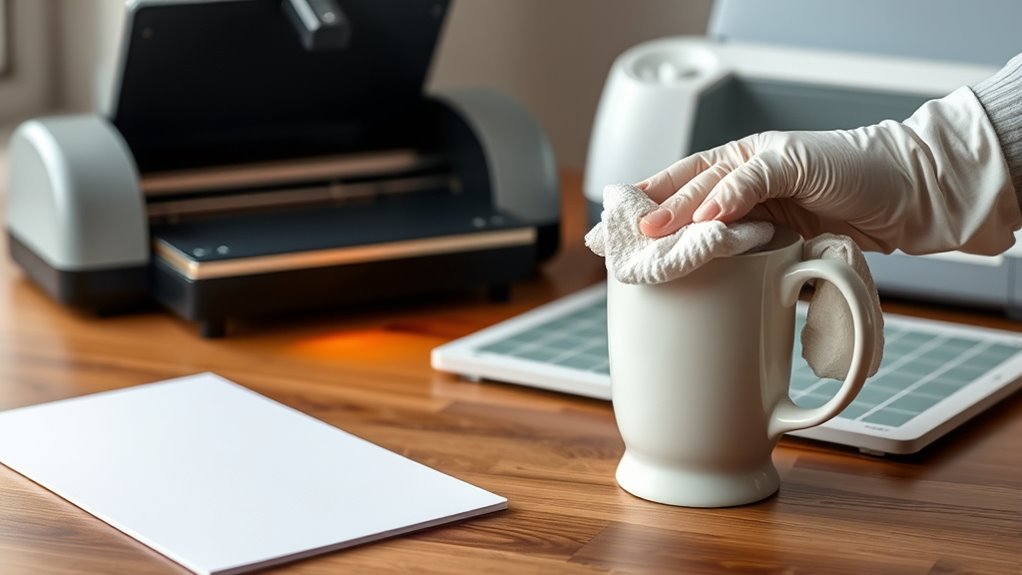
    Before you start, go ahead and clean your blank thoroughly with a lint-free cloth to get rid of any dust or debris. This step is key to making sure your design comes out looking great.

    Next up, preheat the blank. This helps eliminate any moisture and wrinkles, which means your transfer will be nice and smooth.

    Finally, slip a piece of cardstock inside. This little trick prevents ink bleed and protects the back of your blank while you’re pressing. Easy, right?

    Clean Blank Surface

    Although it might seem simple, cleaning your blank surface thoroughly with a lint-free cloth is essential. This helps remove dust, debris, and fibers that could interfere with the Infusible Ink transfer. Proper cleaning guarantees a smooth and flawless transfer every time.

    Here’s how to prepare your blank surface:

    1. Use a lint-free cloth to wipe away any dust or fibers.
    2. Select a flat area, avoiding seams or textured spots for best results.
    3. Make sure the surface is completely dry before proceeding.
    4. Avoid touching the cleaned surface with your fingers to prevent oils from transferring.

    Preheat And Insert Cardstock

    After cleaning your blank surface thoroughly, the next step is to preheat it briefly using a heat press or EasyPress. This quick preheat removes moisture and smooths out wrinkles, creating the perfect surface for your Infusible Ink transfer sheet.

    If your blank has seams or edges, preheating helps flatten those areas, ensuring better ink adherence. Next, insert a piece of white cardstock inside the blank. This essential step prevents ink bleed through the material and protects the backside from any unwanted transfer marks during pressing.

    Make sure the blank is cool before removing the cardstock to avoid smudges or distortion. By preheating and properly inserting cardstock, you set the stage for a clean, vibrant, and professional-looking transfer every time.

    Secure and Position Your Design With Heat-Resistant Tape

    When you secure your Infusible Ink transfer sheet with heat-resistant tape, you keep it firmly in place on your blank surface. This prevents any shifting during pressing. This step is essential for achieving clean, precise transfers. Here’s how to use heat-resistant tape effectively:

    Securing your Infusible Ink transfer sheet with heat-resistant tape prevents shifting and ensures clean, precise transfers every time.

    1. Apply the tape around the edges of your design to hold it flat and minimize movement.
    2. For curved or textured items, like hats or ornaments, use smaller pieces of tape to conform the design smoothly without air gaps.
    3. Always place the tape on the liner side of the transfer sheet so it doesn’t touch the design face during heat application.
    4. After pressing, carefully peel off the tape to avoid lifting or damaging your design.

    Using heat-resistant tape properly ensures your Infusible Ink transfer stays perfectly positioned. This gives you professional results every time.

    preheat press follow instructions

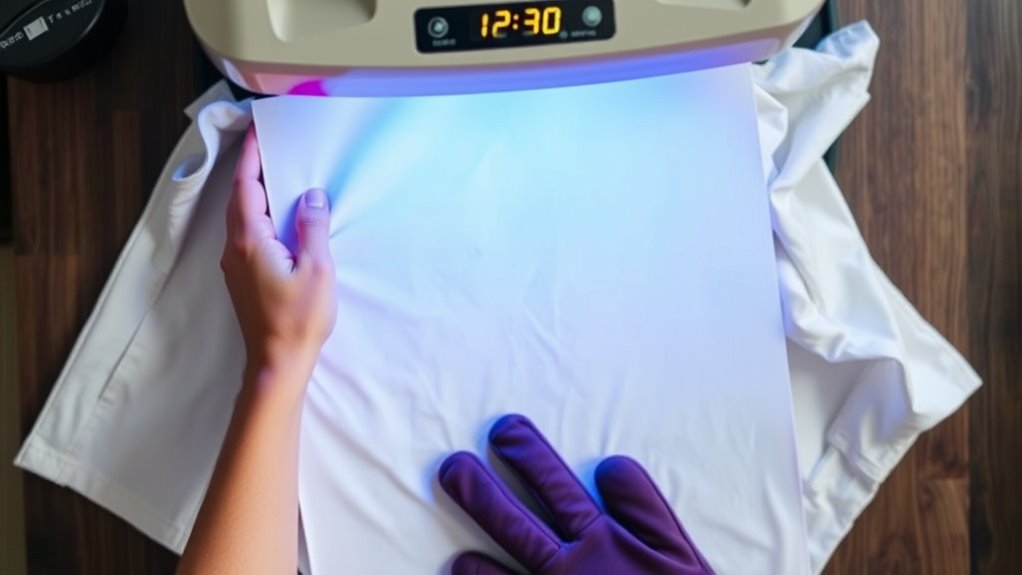
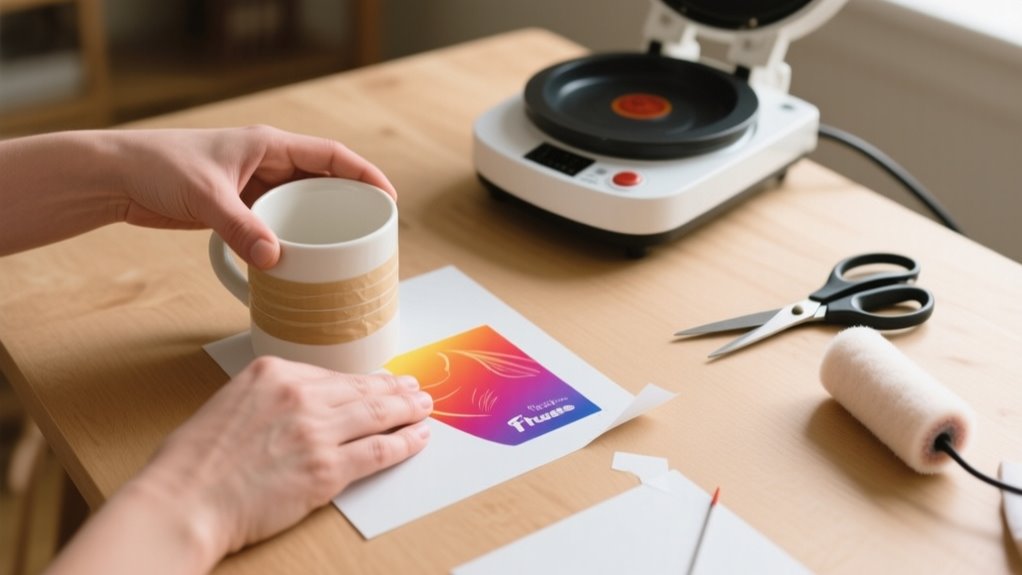
    Before pressing your design, make sure to preheat your heat press or EasyPress to the exact temperature recommended in the Cricut Heat Guide. It’s important to set your timer according to your material’s instructions so the heat is applied just right.

    Set Correct Heat

    Although it’s tempting to jump right into pressing your design, you need to set the correct heat using the Cricut Heat Guide or app to guarantee the best results. This ensures your project turns out vibrant and durable.

    Follow these steps to set the heat press properly:

    1. Check the Cricut Heat Guide or app for your project’s recommended temperature and time.
    2. Preheat your blank surface briefly to remove moisture and wrinkles.
    3. Use a Cricut EasyPress or heat press to apply consistent pressure. Don’t slide or move it during pressing.
    4. Let your project cool completely before removing the transfer sheet to lock in the ink.

    Setting the right heat is vital for an even, long-lasting transfer every time.

    Follow Timing Guidelines

    Since precise timing and temperature are key, you’ll want to follow the Cricut Heat Guide or app’s recommendations exactly when preheating and pressing your design. Start by preheating your blank surface to remove moisture and wrinkles, ensuring even heat distribution.

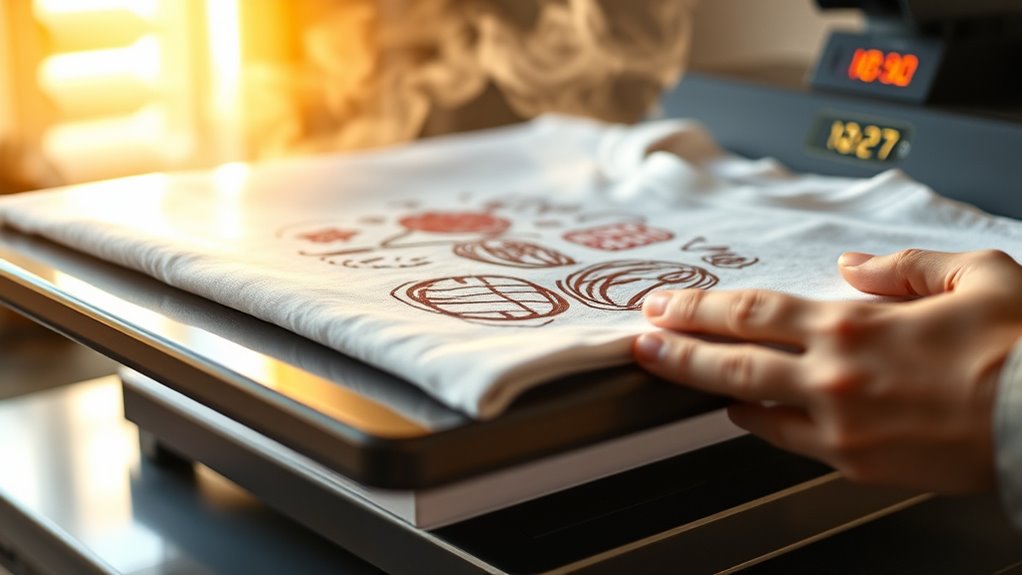
    Then, set your heat press or EasyPress to the specified temperature, typically around 385°F for Infusible Ink, and maintain consistent pressure. Press your design for the exact time indicated, usually about 40 seconds. This careful timing guarantees a full ink transfer without overexposure or damage.

    Once pressing is complete, allow your project to cool completely before removing the transfer sheet to prevent smudging or incomplete transfer. Sticking to these timing guidelines will help you achieve flawless, vibrant results every time.

    Remove Infusible Ink Transfer Materials and Let Your Project Cool

    Once your project has finished heating, let it cool completely before removing the transfer sheet or butcher paper. This prevents smudging or damaging the design. Proper cooling guarantees the Infusible Ink sets permanently, giving you a vibrant, durable finish. Don’t rush this step. Handling your project while it’s still hot can cause the design to smear or become compromised.

    Let your project cool completely before removing transfer materials to ensure a vibrant, smudge-free design.

    Follow these steps for best results:

    1. Allow the project surface to cool entirely to the touch.
    2. Carefully lift the transfer sheet or butcher paper off once cooled.
    3. Use tweezers to gently remove any leftover transfer materials.
    4. Avoid touching the design during cooling to maintain its integrity.

    Taking your time during the cooling phase protects your artwork and guarantees a flawless, long-lasting result.

    How to Care for Your Finished Infusible Ink Project

    After your Infusible Ink project has fully cooled and you’ve removed all transfer materials, it’s important to care for your finished piece properly to keep the design vibrant and intact. Whether you used Infusible Ink Transfer Sheets, Infusible Ink Pens, or Ink Pens and Markers with your Cricut EasyPress and cutting machine, handling your design with care extends its life.

    Always wash your item with warm water and a gentle glass cleaner. Avoid abrasive scrubbers or colored cleansing agents that might damage the first color or overall design. Don’t machine wash or dry unless the instructions say it’s safe, as heat can cause fading or peeling.

    Store your project in a cool, dry place away from direct sunlight to preserve colors. By following these simple steps, you’ll maintain the quality of your Infusible Ink creations and continue to enjoy the easy-to-use tools like Resistant Tape and Standard Grip mats that helped you learn how to use this fun craft technique.

    Frequently Asked Questions

    Can Infusible Ink Sheets Be Used on Cotton Fabrics?

    You can’t effectively use Infusible Ink sheets on 100% cotton fabrics because of fabric compatibility issues. Infusible Ink requires at least 60% polyester content to sublimate properly. Cotton fibers don’t absorb the ink well, leading to dull or incomplete transfers.

    If you want vibrant, lasting results, you’ll need to use polyester or poly-coated materials. Or, you can apply a polyester coating to your cotton fabric before using Infusible Ink sheets.

    How Long Do Infusible Ink Designs Last Without Fading?

    You’ll find Infusible Ink designs offer impressive durability, lasting many years without fading when applied and cared for properly. Durability concerns mainly arise if you expose them to harsh weather or scrub too hard.

    On suitable surfaces like polyester or coated ceramics, your design can stay vibrant for 50+ washes. Just avoid abrasive cleaners and prolonged sunlight, and your artwork will maintain its clarity and color for a long time.

    Is It Safe to Wash Infusible Ink Projects in a Washing Machine?

    You probably worry about washing concerns, especially when your favorite infusible ink project looks brand new. Yes, you can safely wash it in a machine, but you should turn it inside out and use warm water on a gentle cycle.

    Avoid harsh detergents or bleach, which can dull the design. Hand washing is even better for preserving vibrancy, but if you follow these steps, your design will stay sharp and colorful longer.

    Can I Layer Multiple Colors of Infusible Ink on One Design?

    Yes, you can do color layering with Infusible Ink, but you need to be careful. Instead of stacking sheets directly, cut and apply each color separately, positioning them precisely on your blank.

    Overlapping during one press can cause bleeding or uneven colors. Use masking tape to keep layers aligned and test on scrap material first. This way, your multi-colored design stays vibrant and sharp without any unwanted color mixing.

    What Should I Do if My Design Doesn’t Transfer Properly?

    If your design doesn’t transfer properly, start with troubleshooting tips: double-check that you mirrored the design correctly before cutting. Make sure your heat press matches Cricut’s recommended temperature and time.

    Preheat and clean the blank thoroughly, and place the transfer sheet liner side down, securing it with heat resistant tape. Don’t remove the transfer sheet until the project cools completely.

    Following these steps will help you get a flawless transfer every time.

    Conclusion

    Now that you’ve mastered the art of using infusible ink transfer sheets, your creativity can truly take flight. Like a magician revealing a secret, your designs will seamlessly bond with your blanks, creating vibrant, lasting masterpieces.

    Just remember to care for your projects gently, like tending a delicate flower, and they’ll stay stunning for years to come.

    So go ahead, let your imagination run wild and watch your ideas come to life in vivid color!
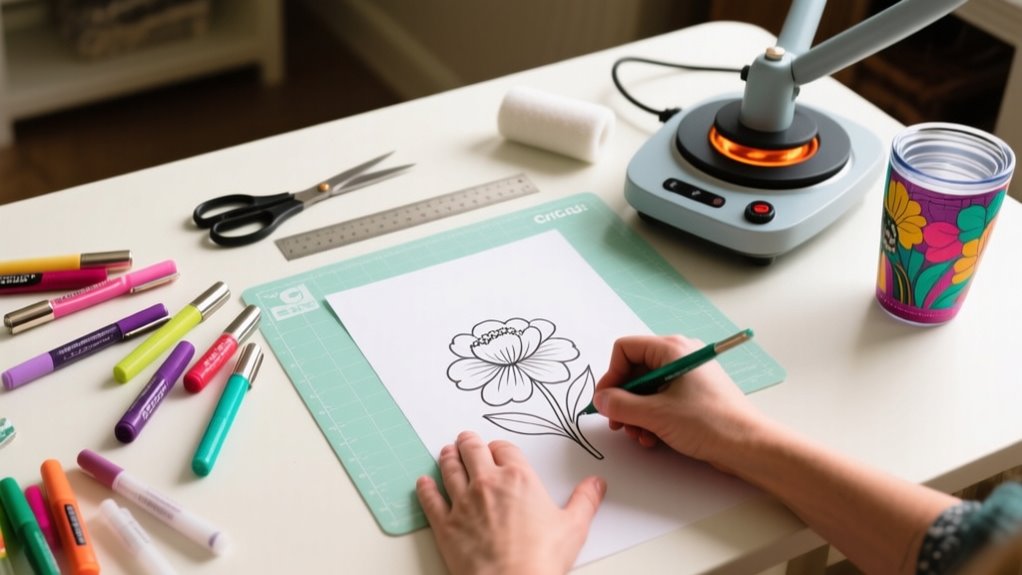
  • How Do You Use Infusible Ink Pens in 10 Easy Steps?

    How Do You Use Infusible Ink Pens in 10 Easy Steps?

    To use infusible ink pens in 10 easy steps, start by choosing a compatible, light-colored blank and prepping it by cleaning and drying thoroughly.

    Draw your design with steady pressure on a suitable transfer sheet or blank, then let the ink dry completely.

    Set your heat press to about 385°F and use butcher paper to protect your design.

    Apply firm, even heat for around 40 seconds, then let your project cool fully before carefully removing transfer materials.

    Keep going to discover tips that guarantee vibrant, lasting results.

    How to Use Infusible Ink Pens: A Quick Overview

    draw dry heat transfer

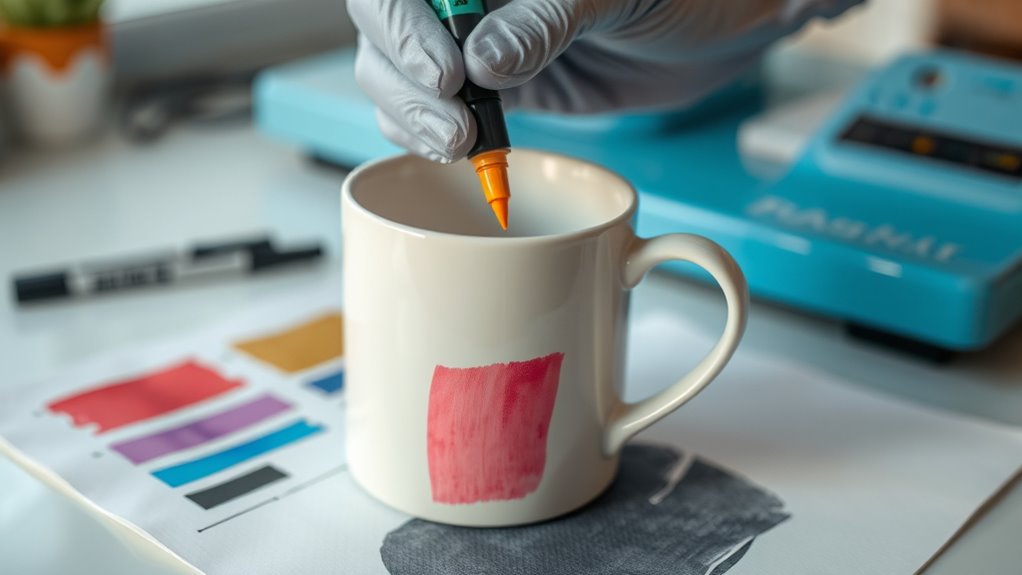
    Wondering how to get started with Infusible Ink Pens? First, make sure your pen tip is clean and the pen is properly capped when not in use to avoid ink leakage. You’ll draw your design directly on compatible transfer sheets or blanks using steady pressure.

    If you’re drawing on the liner side of a transfer sheet, mirror your design in Cricut Design Space so it appears correctly once transferred. After finishing your design, allow the ink to dry completely before heat pressing.

    Then, follow specific heat press instructions, usually applying heat at a set temperature and time, to activate the ink for a permanent, vibrant result. Using Infusible Ink Pens lets you create sharp, customized designs easily and with lasting color.

    Keep these basics in mind to confidently start your next craft project with Infusible Ink Pens and achieve professional-looking outcomes every time.

    Choose the Right Blank for Infusible Ink Pens

    You’ll want to pick blanks made from polyester or specially coated materials designed for heat transfer to get the best results with Infusible Ink Pens. Before you start drawing, make sure to preheat and clean the blank to remove moisture, wrinkles, and debris—this helps create a smooth surface. Also, try to choose a light-colored or white blank so your colors really pop and the transfer comes out nice and clear.

    Compatible Blank Materials

    Where should you apply Infusible Ink Pens to achieve vibrant, lasting designs? You need to use compatible blanks specifically designed for heat transfer. These blanks must be heat-safe and made from polyester or a compatible polyester blend, as natural fibers like cotton won’t work well.

    Always verify your blank’s surface is smooth, clean, and free of debris before drawing with the pens. Here are some great options to consider:

    • Cricut ceramic mugs and coasters designed for Infusible Ink
    • Polyester or polyester-blend fabric blanks that withstand heat
    • Compatible transfer sheets recommended by the manufacturer

    Choosing the right compatible blanks ensures your Infusible Ink Pens deliver bright, permanent results without damaging your materials during the heat transfer process.

    Blank Preparation Tips

    After selecting the right compatible blank for your project, preparing its surface properly can make all the difference in how your Infusible Ink Pens perform. For effective blank preparation, choose blanks labeled for Infusible Ink, like polyester or specially coated Cricut blanks, to guarantee the ink bonds well.

    Make sure the blank surface is clean, dry, and free from oils or lotions. This prevents smudging and uneven color. Use a lint-free cloth or lint roller to remove any debris or fibers before drawing.

    If recommended, preheat or pre-wash your blank to eliminate moisture and wrinkles, which can affect ink transfer quality. Avoid textured or porous surfaces, as they lead to inconsistent application and poor results.

    Proper blank preparation sets you up for vibrant, smooth transfers every time.

    Prepare and Clean Your Drawing Surface and Materials

    clean prepare smooth organize

    Before you start drawing, make sure your surface is spotless. Wipe it down with a lint-free cloth to get rid of any dust and oils. If you need to, prep your material by lightly sanding or smoothing it—that way, your ink will stick better. Also, keep your workspace tidy to avoid any smudges or unwanted marks on your design.

    Surface Cleaning Techniques

    Although it might seem simple, thoroughly cleaning your drawing surface is essential to guarantee your Infusible Ink pens adhere properly and deliver vibrant results. Proper surface cleaning removes dust, oils, and residues that could interfere with ink transfer, ensuring crisp, bright designs.

    Start by wiping your surface with a lint-free cloth, then apply a mild, non-abrasive cleaner or glass cleaner to eliminate smudges without damaging the material. Avoid harsh chemicals or abrasive tools that might scratch or harm the surface.

    Before you begin drawing, make sure the surface is completely dry to prevent smudging or uneven ink application. Remember to regularly inspect and clean your materials for consistent, high-quality results.

    Use a lint-free cloth to avoid leaving fibers behind

    Choose gentle cleaners for residue-free surfaces

    Ensure complete dryness before drawing to prevent smudges

    Material Preparation Tips

    When you prepare your drawing surface and materials properly, your Infusible Ink pens will perform at their best. Start by cleaning your surface with a lint-free cloth to remove oil, lotion, and debris. This essential step guarantees smooth ink flow and vibrant colors.

    Place laser paper or transfer tape beneath your design to prevent ink bleed and protect surrounding areas during drawing. For effective material preparation, test your Infusible Ink pens on scrap paper to check ink flow and color consistency.

    Store the pens horizontally to avoid clogging the tips. When you draw, apply consistent pressure for even lines and allow the ink to dry fully before handling or heat pressing. These tips help you achieve professional, long-lasting results every time.

    Create Your Design and Allow Ink to Dry Completely

    How long should you let your Infusible Ink pen design dry? After creating your design with Ink Pens or markers, allow it to dry completely for at least 15-30 minutes. Make sure the ink is dry to the touch and no longer tacky before using Infusible Ink Transfer Sheets or transferring with your Cricut EasyPress. This prevents smudging or bleeding during the transfer process.

    To protect your design and guarantee the best results, follow these tips: Place laser paper or parchment paper over your design while it dries to avoid contamination. Keep your workspace clean, free of dust and fibers, especially when using Resistant Tape to secure your Infusible Ink Transfer Sheet. Remember that drying times vary by ink color and humidity; refer to Cricut’s guidelines for best results.

    Whether you’re a new account user or adding a first color, drying your design thoroughly is key to a flawless transfer with your Infusible Ink Pens and Markers.

    Set Your Heat Press to the Right Time and Temperature

    set heat press accurately

    You’ll want to set your heat press to the exact temperature and time recommended, usually around 385°F. It’s a good idea to check the Cricut Heat Guide or app to get the precise settings for your project. Before you start, make sure your press is fully heated and clean. This will help you get the best results possible.

    Optimal Heat Settings

    Although setting the right temperature and time can seem tricky, dialing your Cricut EasyPress to 385°F (195°C) guarantees vibrant, lasting results with Infusible Ink Pens. Proper heat settings are vital for transferring your design flawlessly. Use the Cricut Heat Guide or app to find the exact time, usually around 40 seconds. Make certain your heat press maintains consistent temperature to avoid uneven ink transfer.

    To optimize your results, preheat your blank to remove moisture and wrinkles. Confirm your heat press temperature stays steady throughout the process. Let your project cool completely before handling to prevent smudging.

    Following these heat settings tips will help your Infusible Ink Pen designs come out bold and permanent every time.

    Temperature And Timing

    Getting your heat press set to the right temperature and timing makes all the difference when working with Infusible Ink pens. Set your Cricut heat press to around 385°F (196°C), as recommended by the Cricut Heat Guide.

    Preheat the press for at least 5 seconds to assure even temperature distribution before you start. Use the Cricut Heat Guide or app to find the exact press time, usually about 40 seconds. Apply steady pressure throughout the entire pressing process without sliding or lifting the press too soon.

    After pressing, let your project cool completely so the ink can fully bond and set. Following these temperature and timing steps guarantees vibrant, long-lasting results every time you use Infusible Ink pens.

    Position Your Design Correctly on the Blank

    Before applying your design, make sure to position it carefully on the blank to guarantee even ink transfer and a professional finish. Start by cleaning the blank with a lint-free cloth to remove any debris that could interfere with placement. Center your design using measurements or guides to align it perfectly. Remember, your pens create the art, but proper positioning ensures it shines.

    Keep these tips in mind when positioning your design:

    • Avoid seams, edges, or uneven areas that may disrupt ink transfer.
    • Place the design liner side up and secure it with Heat Resistant Tape to prevent shifting.
    • Double-check the orientation and ensure the design lies flat to prevent smudging.

    Taking these steps helps your infusible ink pens deliver vibrant, crisp designs every time. It sets you up for a flawless pressing process in the next step.

    Protect Your Design With Butcher Paper Before Pressing

    One essential step you shouldn’t skip is placing a sheet of butcher paper over your design before pressing. This simple action protects your Infusible Ink pens’ creation from direct heat and prevents unwanted ink transfer to your heat press.

    Butcher paper acts as a barrier, ensuring even heat distribution and shielding your design from smudging or stray ink particles. It also keeps your press and surrounding items clean, avoiding contamination from ink transfer sheets.

    For the best results, use a piece of butcher paper larger than the heat plate to fully cover your design area. After pressing, remove the butcher paper slowly and carefully to prevent smudging or accidental ink transfer onto other surfaces.

    Apply Heat With Even Pressure and Proper Timing

    Once the butcher paper is securely in place, it’s time to apply heat with even pressure and the right timing to guarantee your design transfers perfectly. You need to focus on pressure consistency, pressing firmly and uniformly across the entire design. Uneven pressure can cause blotchy or incomplete ink transfer.

    Use your Cricut EasyPress or heat press and avoid sliding or lifting during this step to maintain steady heat and pressure.

    Follow the recommended temperature and time settings found in the Cricut Heat Guide or app for your specific project. Preheating your blank surface helps remove moisture and wrinkles, ensuring a smooth, even transfer.

    Keep these in mind for best results:

    • Maintain firm, even pressure throughout the pressing process
    • Stick strictly to the recommended time and temperature
    • Avoid moving the press to ensure consistent heat application

    This method ensures your Infusible Ink pen design bonds perfectly and looks professional.

    Allow Your Project to Cool Before Removing Materials

    Although it’s tempting to peel away your transfer materials right after pressing, you need to let your project cool completely to avoid smudging or damaging your design. This cooling phase is essential because it allows the ink to bond properly with the blank, ensuring a vibrant and durable finish.

    If you remove your materials too soon, you risk smearing the ink or causing uneven transfer, which can ruin the look of your project. During this time, be patient and resist the urge to rush.

    Once the project has fully cooled, use tongs or tweezers to carefully lift off the transfer sheets. This cautious step prevents any accidental damage to your design.

    How to Care for Your Finished Infusible Ink Project

    To keep your finished infusible ink project looking vibrant and fresh, you’ll need to handle it with care right from the start. First, always allow your project to cool completely before touching it to prevent any smudging or ink transfer.

    When it comes to cleaning tips, use warm water paired with a gentle glass cleaner to carefully wash your piece. Avoid abrasive tools or harsh chemicals that could damage the ink or surface.

    Here are key cleaning tips to maintain your project’s quality:

    • Clean gently with warm water and mild glass cleaner to preserve vibrancy
    • Avoid scrubbing, machine washing, or harsh cleaning agents to prevent fading
    • Store in a cool, dry place to protect against deterioration over time

    Frequently Asked Questions

    Can Infusible Ink Pens Be Used on Dark-Colored Blanks?

    You can’t effectively use Infusible Ink Pens on dark-colored blanks because of color compatibility issues. The dark surface absorbs the ink, making your design faint or invisible. To get vibrant results, you need a light-colored blank or add a white backing layer behind your design.

    If you want to work on dark materials, you’ll want to explore alternative methods like sublimation or iron-on transfers for better visibility and contrast.

    Are Infusible Ink Pens Safe for Children to Use?

    Yes, Infusible Ink Pens are generally safe for children to use with proper child safety measures. You should supervise kids closely to prevent them from opening pen caps or inhaling fumes.

    Make sure they use the pens as directed and clean up spills promptly. Teaching your child about safe handling and storage helps avoid accidental exposure, ensuring a fun and safe crafting experience.

    How Long Do Infusible Ink Pens Typically Last Before Drying Out?

    Imagine you use your infusible ink pen regularly, and you’ll typically enjoy a lifespan longevity of about 12 to 24 months before it starts drying out. If you leave it uncapped or expose it to air, the ink dries faster.

    But by capping it tightly and storing it in a cool, dry place, you can extend its usability. Frequent use also helps keep the ink moist and flowing smoothly.

    Can I Layer Different Colors With Infusible Ink Pens?

    Yes, you can layer different colors with Infusible Ink Pens to create detailed designs. For effective color blending, apply one color at a time and let each layer dry completely before adding the next.

    Use light pressure to avoid bleeding and achieve smooth progression. While layers don’t fuse together like traditional ink, carefully overlapping colors while the ink is still workable helps you create subtle shading and vibrant effects in your artwork.

    Is It Possible to Erase or Correct Mistakes With Infusible Ink Pens?

    Think of infusible ink pens like carving a statue; you can’t chisel back once it’s done. You can’t erase or correct mistakes with these pens after heat activation because the ink permanently bonds with the surface.

    If you make a mistake, you’ll need to start fresh since the design is locked in. So, double-check your work before heat pressing to avoid costly errors you can’t fix later.

    Conclusion

    Remember, practice makes perfect when using infusible ink pens. By choosing the right blanks, preparing your surfaces carefully, and applying heat with precision, you’ll create vibrant, lasting designs every time.

    Don’t rush the drying or cooling steps. They’re just as important as the rest. Follow these steps, and you’ll be amazed at how easy and fun it is to bring your creativity to life with infusible ink pens.

    Keep experimenting and enjoy the process!

  • How to Use Alcohol Ink Markers in 7 Simple Steps

    How to Use Alcohol Ink Markers in 7 Simple Steps

    To use alcohol ink markers effectively, start by picking smooth paper and setting up your workspace with good lighting.

    Choose a cohesive color palette and lightly sketch your design.

    Apply light base colors first, then blend them while still wet for smooth gradations.

    Gradually layer darker shades for depth and use various marker tips for details and large areas.

    Finish by touching up edges and adding highlights for a polished look.

    Keep going to uncover more pro tips and techniques.

    Pick the Best Paper and Set Up Your Workspace

    choose smooth paper workspace organization

    Before you start coloring, pick the right paper and set up your workspace thoughtfully. Choosing marker paper with a smooth surface is essential for controlling ink behavior and achieving flawless blending. Smooth bristol or watercolor paper works well, preventing ink bleed-through and ensuring your colors stay vibrant.

    Select smooth marker, bristol, or watercolor paper for vibrant colors and seamless ink blending before you begin coloring.

    For your workspace setup, find a clean, well-lit area with excellent lighting to reduce eye strain and highlight true marker hues. Place a scrap piece of paper beneath your work to protect your desk from any accidental ink bleed-through.

    Organize your supplies efficiently by arranging markers, swatches, and reference images within easy reach. Keep your markers capped and stored horizontally to maintain ink consistency and prolong their lifespan.

    This thoughtful supplies organization helps you maintain a smooth workflow, avoiding interruptions and allowing you to focus on creating beautiful, seamless color progressions with your alcohol ink markers.

    Select Your Colors and Plan Your Sketch

    Once your workspace is set and you’ve chosen the right paper, it’s time to select your colors and plan your sketch. Start by picking a cohesive color palette that fits your artwork’s theme. Warm yellows and browns work well for a natural feel, while vibrant blues and purples create a bold look.

    Use a color chart or swatch sheet to test your markers and see how the colors appear on your paper. Lightly sketch your design with a pencil to map out the composition, pinpointing areas for shading and smooth color gradations.

    Organize your selected markers nearby to speed up color application and enable seamless blending. Thoughtful planning here helps you decide where to apply light colors first and where to build darker shades, adding depth and dimension.

    This preparation guarantees your final piece is balanced, with well-planned shading and color blending that bring your sketch to life.

    Apply Light Colors First With Alcohol Markers

    start light layer gradually

    Though it might be tempting to plunge into bold colors, you’ll get the best results by applying the lightest shades first with your alcohol markers. Light colors form a crucial base layer, setting the foundation for your artwork.

    Because they dry quickly, you can add darker tones without worrying about muddying your work. Starting light gives you better control and reduces the risk of over-darkening, letting you build depth gradually.

    This approach also makes layering and blending smoother since the light hues won’t overpower darker pigments applied later.

    Step Benefit Tip
    Apply light colors Establish base layer Use broad strokes
    Let colors dry Prevents smudging Wait a few seconds
    Layer darker shades Build depth and contrast Add gradually
    Control blending Avoid unwanted mixing Work in small areas
    Maintain foundation Keep artwork balanced Start light, then dark

    Blend Alcohol Marker Colors While Ink Is Wet

    To blend alcohol marker colors smoothly, start by applying your lightest shade. Then, work quickly to add darker tones while the ink is still wet. Use gentle, overlapping strokes to layer colors and create seamless shifts.

    Make sure to keep your marker tips moist and work in small sections. This helps avoid streaks and prevents the ink from drying too fast. It’s all about working quickly and carefully to get that perfect blend!

    Wet Ink Blending

    How can you achieve smooth, seamless color progressions with alcohol ink markers? Start by applying the lighter color first and work quickly while the ink is still wet. This wetness is key to effective blending.

    Overlap the edges of different colors before they dry to allow a natural shift and prevent harsh lines. Use a blender marker or a damp brush to gently soften boundaries between wet ink areas for an even smoother blend.

    Working in small sections helps maintain the wet ink, ensuring colors merge seamlessly. Remember, blending works best when colors are similar in tone or hue, as contrasting colors might need extra care.

    Mastering wet ink blending lets you create beautiful, fluid gradients with your alcohol markers.

    Layering Light To Dark

    When you blend alcohol marker colors, starting with the lightest shade lets you take full advantage of the ink’s wetness for smooth shifts. Begin your layering light to dark by applying the light colors first, then quickly add darker shades while the ink is still wet. This approach guarantees seamless progressions between colors without harsh lines.

    Use gentle, overlapping strokes to blend colors gradually, allowing the ink layers to merge naturally on the paper. Work in small sections to keep both the paper and marker tips damp, maximizing your blending window. Avoid layering dark colors over dry light areas, as this creates stark contrasts and interrupts smooth gradations.

    Mastering this wet blending technique will give your artwork rich, cohesive layers with flawless color flow.

    Layer Darker Shades for Depth and Shadows

    add shadows for depth

    You’ll want to place darker shades carefully at the base or edges of your shapes to create realistic shadows. This technique instantly adds visual depth and makes your artwork pop.

    Placement of Dark Shades

    Where should you place darker shades to bring your artwork to life? Start by applying dark shades at the base or shadowed areas of shapes to create depth and dimension. Focus on layering these darker colors gradually over lighter tones, building intensity to enhance shadows without diminishing highlights.

    Use dark shades to define edges and contours, which helps objects appear more three-dimensional. Blending darker tones smoothly into lighter areas prevents harsh lines and guarantees natural transitions in shadowed areas. Reserve the darkest shades for the deepest shadows, like underneath objects or within crevices, to add realism.

    Creating Realistic Shadows

    Building on the strategic placement of dark shades, creating realistic shadows brings your artwork to life by adding depth and dimension. You’ll want to layer darker shades of the same color where shadows naturally fall, like beneath objects or along edges.

    Apply these dark shades gradually with a light hand, building up the shadow slowly to avoid harsh lines. Blending is key. Smooth gradations between dark and light areas ensure the shadows look natural and realistic.

    Incorporate cooler or neutral gray tones within shadows to add subtle depth and complexity. By focusing on merging and gradual layering, your shadows will have a convincing softness, enhancing the overall depth and realism in your artwork without overpowering the piece.

    Enhancing Visual Depth

    Although adding shadows is important, layering darker shades over lighter areas truly enhances the sense of depth and realism in your artwork. Focus on shadows placement by applying darker shades at the base or lower parts of objects, mimicking natural shadows.

    This layering technique adds dimensionality and brings your piece to life. Use gradual blending to soften progressions between dark and light tones, defining contours and emphasizing the three-dimensional form.

    Apply darker colors in small, controlled areas to increase contrast without overwhelming the composition. Building up multiple layers of darker hues gradually prevents harsh lines, resulting in smoother, more natural-looking depth.

    Mastering these steps guarantees your artwork gains visual depth and dynamic shadows, elevating its overall impact.

    Use Different Marker Tips for Details and Large Areas

    When you want to add depth and precision to your artwork, using different marker tips can make all the difference. Fine nibs are perfect for detailed work like outlines, tiny accents, and intricate patterns because they give you precise control.

    For larger areas, brush tips are your go-to. Their flexibility allows for smooth blending and shading, creating organic, flowing strokes that enhance your piece.

    Chisel tips are incredibly versatile. You can cover broad sections quickly or make thin, sharp lines along edges by tilting them.

    Switching between fine nibs, brush tips, and chisel tips lets you shift seamlessly from detailed to broad coverage work, improving your overall technique. To maintain consistent ink flow and performance, be sure to clean and store each tip properly.

    This care extends the lifespan of your markers and keeps your colors vibrant and sharp every time you use them.

    Touch Up Edges and Add Highlights to Finish

    To give your artwork a polished look, start by touching up edges and adding highlights that bring your piece to life. Use a colorless blender or a very light marker to gently refine and clean up edges, ensuring a crisp, professional finish.

    If some edges appear too harsh, soften them with careful blending using a damp brush or the colorless blender, creating smooth gradations. To add contrast and definition, use a fine-tipped marker or pen to outline edges that need more emphasis.

    Next, apply small touches of highlights with a white gel pen or opaque white paint on shiny or reflective surfaces. These bright spots add depth and make your artwork pop.

    Step back frequently to assess where highlights or edge touch-ups will enhance visual interest. This careful attention to highlights, edges, and blending will refine and finish your piece beautifully, giving it a vibrant, dynamic look.

    Frequently Asked Questions

    How Do Alcohol Markers Compare to Water-Based Markers?

    You’ll notice alcohol markers offer superior color vibrancy and ink saturation compared to water-based ones. Their marker blending relies on quick color layering, giving smooth progression, though they can cause more ink bleed.

    Water-based markers blend with water but often lack the same shade selection and tip durability. Alcohol markers also boast better marker longevity due to refillable ink, making them ideal if you want rich colors and lasting tools for your artwork.

    Can Alcohol Ink Markers Be Used on Fabric?

    Yes, you can use alcohol ink markers for fabric application, especially on synthetic fabric types like polyester where marker adhesion is stronger. You’ll enjoy excellent color vibrancy, but watch out for bleeding tendency on loosely woven fabrics.

    To boost design durability, pre-treat your fabric and heat set your work. For stain removal, act quickly and avoid harsh scrubbing. Follow cleaning tips carefully to keep your artwork vibrant and long-lasting.

    Are Alcohol Markers Safe for Children to Use?

    Alcohol markers aren’t the safest choice for kids due to marker toxicity and fumes. For proper child safety, you need ventilation requirements met and child supervision during use.

    Avoid prolonged skin contact and follow age recommendations closely since young children are more sensitive. To guarantee safe handling, opt for non-toxic alternatives like water-based markers.

    Always supervise your child and create a well-ventilated space to reduce risks when using alcohol markers.

    How Long Do Alcohol Ink Markers Typically Last?

    Marker longevity depends on your usage frequency and storage conditions. If you keep the cap sealed tightly and store markers horizontally, you’ll prevent ink fading and preserve color retention.

    Tip wear happens faster than ink drying, so replacing tips might be necessary. Refillable markers let you extend life through ink refilling, boosting marker longevity.

    With proper care, your alcohol ink markers can last 2 to 5 years before performance declines.

    What Is the Best Way to Store Alcohol Markers?

    The best way to store alcohol markers is by using dedicated storage containers or racks for marker organization and color coding. Keep them capped tightly to prevent marker drying and preserve ink longevity.

    Store markers horizontally or tips down, avoiding sunlight or heat. For travel storage, use a sturdy case to protect tips. Regular cap maintenance prevents ink buildup.

    When markers dry out, consider marker recycling options to reduce waste and keep your collection fresh.

    Conclusion

    Now that you know how to use alcohol ink markers step by step, are you ready to bring your artwork to life with vibrant colors and smooth blends?

    Remember, practice makes perfect, so don’t be afraid to experiment with layering and blending techniques. With the right paper, colors, and a little patience, you’ll create stunning pieces that truly stand out.

    Grab your markers and start creating your next masterpiece today!

  • How to Send Invisible Ink Text in 7 Easy Steps

    How to Send Invisible Ink Text in 7 Easy Steps

    To send invisible ink text, first make sure iMessage is on and your iPhone runs iOS 10 or later. Open Messages and type your message or pick a photo.

    Hold the send button until the effects menu appears, then select Invisible Ink. Preview it to see the blurred effect, and tap send when ready.

    Your recipient will tap the message to reveal the hidden content. Keep exploring to understand troubleshooting tips and optimize your experience.

    What Is Invisible Ink on iPhone and Who Can Use It

    hidden messages reveal interactively

    Invisible Ink on iPhone is a fun messaging effect in iMessage that keeps your text or images hidden behind a blur until the recipient taps or swipes to reveal them. When you compose a message, you can access the effects menu by pressing and holding the send button. From there, you select Invisible Ink to send your hidden messages.

    This feature adds a playful surprise element, as your recipient must interact with the blurred content to see what you sent.

    To use Invisible Ink, both you and the recipient need iPhones or iPads running iOS 10 or later with active iMessage accounts. It only works within the iMessage app, so messages sent to non-iOS users won’t have this effect.

    Keep in mind, Invisible Ink is designed for fun, not for securely hiding sensitive information. It’s perfect when you want to add a little mystery or excitement to your messages without revealing everything upfront.

    Prepare Your iPhone to Send Invisible Ink Messages

    Before you can send invisible ink messages, make sure iMessage is turned on in your Settings under Messages. You’ll also want to update your iPhone to the latest iOS version so you can access all the messaging effects. Keeping both your device and iMessage up to date makes sure your invisible ink texts work smoothly.

    Enable iMessage Settings

    Although sending messages with special effects is fun, you’ll need to make sure your iMessage settings are properly configured first. To enable Invisible Ink, open your iPhone’s Settings and tap Messages. Verify iMessage is turned on, as this feature only works within the iMessage app.

    Invisible Ink requires iOS 10 or later, so double-check your device meets this requirement before proceeding. Also, disable Reduce Motion in Accessibility settings to prevent interference with message effects like Invisible Ink.

    Update iOS Version

    Since sending messages with effects depends on your iOS version, you should keep your iPhone updated to the latest software. An iOS update ensures your device meets the system requirements for invisible ink and improves device compatibility.

    To prepare your iPhone, follow these steps:

    1. Go to Settings > General > Software Update and check for the latest iOS version available for your device.
    2. Confirm your iPhone qualifies as a compatible device by running iOS 10 or later, as invisible ink requires this minimum.
    3. Install the update and restart your phone to enable all message effects smoothly.

    Maintaining your iPhone updated guarantees you and your contacts can send and receive invisible ink messages without issues.

    Compose Your Message or Select a Photo

    compose select preview send

    When you open the Messages app on your iPhone, you can either start a new conversation or pick an existing one to send your invisible ink text. Next, compose your message by typing the text you want to send or select a photo from your gallery.

    Whether it’s a simple note or a special image, make sure your content is exactly how you want it before applying the invisible ink effect. This effect will blur or hide your message or photo until the recipient chooses to reveal it.

    Before sending, you’ll have a chance to preview how the invisible ink looks, ensuring everything’s just right. Taking the time to compose your message or pick the perfect photo lets you send something personal and secretive.

    Once your content is ready, you’ll be set to add the invisible ink effect and send your message in a fun, surprising way.

    Open the Effects Menu by Holding the Send Button

    To access the effects menu in iMessage, press and hold the send button, the upward arrow, right after typing your message. A long press on the send button reveals the message effects options, including Invisible Ink. You’ll need to hold the button for about a second until the effects menu appears on your screen.

    Press and hold the send button after typing to reveal message effects like Invisible Ink in iMessage.

    This feature works on devices that support 3D Touch or long press gestures.

    Here’s how to open the effects menu:

    1. Type your message or select a photo in iMessage.
    2. Hold the send button firmly until the effects menu pops up.
    3. Browse the available message effects and preview them before sending.

    Choose and Preview the Invisible Ink Effect

    preview invisible ink effect

    After opening the effects menu by holding the send button, you can select the Invisible Ink effect from the list of options. Once you choose Invisible Ink, a preview of the effect automatically appears, letting you see how your message will look before you send it.

    You can also hold or tap the send button again to cycle through other effects, but previewing Invisible Ink ensures your message is just right. Remember, the preview is only visible to you, so your hidden message stays secret until the recipient swipes to reveal it.

    Here’s a quick look at your options:

    Effect Name How to Choose Preview Available?
    Invisible Ink Hold send, select Yes
    Slam Hold send, tap again Yes
    Loud Hold send, tap again Yes

    Taking a moment to preview helps you send your message with the perfect Invisible Ink effect every time.

    Send the Message and How Recipients Reveal It

    Although sending an invisible ink message starts by typing your text or selecting a photo, you finalize it by holding the send button and choosing the Invisible Ink effect from the menu. Once you send the message, it appears blurred to the recipient, so they’ll need to interact with it to reveal the content.

    Send messages with Invisible Ink by holding the send button and selecting the effect to keep content hidden until revealed.

    Here’s how your recipient can reveal the message:

    1. Tap or swipe over the blurred area with their finger.
    2. The Invisible Ink effect will fade, showing the hidden message or photo.
    3. After a short moment, the message will blur again to protect privacy.

    Troubleshooting Common Invisible Ink Issues on iPhone

    If your Invisible Ink messages aren’t showing effects properly, the first thing to do is check that both you and the person you’re messaging are using iOS 10 or later, and that iMessage is turned on. Also, take a look at your Accessibility settings—if Reduce Motion is on, it can stop those cool message animations from working.

    If everything looks good there but you’re still having trouble, try restarting your iPhone. Sometimes a quick reboot can fix little glitches. And of course, make sure your iPhone is updated to the latest version of iOS, as updates often include fixes for issues like this.

    Compatibility And Updates

    When you don’t see Invisible Ink effects on your iPhone, it’s often because either your device or the recipient’s isn’t running iOS 10 or later, or iMessage isn’t enabled on one of the devices. To assure compatibility and enjoy all messaging features, follow these steps:

    1. Verify both devices are updated to the latest iOS version and have iMessage turned on in device settings.
    2. Disable Reduce Motion in Accessibility settings to enhance invisible ink visibility.
    3. Restart your iPhone or reset network settings to fix any temporary glitches impacting invisible ink effects.

    Keeping your iPhone updated and iMessage enabled guarantees smooth use of invisible ink and other messaging features, avoiding compatibility issues with older software versions or disabled settings.

    Effect Visibility Problems

    Why might your invisible ink messages fail to appear as intended? Effect visibility problems often arise when either you or the recipient’s device isn’t updated to iOS 10 or later, which is essential for the feature to work properly.

    Also, if the recipient has Reduce Motion enabled in Accessibility settings, the invisible ink effect may not display correctly. Make sure both sender and receiver have iMessage activated and compatible devices to avoid issues.

    Another common mistake is not previewing the effect before sending, which can cause the message to fail to reveal. In conclusion, environmental factors like bright sunlight can make it harder to see the invisible ink.

    Checking these points will help you troubleshoot and ensure your hidden messages reveal as expected.

    Frequently Asked Questions

    Can Invisible Ink Messages Be Saved or Forwarded on iPhone?

    Yes, you can save or forward invisible ink messages on your iPhone. Keep in mind, invisible ink doesn’t offer true message encryption or expiration, so privacy concerns remain.

    You can screenshot the blurred text before revealing it or forward the message, but the recipient sees it blurred until they tap it. Invisible ink lacks digital watermarking, and its secret communication depends on app compatibility, as it mainly works within iMessage.

    Is Invisible Ink Text Secure From Hacking or Interception?

    You shouldn’t trust invisible ink text alone for security. It’s like sending a secret telegram without a code. Despite iMessage’s encryption methods, invisible ink messages have hacking vulnerabilities and don’t add real message authentication.

    They’re still vulnerable to signal interception, exposing cybersecurity risks and privacy implications. To protect sensitive info, you need messaging apps with strong encryption standards that truly secure your conversations beyond just visual effects.

    Does Using Invisible Ink Affect Message Delivery Speed?

    You won’t notice any message delay when using invisible ink because the ink drying time is just a visual effect on your screen, not an actual delay in transmission.

    Transmission latency depends more on your network and possible signal interference than on the invisible ink itself. Encryption impact and message processing remain the same, so delivery confirmation happens just as quickly.

    Invisible ink doesn’t slow down your messages in any meaningful way.

    Can Invisible Ink Be Used in Group Chats on iPhone?

    Using invisible ink in a group chat on iPhone is like whispering a secret in a crowded room. It’s visible but needs a special touch to reveal. While it offers discreet communication methods and hidden message features, it doesn’t guarantee group chat privacy since all members can uncover the secret message.

    For covert message delivery, remember that chat encryption options don’t extend to invisible ink. So use these iPhone messaging tips wisely when sharing sensitive info.

    Are There Any Apps to Create Invisible Ink Messages Outside iMessage?

    Yes, you can find apps that use invisible ink techniques and message encryption methods outside iMessage. These apps offer message customization and privacy settings to enhance communication privacy.

    While they don’t replicate iMessage features perfectly, they provide unique ways to secure your texts. To boost digital security, explore apps with strong encryption and customizable effects.

    Always check privacy settings to protect your messages and keep your conversations secure.

    Conclusion

    Invisible ink messages add a fun, mysterious twist to your texts, like sending a secret note only meant for the eyes that choose to reveal it. Now that you know how to send invisible ink in just seven easy steps, you can surprise friends and keep conversations playful.

    So, why stick to plain texts when you can spark curiosity and excitement with every message? Go ahead, make your words vanish and watch the magic happen!

  • How to Replace Ink Cartridge in 7 Easy Steps

    How to Replace Ink Cartridge in 7 Easy Steps

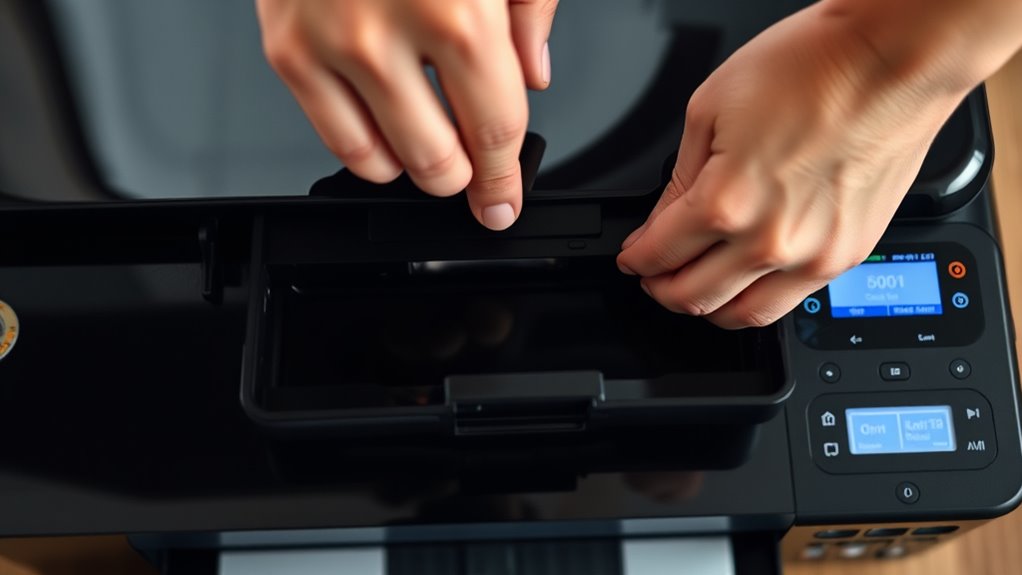
    First, find your printer model and compatible cartridge. Then power on your printer and open the cartridge access area.

    Carefully remove the old cartridge, avoiding damage or leaks.

    Prepare your new cartridge by removing protective tape. Then insert it firmly into the correct slot until it clicks.

    Close the printer cover and print a test page to check for proper installation.

    If you encounter issues, don’t worry. There are simple fixes to keep your printer running smoothly.

    Find Your Printer Model and Ink Cartridge Type

    identify printer and cartridge

    Before you replace your ink cartridge, you’ll need to identify your printer model and the correct cartridge type. Start by checking the front, back, or bottom of your printer for the model number, like HP DeskJet 3755 or Canon PIXMA TS6320. Knowing this helps you find the right ink cartridges quickly.

    You can also consult your printer’s user manual or visit the manufacturer’s website to discover compatible cartridge part numbers. Next, examine your existing cartridges for labels or codes such as HP 63 or Brother LC203. This ensures you pick the proper replacement.

    Don’t forget to confirm if your printer uses individual cartridges for each color or a combined multi-color cartridge system. Ultimately, verify whether your printer requires dye-based or pigment-based ink cartridges to match its specifications. Identifying these details guarantees you get the right cartridge for your printer model, avoiding installation issues or print quality problems.

    Power On the Printer and Open the Cartridge Access Area

    First, make sure your printer is powered on and has fully settled. Then, find the cartridge access area—it’s usually at the front or on top of the printer. Go ahead and carefully open the printer cover to expose the cartridges, but be gentle and don’t force it.

    Ensure Printer Is On

    How do you make certain your printer is ready for an ink cartridge replacement? First, turn on your printer and confirm it’s connected to a power source. Wait patiently as the printer initializes. This guarantees it’s ready to recognize new cartridges.

    Avoid opening the cartridge access area before the printer signals readiness, which you can check via its display or indicator lights. If you open the access while the printer is off or busy, it could cause errors or misalignment.

    Also, make sure the printer has finished any ongoing printing or cleaning tasks before you proceed. By following these steps, you’ll keep your printer in good shape and prepare it properly for a smooth cartridge replacement.

    Locate Cartridge Access

    Where exactly do you find the cartridge access area on your printer? Typically, the cartridge access door or cover is located at the front or top of the printer.

    First, make sure your printer is powered on and has completed its startup process. Then, look for the access panel that houses the cartridges. When you open this panel, the carriage or print head will automatically move to the designated cartridge access position and stop.

    It’s important to wait until the printer is fully idle and no printing jobs are running to avoid errors or misalignment. By carefully opening the cartridge access area at the correct location, you’ll be ready to replace your ink cartridge without causing damage to the printer.

    Open Printer Cover Carefully

    Before you open the printer cover, make sure the device is powered on and completely idle to prevent any errors or damage. Check that the printer’s display or indicator lights are stable, and listen for any noise to confirm it’s stationary.

    Next, locate the designated latch or handle to unlock the printer cover. Open it carefully, lifting gently to avoid damaging any components. Take your time when you open the cartridge access area, as rushing might snap or break internal parts.

    Remove the Old Ink Cartridge Safely

    Since safety is key, always turn off your printer and unplug it before you start removing the old ink cartridge. First, open the access door carefully to reveal the cartridge compartment.

    Prioritize safety by turning off and unplugging your printer before accessing the ink cartridge compartment.

    Locate the old cartridges inside, then gently press or release the cartridge lock or latch to unlock the ink cartridge. Be sure to handle the cartridge with care. Avoid touching the micro-chip or nozzles, as this could cause damage.

    Slowly lift the old cartridge straight out of its slot to remove it. Once removed, follow the manufacturer’s recycling instructions or your local regulations to dispose of the old cartridges properly.

    Taking these steps ensures you remove the old ink cartridge safely without harming your printer or the cartridge itself. Always handle components with care to keep your printer in good condition and ready for the new cartridge installation.

    Prepare the New Ink Cartridge for Installation

    handle cartridge with care

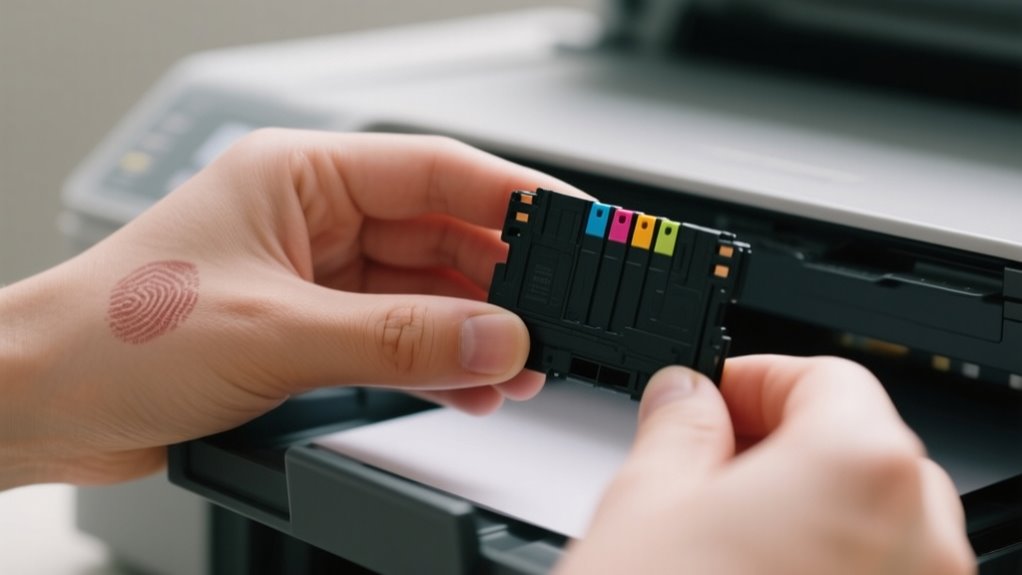
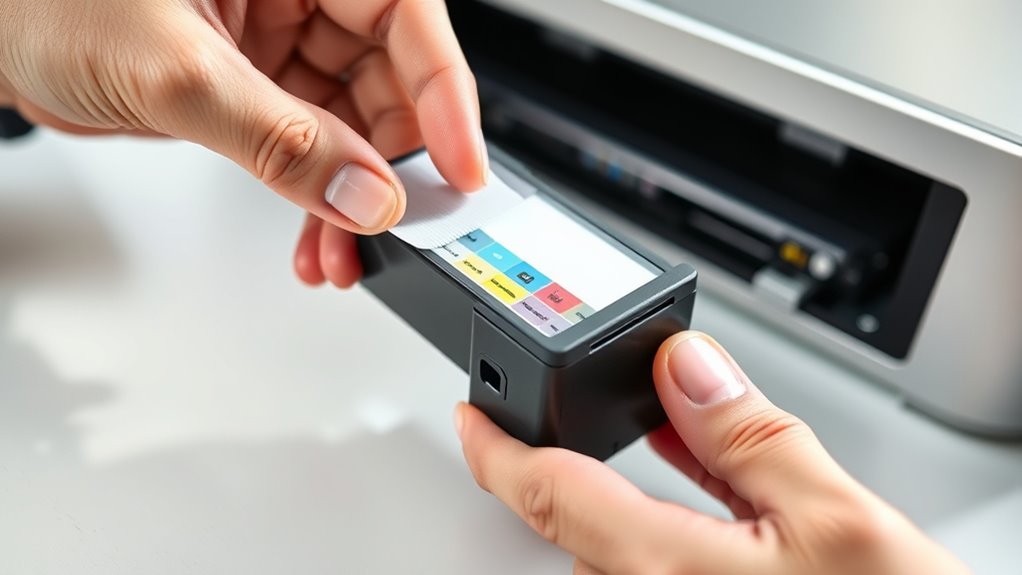
    How should you handle the new ink cartridge to guarantee a smooth installation? First, remove the new cartridge from its packaging carefully. Avoid touching the copper-colored micro-chip or nozzles, as oils from your fingers can damage them.

    Next, check for any protective tape or covers on the contacts and nozzles, and peel them off according to the instructions. It’s crucial to verify that this cartridge matches your printer’s model number and color requirements before proceeding.

    Also, ensure the cartridge is at room temperature to prevent ink clumping or clogs during use. When handling the cartridge, hold it by the edges, steering clear of the copper contacts to avoid contamination or damage.

    Taking these steps will prepare your new cartridge properly, setting the stage for a successful installation.

    Insert the New Ink Cartridge Correctly

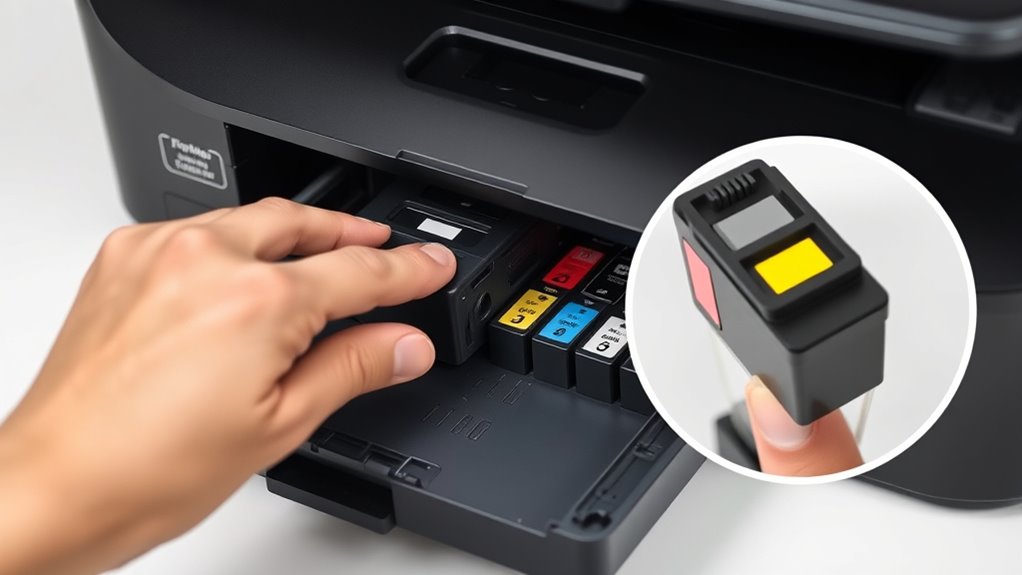
    Once you’ve prepared the new cartridge carefully, it’s time to insert it into your printer. Start by matching the color-coded or labeled end of the cartridge to the corresponding slot. This helps you replace cartridges correctly without confusion.

    Hold the cartridge straight and avoid forcing it into the slot. Slide it gently into the carriage until it clicks, signaling that it’s fully seated.

    Be sure to align the micro-chip on the cartridge with the printer’s contacts. Don’t touch the copper or green chip, as oils from your fingers can interfere with the connection.

    Once inserted, close the printer cover gently. Your printer will automatically recognize the new cartridge, confirming a successful replacement.

    Following these steps guarantees your printer functions smoothly and your new cartridges perform at their best.

    Close the Printer and Print a Test Page

    close wait print verify

    After you insert the new ink cartridge, make sure you close the printer cover completely so the device can recognize it. Wait for the status lights to stabilize. This signals that the printer has finished its internal processing.

    Only then should you print a test page. Use your printer’s control panel or software menu to select the “Print Test Page” option. This helps confirm that the cartridge is properly installed and recognized.

    Check the test page for any streaks, missing colors, or smudges to ensure everything is working correctly.

    Step Action Purpose
    1 Close printer cover Enable cartridge recognition
    2 Wait for status lights to stabilize Confirm internal processing
    3 Select “Print Test Page” Verify installation
    4 Review test page quality Detect print issues
    5 Proceed if print is clear Finish cartridge replacement

    Troubleshoot Common Ink Cartridge Installation Issues

    If your test page shows errors or the printer doesn’t recognize the new cartridge, you’ll need to troubleshoot the installation. First, make sure the cartridge replacement is fully seated and clicks into place; improper seating often causes recognition issues.

    Next, check that all protective tape and caps have been completely removed from the cartridge before installation, as leftover tape can block ink flow or signals. Then, clean the electrical contacts on both the cartridge and inside the printer with a lint-free, damp cloth to improve connectivity.

    Also, inspect the printer for any obstructions or paper jams that might interfere with proper cartridge placement. If the printer doesn’t recognize the cartridge after these steps, try resetting the printer by unplugging it for 10 minutes and then restarting it.

    These straightforward steps usually resolve common ink cartridge installation issues and get your printer working smoothly again.

    Frequently Asked Questions

    How Long Does a New Ink Cartridge Typically Last?

    A new ink cartridge typically lasts between 200 to 300 pages, but high-yield cartridges can extend that to 400 to 600 pages. Your ink cartridge lifespan depends on your printing habits and the type of documents you print.

    To improve cartridge durability and reduce refill frequency, you should follow ink consumption tips like printing in draft mode and avoiding color-heavy pages when possible. Proper storage also helps maintain your cartridge’s effectiveness over time.

    Can I Use Third-Party Ink Cartridges Safely?

    You can use third-party ink cartridges safely if you consider third-party compatibility, ink quality concerns, and warranty implications. You can save money with third-party options, but you can also risk inconsistent print quality or voiding your warranty.

    You should buy from reputable suppliers to guarantee quality and compatibility. Check your printer’s guidelines before using third-party ink to protect your printer and maintain cost savings without surprises.

    What Should I Do if My Printer Doesn’T Recognize the Cartridge?

    If your printer doesn’t recognize the cartridge, start by performing a printer reset. Turn it off, unplug it for 10 minutes, then plug it back in. Next, check for firmware updates that might fix recognition bugs.

    Make sure the cartridge is properly seated and aligned because poor cartridge alignment can cause ink flow issues. Also, clean the contacts gently to improve the connection.

    If problems persist, try replacing the cartridge with a new one.

    How Do I Recycle or Dispose of Old Ink Cartridges?

    Picture your old ink cartridge as a tiny pollutant waiting to harm soil and water. To guarantee eco friendly disposal, you can join cartridge recycling programs offered by manufacturers or local stores. These programs reduce environmental impact by refurbishing or reclaiming materials.

    Always follow proper disposal methods and local guidelines. Some areas treat cartridges as hazardous waste. Use prepaid envelopes or drop-off spots to recycle easily and protect the planet every time you replace a cartridge.

    Can Ink Cartridges Dry Out if Unused for a Long Time?

    Yes, ink cartridges can dry out if you leave them unused for a long time. Causes of ink drying include evaporation and clogged print head nozzles.

    For proper ink cartridge maintenance, store cartridges in sealed bags or original packaging to slow drying. Watch for signs of cartridge failure like streaky prints or faded colors.

    Regularly printing small documents helps keep the ink moist, preventing drying and ensuring your printer works smoothly.

    Conclusion

    Replacing your ink cartridge is easier than you think. Once you get the ball rolling, it’s smooth sailing from there. Just follow the steps carefully, and you’ll have your printer up and running in no time.

    Remember, patience is key, and a little attention to detail goes a long way. If issues pop up, don’t hesitate to troubleshoot. Soon enough, you’ll be printing like a pro without breaking a sweat!

  • How to Remove Ink Stain From Clothes in 7 Easy Steps

    How to Remove Ink Stain From Clothes in 7 Easy Steps

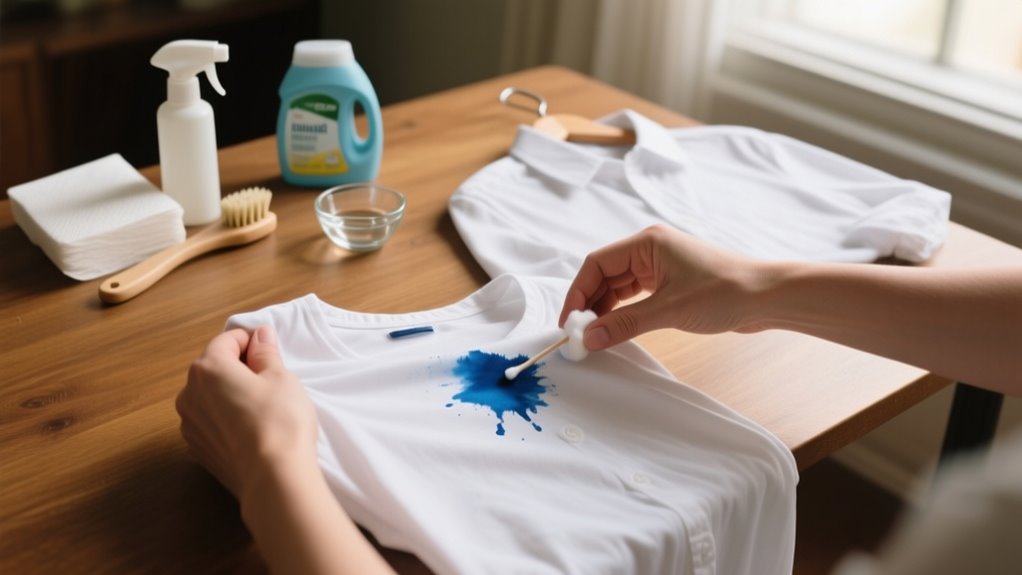
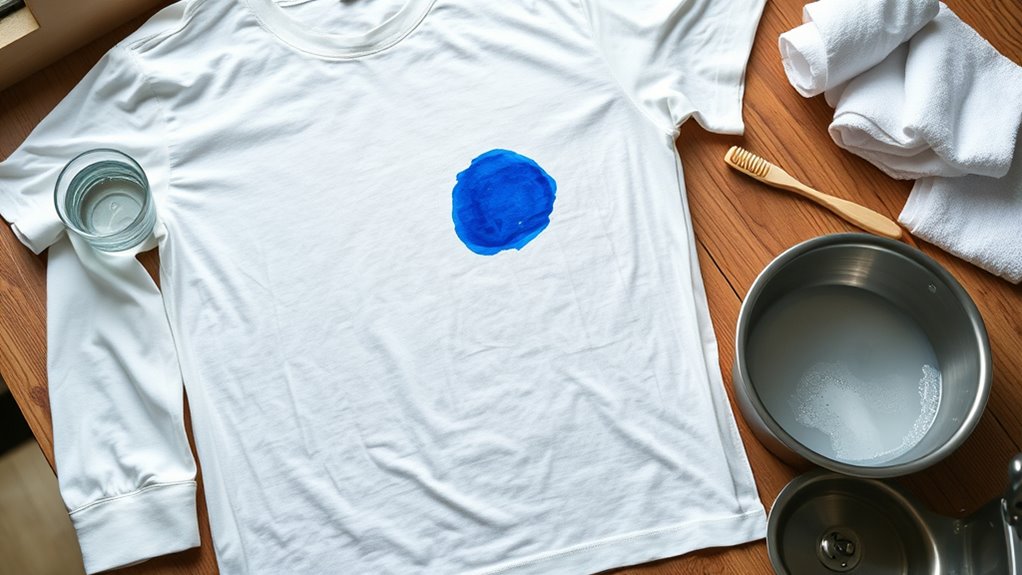
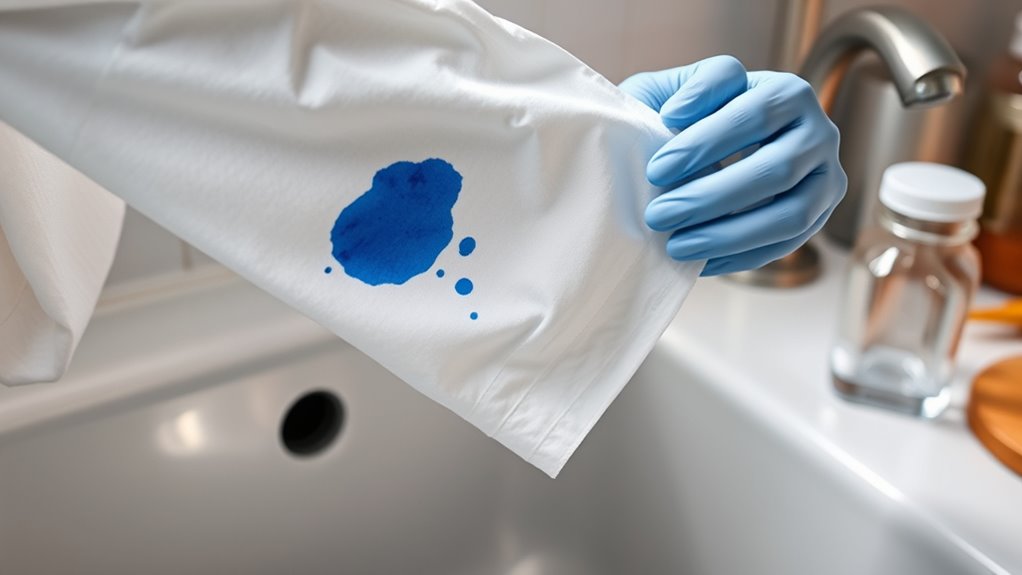
    First, identify if the ink is water-based or oil-based by testing with rubbing alcohol on a hidden spot.

    Blot the stain gently without rubbing, then apply the right solvent: alcohol for oil-based or water for water-based ink.

    Let it sit, blot again, and wash the garment in the hottest water safe for the fabric.

    Air dry to avoid setting the stain and repeat if needed.

    Keep going to discover more detailed tips for complete ink stain removal success.

    Identify Ink and Fabric Types

    identify ink and fabric

    How can you effectively remove an ink stain if you don’t know what type of ink or fabric you’re dealing with? Start by focusing on ink identification because knowing the ink type directs your stain removal approach. Water-based ink, like that from washable markers or gel pens, usually responds well to cold water and detergent. In contrast, oil-based ink from permanent markers or ballpoint pens often needs solvents such as rubbing alcohol.

    Next, check the fabric care label to understand fabric sensitivity and which cleaning agents are safe. Delicate fabrics like silk require gentler treatments, while sturdier fabrics like cotton can handle stronger solvents. Always test your chosen stain removal method on an inconspicuous spot first to avoid color fading or damage.

    Act Quickly to Blot Ink Stains

    Once you’ve identified the type of ink and fabric, the next step is to act quickly to blot the stain. Blotting an ink stain immediately with a clean cloth is essential to prevent it from setting deeper into the fabric. Acting quickly maximizes your chances of successful stain removal and helps avoid permanent discoloration.

    Identifying the ink and fabric type, then promptly blotting, is crucial to prevent deeper staining and discoloration.

    Follow these steps to blot the ink stain effectively:

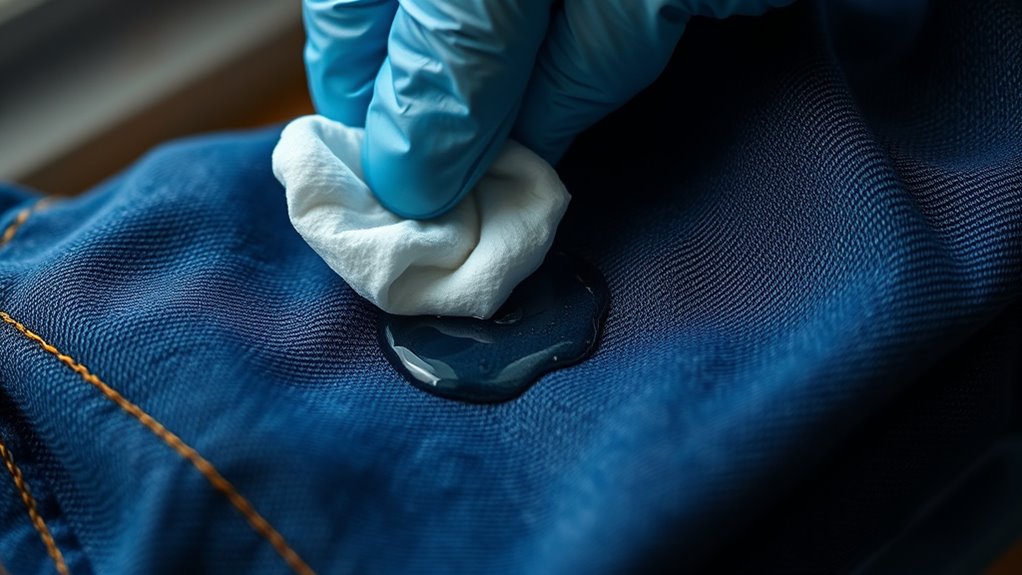
    1. Use a clean cloth or paper towel to gently blot the ink stain immediately. Avoid rubbing, which can spread the stain.
    2. Apply gentle pressure to lift the ink without pushing it further into the fibers.
    3. Continue blotting with fresh sections of the cloth until no more ink transfers.

    How to Test and Pick the Right Ink Solvent

    test solvent on fabric

    First, figure out if your ink is oil-based or water-based—that way, you can pick the right solvent. Then, before going all in, try a little bit of the solvent on a hidden spot of the fabric. This helps make sure you won’t damage or discolor it. Taking this simple step really helps you find a safe and effective solution for your stain.

    Identify Ink Type

    Because different inks respond to different treatments, you’ll want to identify whether the stain is water-based or oil-based before attempting removal. Determining the ink type helps you pick the right solvent and avoid fabric damage. Here’s how to test:

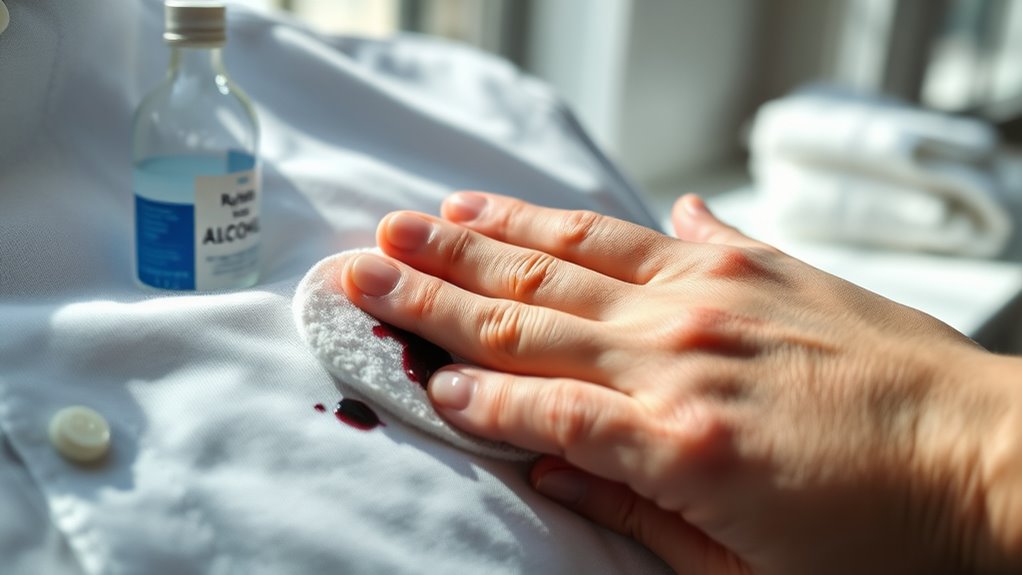
    1. Apply a few drops of rubbing alcohol on a hidden fabric spot with the ink stain.
    2. If the ink dissolves or blurs, it’s likely oil-based ink, needing stronger solvents like rubbing alcohol or commercial removers.
    3. If it remains intact, it’s probably water-based ink, which responds well to cold water and gentle detergents.

    Always perform this test first to guarantee effective stain removal and protect your fabric’s color and texture. Knowing your ink type streamlines the cleaning process and boosts your success rate.

    Test Solvents Safely

    Knowing the type of ink you’re dealing with helps narrow down your solvent options, but you still need to make certain the solvent won’t harm your fabric. Always test solvents on an inconspicuous area to check for colorfastness and ensure fabric safety.

    Use a small amount of the chosen solvent, like rubbing alcohol or hairspray, and wait a few minutes to see if the color changes or the fabric deteriorates. For delicate fabrics such as silk or suede, perform a patch test in a hidden corner before applying any stain removal product.

    If you notice lightening or color bleeding, opt for a gentler alternative or consider professional cleaning. Keep a record of your test results to confirm solvent safety before full application to protect your clothes effectively.

    Apply Solvent and Pretreat Ink Stains

    When you apply a solvent like rubbing alcohol, hand sanitizer, or a commercial stain remover, you break down the ink molecules, making the stain easier to lift. Before you pretreat, always test the solvent on a hidden fabric area to avoid discoloration.

    To apply solvent effectively and tackle the ink stain, follow these steps:

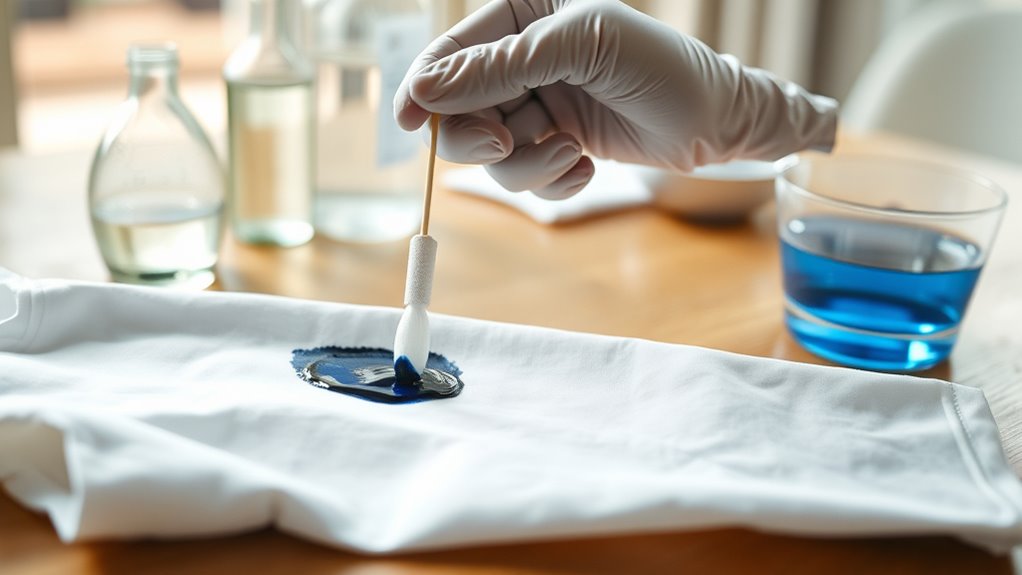
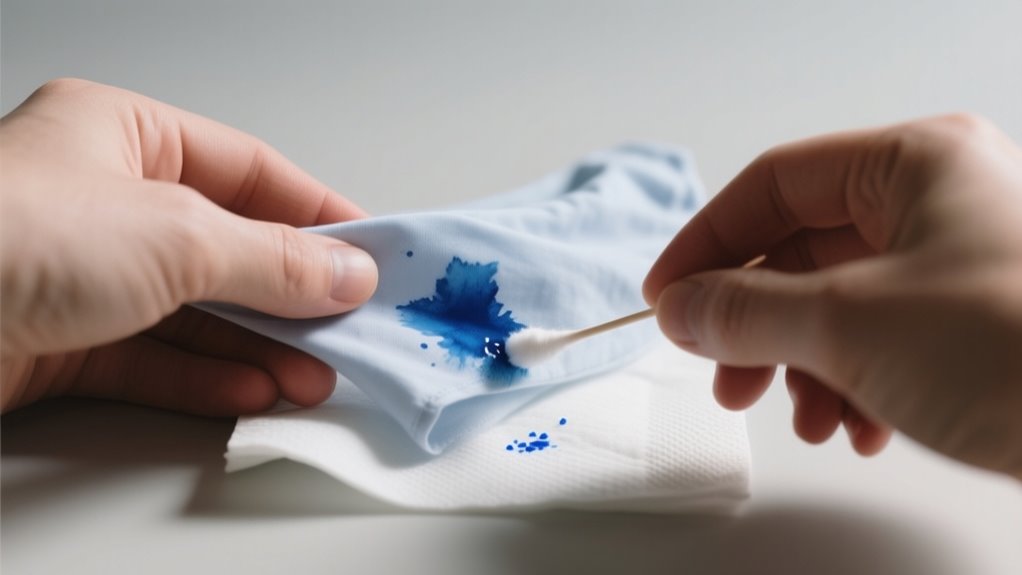
    1. Saturate the stain thoroughly with rubbing alcohol or your chosen solvent using a clean cloth or cotton swab. Work from the outside inward to prevent spreading.
    2. Let the solvent sit on the stain for at least 5 minutes to loosen the ink.
    3. Gently blot the area with a clean cloth to absorb the dissolved ink, avoiding rubbing which could damage fibers.

    Wash Clothes to Remove Ink Stains

    pre treat wash rinse air dry

    After you’ve pretreated the ink stain with a solvent, the next step is to wash the garment in the hottest water safe for its fabric. Using an enzyme-based detergent helps break down ink stains more effectively during the wash cycle.

    Make sure the stain remover has fully penetrated the fabric before washing to improve the chances of removal. After washing, rinse thoroughly to remove any leftover residues.

    Avoid drying the clothes in a dryer right away; instead, air dry them to prevent heat from setting any remaining ink. If the stain persists, you’ll need to repeat the pretreat and wash process.

    Step Action
    Pre-treat Apply stain remover thoroughly
    Wash temperature Use the hottest water safe for fabric
    Rinse Rinse completely after washing
    Air dry Let garment air dry to check stain removal

    Repeat Ink Stain Treatment Before Drying

    Before you dry your clothes, be sure to repeat the ink stain treatment a few times. This helps to fully break down the ink. After each application, take a close look at the fabric to see if the stain is fading. And remember, don’t use any heat until the stain is completely gone—otherwise, it might set permanently.

    Importance Of Multiple Treatments

    Multiple treatments considerably boost your chances of removing stubborn ink stains completely. When you tackle ink stains, relying on a single application often isn’t enough. The repeat process helps with effective cleaning by breaking down ink particles gradually, improving stain removal success.

    To maximize results, remember these key points:

    1. Multiple treatments allow better stain breaking by gradually loosening ink trapped in fabric fibers.
    2. Don’t dry completely until the stain is gone; heat can set the ink permanently, making removal harder.
    3. Air dry between treatments to avoid setting stains and ensure each round of cleaning works effectively.

    Monitoring Stain Removal Progress

    To get the best results in removing ink stains, you need to keep a close eye on the stain as you treat it. Monitoring stain removal progress is essential. After each treatment, let the fabric air dry to inspect the treated area carefully.

    If you notice any residual ink, don’t hesitate to repeat the process with additional stain remover. This careful inspection helps prevent setting the stain with heat. You should avoid using any heat setting until the stain is fully gone.

    Regularly checking the fabric allows you to apply further treatments only when necessary, ensuring a thorough clean. By staying vigilant and patient, you’ll improve your chances of completely eliminating the ink without damaging your clothes.

    Avoid Heat Before Removal

    Even if the ink stain looks faint, don’t use heat like a dryer or iron until you’re sure it’s completely gone. Applying heat too soon can set the stain permanently, making removal much harder.

    To guarantee fabric safety and prevent heat from embedding ink deeper, follow these steps:

    1. Repeat stain removal treatments as needed before drying.
    2. Always air dry the garment after washing to check if the stain persists.
    3. Only use heat after confirming the stain is fully lifted and dry.

    Air Dry and Check for Ink Removal

    Although it’s tempting to speed up the process with a dryer, you should always air dry ink-stained clothes after treatment to avoid setting any leftover ink permanently. Air drying gives you the chance to monitor effectiveness without risking heat setting stubborn stains.

    Once your garment is completely dry, carefully check for ink removal. Some ink stains can become more visible or stubborn after air drying, so a thorough inspection is vital.

    If you still see the ink stain, don’t put the clothes in the dryer. Instead, repeat the stain removal process until the ink is gone. Using heat too soon can make the stain permanent, undoing all your hard work.

    Frequently Asked Questions

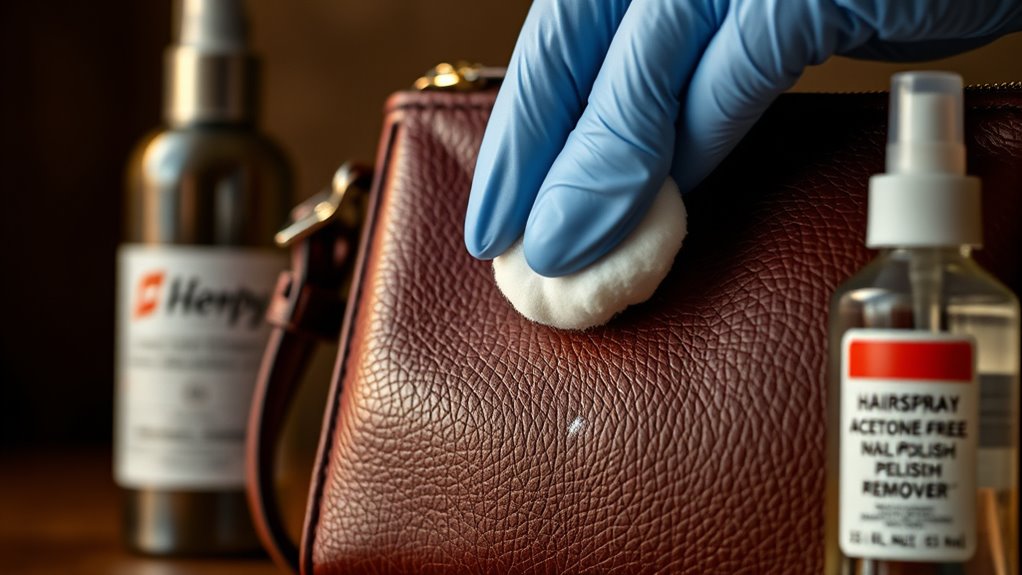
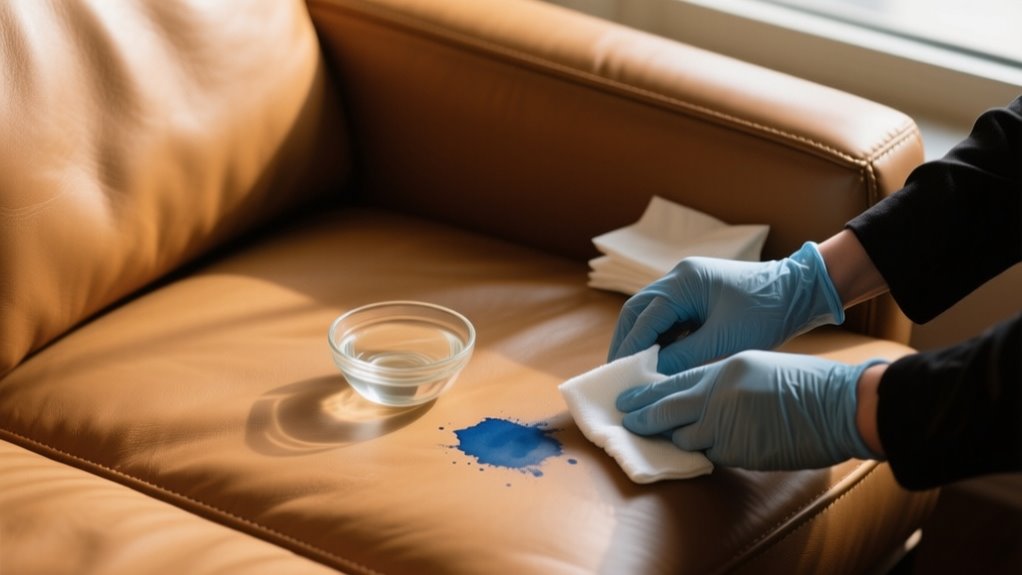
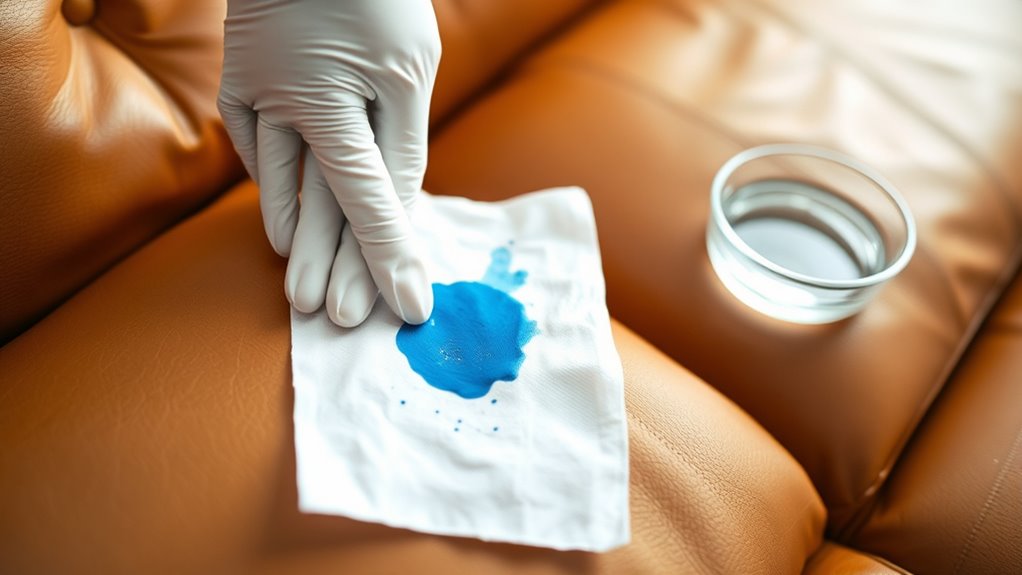
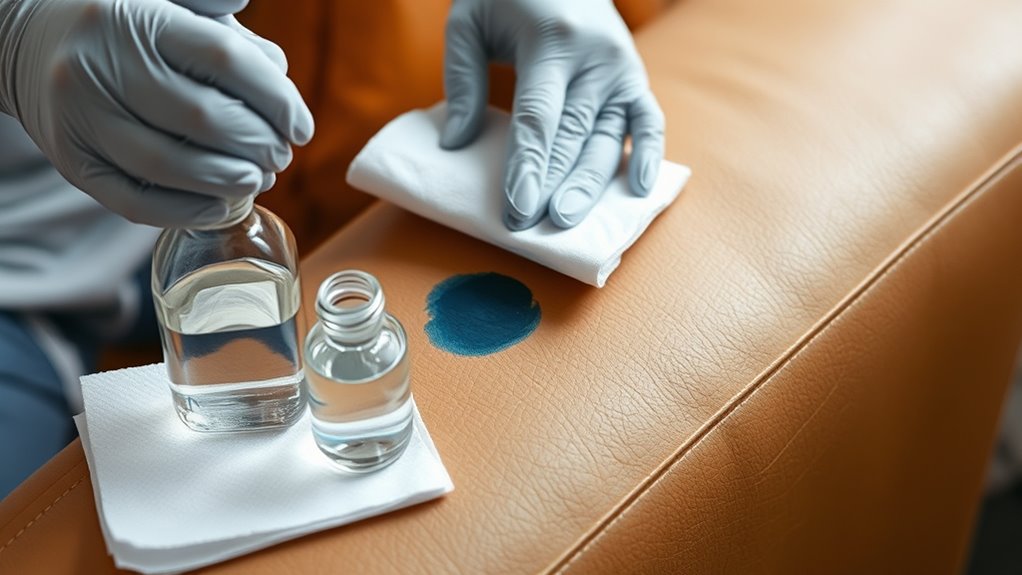
    Can Ink Stains Be Removed From Leather or Suede?

    Yes, you can remove ink stains from leather or suede with careful stain assessment and proper leather cleaning or suede treatment. Start by testing cleaning techniques on a hidden spot to avoid damage. Use gentle solvents for ink removal, and avoid water on suede to protect fabric preservation.

    If the stain persists, consider professional help. Always prioritize stain prevention and handle materials delicately to maintain their quality and appearance over time.

    Are There Natural Alternatives to Chemical Solvents for Ink Removal?

    When it comes to ink removal, you don’t have to throw in the towel just yet. You can rely on natural remedies like lemon juice, white vinegar, and baking soda as effective homemade solutions.

    Herbal extracts such as tea tree oil add a soothing touch, while eco-friendly cleaners and plant-based solvents offer chemical-free methods. These organic stain removers provide gentle, chemical-free alternatives that keep your clothes clean without harsh toxins.

    How to Prevent Ink Stains From Setting Permanently?

    To prevent ink stains from setting permanently, you should focus on immediate blotting to stop smudging and avoid rubbing. Keep ink away from your clothes by using protective sprays on fabrics and choosing washable materials that allow easier stain removal.

    Avoid water contact initially, as it can set some inks. Perform regular fabric checks to catch stains early. Acting quickly and protecting your clothes helps you prevent permanent ink damage effectively.

    Can Ink Stains Be Removed From Dry-Clean-Only Fabrics?

    You can remove ink stains from dry-clean-only fabrics, but it’s tricky. Around 30% of ink stain types resist home treatments because of ink composition and fabric compatibility.

    Act fast since timing is vital before the stain becomes permanent. Always perform a colorfastness test first, using gentle cleaning tools that pros recommend.

    Ink stains vary widely, so consulting experts is the safest way to treat them without damaging your delicate clothes.

    What Should I Do if Ink Stain Removal Damages the Fabric?

    If ink stain removal causes fabric tears, weakening, or texture damage, stop immediately to prevent further harm like stain spreading or dye bleeding.

    For fabric discoloration or color fading, gently reapply a fabric-safe color restorer to even out the tone. Avoid harsh rubbing to protect the fabric’s integrity.

    When damage is severe, consult a professional tailor or consider repurposing the garment instead of risking more wear and tear.

    Conclusion

    Removing ink stains from clothes can feel intimidating, but acting quickly makes a huge difference. Did you know 90% of ink stains can be completely removed if treated within the first hour?

    By identifying the fabric and ink type, testing solvents, and carefully pretreating before washing, you greatly improve your chances. Just remember to avoid drying until the stain’s gone. Air dry and check.

    With these steps, you’ll save your clothes and keep them looking fresh!

  • 7 Steps to Remove Ink From Leather Purse

    7 Steps to Remove Ink From Leather Purse

    To remove ink from your leather purse, first identify the leather type and test a small hidden spot to avoid damage.

    Blot fresh ink gently with a dry cloth, don’t rub.

    Next, use a mild soap and water solution to clean the stain softly.

    For tougher marks, try rubbing alcohol or diluted vinegar, applying cautiously.

    You can also use hairspray or acetone-free nail polish remover on stubborn spots.

    Always air-dry and condition your leather afterward.

    If the stain persists or seems severe, expert help might be needed.

    Learn how to tackle each step safely and effectively.

    Identify Leather Purse Type to Choose Safe Cleaning

    identify leather type first

    Before you start cleaning ink from your leather purse, identify its type to avoid damage. Knowing the leather type is vital because genuine leather and faux leather require different cleaning methods. Genuine leather, like Muud bags, reacts uniquely to water and cleaning agents, while synthetic leathers might respond differently. So, identifying the leather is essential for material safety.

    You should also distinguish between smooth leather and more delicate types like suede or nubuck, as each demands specific cleaning techniques. To prevent discoloration or damage, perform a patch test on a hidden area before applying any cleaning solution. This simple step helps guarantee the chosen method won’t harm your purse’s finish.

    Blot Fresh Ink Stains Immediately From Leather Purse

    If you notice fresh ink on your leather purse, it’s important to act fast. Grab a dry cloth and gently blot the stain. Just dab it lightly—you want to soak up the ink without spreading it around. And remember, don’t rub or use water on the stain, since that can actually make things worse.

    Act Quickly

    The first few minutes after an ink spill are essential for saving your leather purse. You need to act quickly to prevent the fresh ink stain from setting into the leather surface. Grab a clean, dry cloth or paper towel and gently blot the stain. Avoid rubbing, as that can push ink deeper.

    Use gentle dabbing motions to absorb as much ink as possible without spreading it to surrounding areas. Immediate action is vital for effective ink removal since fresh ink is easier to lift. By blotting promptly and carefully, you reduce the chance of permanent staining and make the cleanup process much simpler.

    Use Dry Cloth

    Quick action is key, and one of the best tools at your disposal is a dry, soft cloth. When you spot a fresh ink stain on your leather purse, gently blot the area with the dry cloth to absorb excess ink. Avoid rubbing, which can spread the stain and push ink deeper into the leather surface.

    Use gentle, dabbing motions to lift the ink without damaging the leather. Make sure the cloth is clean and dry to prevent transferring dirt or more ink. Acting fast with a soft, dry cloth helps remove ink stains before they set, preserving your leather purse’s appearance.

    Step Action
    1 Grab a clean, dry cloth
    2 Gently blot the fresh stain
    3 Use soft, dabbing motions
    4 Avoid rubbing or scrubbing

    Use Mild Soap and Water to Remove Ink From Leather Purse

    gentle ink removal method

    If you want to gently lift ink from your leather purse without causing damage, start by mixing a small amount of mild dish soap or saddle soap with warm water to create a gentle cleaning solution. This soap solution provides a safe way to remove ink while preserving leather care.

    To proceed, follow these steps:

    Dampen a soft cloth with the mild soap and water mixture, making sure it’s not too wet. Gently dab the ink stain, working from the outer edges inward to avoid spreading.

    Wipe the area softly with the damp cloth to clean residue and ink particles. Use a clean, damp cloth to remove any leftover soap from the leather purse.

    Pat the surface dry with a soft towel to prevent moisture damage. This gentle cleaning method helps you remove ink effectively while maintaining the leather’s softness and appearance.

    Use Rubbing Alcohol or Vinegar for Tough Ink Stains

    If mild soap and water don’t do the trick, don’t worry—there’s still hope. You can try using rubbing alcohol or diluted vinegar to tackle those tough ink stains. Just apply rubbing alcohol with a cotton swab to help dissolve the ink.

    Or, if you want to be a bit gentler, you can wipe the area with a vinegar-water mix instead. Either way, it’s a good idea to test your chosen solution on a hidden spot first, just to make sure it won’t damage your leather purse.

    Alcohol Application Tips

    Although ink stains on leather can be stubborn, rubbing alcohol or vinegar often dissolves the ink pigments effectively. When using alcohol for stain removal, remember these key tips:

    Always perform a patch test on a hidden leather surface first. Dab a small amount of alcohol onto a cotton swab or soft cloth instead of pouring directly. Gently apply the alcohol to the stain without rubbing vigorously to avoid damage.

    If using vinegar, dilute it with water to reduce harshness on delicate leather. After treatment, wipe with a damp cloth and apply leather conditioner to restore moisture and prevent dryness.

    Following these steps guarantees you treat ink stains carefully while preserving your leather purse’s quality.

    Vinegar Cleaning Method

    When rubbing alcohol doesn’t fully lift the ink stain, white vinegar offers a gentler alternative that still tackles tough marks effectively. Mix equal parts white vinegar and water to create a gentle cleaning solution for your leather purse.

    Dab a soft cloth or cotton swab into the vinegar mixture and gently apply it to the ink stain, using circular motions. Let the vinegar solution sit for a few minutes to break down the ink particles.

    Then, wipe away the residue with a clean, damp cloth. If the stain persists, repeat this process carefully.

    After cleaning, apply a leather conditioner to restore moisture and prevent any drying or damage caused by the vinegar. This method provides a safe and effective way to refresh your purse without harsh chemicals.

    Use Hairspray or Acetone-Free Nail Polish Remover Safely

    act quickly test first

    Since ink stains can set quickly, you’ll want to act fast by using hairspray or acetone-free nail polish remover to lift the mark from your leather purse. First, perform a patch test in an inconspicuous area to make sure no discoloration or damage occurs. Then, follow these steps carefully:

    Hold the hairspray can close and spray lightly on the ink stain. Let it sit for 3-5 minutes to break down the ink.

    Dampen a cotton swab or soft cloth with acetone-free nail polish remover. Gently dab the stain without rubbing to avoid damaging the leather.

    Blot with a clean cloth until the ink lifts.

    Air Dry and Condition Leather Purse After Ink Removal

    After removing the ink stain, let your leather purse air dry completely in a well-ventilated space away from direct sunlight or heat sources to prevent damage. Avoid using heat tools, as they can cause the leather to stiffen or crack.

    Once dry, apply a high-quality leather conditioner evenly to restore moisture and support the leather’s suppleness. This essential step in leather care helps prevent drying and maintains the bag’s texture.

    After applying the conditioner, use a soft cloth for gentle buffing to enhance the purse’s appearance and remove any excess product. Regular conditioning not only aids in restoring your leather purse after cleaning but also contributes to its longevity.

    How to Know When to Get Professional Ink Stain Help?

    How can you tell if it’s time to seek professional help for ink stains on your leather purse? When ink has set for several days or even weeks, DIY methods often won’t be enough. If the stain has deeply penetrated or covers a large area, expert assistance can prevent further damage.

    Also, if you’ve tried home remedies multiple times without success, it’s best to stop and consult a professional. Valuable leather deserves careful treatment, and improper cleaning can cause deterioration. Watch for signs like discoloration, cracking, or drying after your attempts. These indicate that professional cleaning is necessary to preserve your purse’s integrity.

    Look for these signs:

    • Ink stain has set and won’t lift with DIY methods
    • Large or deeply penetrated stain area
    • Multiple failed home cleaning attempts
    • Valuable leather at risk of damage
    • Visible discoloration, cracking, or deterioration

    Don’t hesitate to get professional help when these occur.

    Frequently Asked Questions

    Can Ink Stains on Leather Purse Cause Permanent Damage?

    Yes, ink stains on your leather purse can cause permanent damage if not treated quickly. The ink color’s intensity affects stain visibility, making timely leather cleaning essential for damage prevention.

    Different leather types require specific cleaning techniques to guarantee product safety and effective stain removal. Proper leather maintenance and preservation help minimize risks, so you should act fast and choose safe methods to protect your purse from lasting harm.

    How Long Does It Take for Ink Stains to Set on Leather?

    Ink stains can set on leather faster than a blink, usually within minutes to an hour. You’ll notice stain visibility increase as ink absorption deepens due to leather porosity.

    Drying time affects stain localization and color change, making stains harder to clean. If you delay, stain reappearance or spread can occur, impacting texture.

    To avoid permanent damage, adjust cleaning frequency promptly. The sooner you act, the better your chances of preserving your leather purse’s look.

    Are There Any Inks That Are Easier to Remove From Leather?

    Yes, water-based inks like ballpoint pen ink are easier for you to tackle during ink removal on leather. When you focus on leather cleaning, lighter ink types and fresh pen marks respond better to cleaning solutions, making stain prevention simpler.

    You should always perform stain testing before applying anything, ensuring stain resistance isn’t compromised. Consistent leather care and maintenance help you avoid stubborn stains, keeping your purse looking great with minimal effort.

    Can Homemade Remedies Damage Leather Purses More Than Commercial Products?

    Imagine you tried a DIY cleaning with vinegar on your leather purse and ended up with color fading and texture alteration. Yes, homemade remedies can damage leather more than commercial products.

    Chemical reactions and stain penetration often cause surface damage and residue removal issues. Without proper product compatibility, you risk accelerating leather aging and harming its material sensitivity.

    Commercial cleaners minimize these risks, protecting your purse’s look and feel better than most DIY methods.

    Is It Safe to Use Leather Conditioner on All Leather Types?

    It’s not always safe to use leather conditioner on all leather types. You should prioritize product safety by checking product compatibility and performing stain testing on a hidden area first.

    Using the wrong conditioner can cause dye transfer, accelerate leather aging, or interfere with leather cleaning and restoration. To guarantee proper leather maintenance and effective stain prevention, follow recommended cleaning techniques and manufacturer guidelines carefully. This approach keeps your leather purse looking its best.

    Conclusion

    Removing ink from your leather purse takes patience and care, so don’t rush the process like it’s a telegram from the past. By identifying your leather type and using gentle methods like soap, rubbing alcohol, or even hairspray cautiously, you can restore your purse’s beauty.

    Always air dry and condition afterward to keep it supple. And if the stain won’t budge, don’t hesitate to seek professional help. Sometimes old-school expertise is the best solution.

  • How to Remove Ink From Leather Couch in 7 Easy Steps

    How to Remove Ink From Leather Couch in 7 Easy Steps

    Act quickly by gently blotting the fresh ink with a soft cloth to avoid spreading. Test any cleaning method on a hidden spot first.

    Start with mild soap and warm water, dabbing the stain lightly from edges inward.

    For tougher marks, carefully use rubbing alcohol or diluted vinegar sparingly.

    You can also try hairspray or acetone-free nail polish remover after testing.

    Finish by conditioning the leather to restore moisture and flexibility.

    Keep following these tips to discover more effective care strategies.

    Act Quickly to Blot Ink From Your Leather Couch

    blot ink quickly gently

    How quickly you respond to an ink stain on your leather couch can make all the difference. The moment you notice the ink stain, grab a dry, soft cloth or paper towel and gently blot the area. Quick action is crucial because fresh ink is far easier to remove than dried marks.

    Avoid rubbing the stain. You might be tempted to scrub, but this only spreads the ink and pushes it deeper into the leather’s pores. Instead, use a gentle blotting motion, lifting the ink without pressing hard, which could damage the leather surface.

    Test Cleaning Methods Safely on a Hidden Spot

    After you’ve gently blotted the ink stain, the next step is to test your cleaning method on a hidden spot of the leather couch. Choose a small, inconspicuous area like the underside or a corner to avoid visible damage.

    Apply only a minimal amount of your cleaning solution to this spot. This careful test lets you observe how the leather reacts without risking the main area. Wait at least 10 to 15 minutes to check for any adverse reaction such as discoloration or texture changes.

    If you notice any damage or color transfer, avoid using that cleaning method on the stain. Record your findings to track which solutions are safe for your leather. Testing guarantees you protect your couch’s finish and avoid worsening the ink stain.

    Use Mild Soap and Water for Gentle Ink Removal

    gentle soap water cleaning

    Since ink stains can be stubborn, you’ll want to start with a mild cleaning solution that won’t damage your leather couch. Mix a few drops of mild soap with warm water to create a gentle cleaning mixture.

    Dampen a soft cloth with this soapy water and gently dab the ink stains, beginning at the edges and working toward the center. Avoid rubbing, as this can spread the stain or damage the leather surface.

    After you’ve treated the area, use a clean, damp cloth with just water to rinse away any soap residue. Finally, pat the leather dry with a soft towel to prevent moisture from soaking in and causing damage.

    Before you tackle visible stains, test this mild soap and water method on a hidden spot to verify it won’t discolor or harm your leather. This careful, gentle cleaning approach helps preserve your couch while effectively reducing ink stains.

    Carefully Use Rubbing Alcohol or Vinegar for Tough Ink

    For tougher ink stains, try using rubbing alcohol sparingly. Just dab the area gently with a soft cloth—avoid rubbing too hard.

    You can also mix vinegar with water in equal parts to make a mild solution that lifts ink safely.

    Just remember to test these methods on a hidden spot first, so you don’t accidentally cause any damage.

    Alcohol Application Tips

    When tough ink stains won’t budge with gentle methods, you can carefully use rubbing alcohol or vinegar to tackle the problem. Always test on a hidden area first to prevent damage or discoloration.

    Use a cotton swab or soft cloth dampened with rubbing alcohol or dilute vinegar for a gentle dab. Apply sparingly to avoid drying out the leather. Let it sit for 1-2 minutes before blotting gently.

    Afterward, use a leather conditioner to restore moisture and maintain flexibility, ensuring proper leather care.

    Step Action Tip
    1 Test on hidden area Prevent damage or discoloration
    2 Apply rubbing alcohol Use gentle dab, avoid soaking
    3 Wait 1-2 minutes Loosen ink without harsh rubbing
    4 Blot ink gently Don’t scrub to prevent damage
    5 Condition leather Restore moisture and flexibility

    Vinegar Dilution Guide

    If rubbing alcohol feels too strong or you want a gentler alternative, diluted white vinegar can effectively tackle stubborn ink stains. For safe leather stain removal, prepare a vinegar solution by mixing equal parts white vinegar and water. Use a soft, damp cloth to gently dab the ink stains without soaking the leather.

    Follow these steps:

    1. Test the vinegar solution on a hidden area to check for discoloration or damage.
    2. Lightly apply the damp cloth with vinegar solution to the ink stains, lifting the ink carefully.
    3. Blot the area with a clean, damp cloth to remove residue and odor.

    Finish by applying a leather conditioner to restore moisture and prevent drying or cracking. This method balances effectiveness with leather care.

    Try Hairspray or Acetone-Free Nail Polish Remover Safely

    safe leather ink removal

    Although hairspray and acetone-free nail polish remover can effectively lift ink stains from your leather couch, you need to use them carefully to avoid damaging the leather. Start by doing a spot test in an inconspicuous area to make sure these products won’t discolor or harm your leather.

    When using hairspray, spray it from a distance and apply sparingly to soften the ink stains without saturating the leather. For nail polish remover, choose an acetone-free formula and gently dab the stain with a cotton swab to avoid stripping the finish.

    After treating the stains, wipe the area with a damp cloth to remove residue. Finally, condition the leather to restore moisture and prevent drying or cracking. Avoid overusing hairspray or nail polish remover, as too much can damage the leather’s protective coating and cause it to lose its natural suppleness.

    Using these products cautiously will help you safely tackle ink stains without harming your couch.

    Gently Use a Magic Eraser for Stubborn Ink Stains

    Since stubborn ink stains can resist gentle treatments, you can turn to a magic eraser made from melamine foam to lift the marks without harsh chemicals. Before you start, test the magic eraser on a hidden spot of your leather couch to make sure it won’t damage or dull the finish.

    For tough ink stains, try a melamine foam magic eraser—just test it first on a hidden spot.

    When ready, dampen the eraser with water and gently rub the ink stains, applying light pressure to avoid scratching the leather surface. Afterward, wipe away any residue with a damp cloth and dry the area with a soft towel to prevent water marks.

    Follow these steps to use a magic eraser safely:

    1. Test on an inconspicuous area first to check for damage.
    2. Lightly rub the ink stains with a damp magic eraser. Don’t overdo it.
    3. Clean off residue and dry the leather thoroughly.

    This method effectively tackles tough ink stains while protecting your leather couch.

    Condition Your Leather Couch to Restore Moisture

    Once you’ve removed the ink, the next step is to condition your leather couch to bring back the moisture it lost and help prevent any cracking. You’ll want to pick a high-quality conditioner that’s made for your specific type of leather to keep it feeling soft and supple.

    Then, just apply it evenly using a soft cloth. Make sure to follow the instructions on the product for the best results. It’s pretty straightforward, and your couch will thank you for the extra care!

    Importance Of Conditioning

    A well-conditioned leather couch stays soft and supple, preventing dryness and cracking caused by cleaning. Conditioning is essential because it restores the moisture leather loses during cleaning. Without it, your couch can become brittle and prone to damage.

    When you condition your leather, you replenish lost moisture, keeping the leather flexible and smooth. You also create a protective barrier that resists stains and future damage. Plus, conditioning preserves the leather’s natural oils, enhancing its longevity and appearance.

    Choosing The Right Product

    When you choose the right leather conditioner, you guarantee your couch regains its softness and stays protected from drying out or cracking. Pick a leather conditioner specifically designed for furniture to assure it works well with your couch’s leather finish.

    Before applying it fully, always do a test patch on a hidden spot to make sure it won’t discolor or damage the leather. After removing ink stains with appropriate leather cleaners, conditioning helps restore moisture and flexibility by penetrating the surface with nourishing oils and emollients.

    Regular use every 3 to 6 months supports leather preservation, maintaining its natural luster and extending its lifespan. Choosing the right product is essential to keep your leather couch looking fresh and feeling supple for years to come.

    Frequently Asked Questions

    Can Ink Stains on Leather Cause Permanent Damage?

    Yes, ink stains on leather can cause permanent damage if you don’t act quickly. Proper leather care involves stain prevention and using safe cleaning techniques to avoid making things worse.

    Before applying any treatment, you should perform material testing to make sure it’s compatible. If you’re unsure, get a damage assessment from a professional to protect your couch.

    Prompt, cautious care is key to preserving your leather’s appearance and longevity.

    How Long Does It Take for Ink to Set on Leather?

    Oh, ink on leather doesn’t waste time making itself at home. It starts ink penetration in mere minutes! You’ve got roughly 10 to 15 minutes before stain drying time kicks in seriously.

    Leather absorption speeds up ink curing, so the longer you wait, the deeper the stain diffusion goes. If you blink, that ink’s already settling, turning your couch into an unwilling canvas faster than you’d expect. Act fast, or the stain’s here to stay!

    Are There Any Commercial Products Specifically for Ink Removal on Leather?

    Yes, you’ll find commercial products specifically designed for ink stain removal on leather. These leather cleaning solutions use gentle solvents to lift ink without harming your leather’s finish.

    Brands focused on leather care offer ink stain removal products that help prevent further damage while effectively treating stains. Always do a patch test before applying any commercial products, ensuring they suit your leather type and support long-term stain prevention.

    Can I Use Household Items Like Milk or Lemon Juice on Leather Stains?

    You shouldn’t use household remedies like milk or lemon juice on leather stains. These DIY leather care tips often do more harm than good, as milk can cause mold and lemon juice’s acidity may damage the leather’s finish.

    For effective stain removal methods, stick to leather cleaning tips that recommend gentle solvents or commercial products. Home stain solutions with balanced pH are safer and preserve your couch’s look without risking damage.

    How Often Should I Condition My Leather Couch After Cleaning?

    You should condition your leather couch every 3 to 6 months after cleaning to keep it soft and prevent cracking. Waiting at least 24 hours after cleaning makes sure the leather is dry before you apply conditioner.

    This routine helps with upholstery maintenance and stain prevention. Regular conditioning also aids in leather repair by restoring moisture lost through use.

    Just remember to apply conditioner sparingly to avoid a greasy finish.

    Conclusion

    Removing ink from your leather couch is like tending a delicate garden. You need patience and gentle care. By acting quickly, testing first, and using mild cleaners before moving to stronger solutions, you protect the beauty of your leather.

    Don’t forget to condition afterward to keep it soft and vibrant. With these steps, you’ll nurture your couch back to its best, turning ink stains into just a fleeting memory.

  • How to Remove Dried Ink From Clothes Quickly

    How to Remove Dried Ink From Clothes Quickly

    To remove dried ink from clothes quickly, act fast and blot excess ink with an absorbent material like salt.

    Test rubbing alcohol or hand sanitizer on a hidden spot first to avoid damage.

    Dab the stain gently with your chosen cleaner, let it sit for a few minutes, then rinse with cold water.

    Avoid rubbing or heat to prevent setting the stain.

    If you want more tips and safe methods, you’ll find plenty of helpful solutions to try next.

    Why Acting Fast Helps Remove Ink Stains

    act quickly to remove ink

    Why should you act fast when dealing with ink stains? Because the quicker you respond, the easier it is to remove ink stains before they settle deep into the fabric fibers.

    When ink dries, it bonds tightly and becomes much harder to eliminate. Acting immediately lets you prevent this by using absorbent materials like salt or blotting to soak up excess ink right away, reducing the stain’s intensity.

    How to Test Fabric Before Treating Ink Stains

    Before you treat an ink stain, you should always test your chosen cleaning method on a hidden area of the fabric. This fabric test helps guarantee the stain removal solution won’t damage or discolor your clothing.

    Apply a small amount of the cleaner to an inconspicuous spot using a gentle cloth or cotton swab. Wait at least five minutes to check for any fading, bleeding, or fabric damage.

    If the original color stays intact, you’re good to proceed with treating the visible stain. However, if you notice any color change or weakening of the fabric, avoid using that method on the ink spot.

    Performing this fabric test before applying solvents or chemicals prevents irreversible harm and keeps your clothes looking their best. Taking this simple precaution saves time and protects your garment during the stain removal process.

    How to Remove Dried Ink With Rubbing Alcohol

    use rubbing alcohol effectively

    Wondering how to tackle dried ink stains quickly? Rubbing alcohol is a powerful solution that breaks down ink fibers, making removal easier. Here’s how to use it effectively:

    Moisten a cotton ball or cloth with rubbing alcohol and dab it onto the dried ink stain. Let the alcohol sit for 5-10 minutes to loosen the ink.

    Then, gently blot or scrub the area with a clean cloth or paper towel to lift the ink as it breaks down. Rinse the treated spot with cold water to wash away residual alcohol and ink particles.

    Finish by running the fabric through a regular wash cycle to remove any remaining traces. Using rubbing alcohol this way targets ink stains quickly and efficiently without damaging your clothes.

    Just remember to always test on a small, hidden patch first to ensure fabric safety.

    How Hand Sanitizer Can Remove Ink Stains From Clothes

    You can use hand sanitizer to get rid of ink stains because the alcohol in it helps break down the ink pigments. Just apply a good amount right onto the stain and gently scrub it to lift the ink from the fabric.

    After that, make sure to wash the clothing again to remove any leftover ink and sanitizer. It’s a pretty handy trick when you’re in a pinch!

    Hand Sanitizer Effectiveness

    How does hand sanitizer tackle stubborn ink stains on your clothes? The key lies in the alcohol content of hand sanitizer, which breaks down the chemical bonds in ink stains, making removal easier. When you apply hand sanitizer, it penetrates the fabric and lifts the ink from the fibers.

    Here’s why hand sanitizer is effective for ink stains:

    • Contains alcohol that dissolves ink particles
    • Loosens dried ink from fabric fibers
    • Enhances stain removal with gentle rubbing
    • May require multiple applications for tough stains
    • Leaves no residue when washed afterward

    Using hand sanitizer can considerably speed up ink stain removal, making it a handy solution when you need quick, effective results.

    Application Techniques

    Although dried ink stains can be stubborn, applying hand sanitizer correctly can make removal much easier. Start by applying a generous amount of hand sanitizer directly onto the ink stain, making sure the area is fully saturated.

    Next, gently blot or rub the hand sanitizer into the fabric using your fingers or a soft cloth; this helps break down the ink. Let the hand sanitizer sit for 5 to 10 minutes to loosen the ink pigments effectively.

    After waiting, use a clean cloth or paper towel to blot the stain, lifting the ink and sanitizer mixture from the fabric. Following these steps guarantees you maximize the hand sanitizer’s effectiveness in breaking down dried ink before proceeding with further treatment.

    Post-Treatment Washing

    Once the hand sanitizer has had time to break down the ink stain, you’ll want to rewash the garment in cold water to remove any remaining residue. This post-treatment washing step is essential to fully eliminate both the ink and sanitizer from the fabric.

    To maximize your stain remover’s effectiveness, follow these tips:

    • Use cold water to prevent setting the stain further.
    • Apply a mild detergent suited for your fabric type.
    • Avoid hot water until the stain is completely gone.
    • Repeat the sanitizer application and washing if the stain persists.
    • Air dry the garment to guarantee the stain is fully removed before using heat.

    Using Household Products Like Dish Soap, Vinegar, and Cornstarch

    You can tackle dried ink stains using common household products like dish soap, vinegar, and cornstarch. First, try applying some dish soap to break down the ink. If the stain is being stubborn, go ahead and make a paste using vinegar and cornstarch to help lift it. Just keep in mind, these methods work best on light fabrics and might take a few tries to get those tough marks out.

    Dish Soap Application Tips

    When tackling dried ink stains, start by dampening the area with cold water to loosen the ink particles. Next, apply dish soap directly onto the ink stain. Here are some dish soap application tips to maximize your stain removal success:

    Gently rub a small amount of dish soap into the ink stain with your fingers or a soft cloth. Let the dish soap sit for 5-10 minutes to break down the ink.

    Rinse the treated area with cold water after soaking. Repeat the process for stubborn stains, keeping the fabric moist throughout.

    Finish by washing the garment in a regular cycle to remove any leftover residue. Following these steps helps ensure the dish soap effectively lifts the ink stain without damaging your clothes.

    Vinegar And Cornstarch Paste

    After using dish soap to treat dried ink stains, combining vinegar and cornstarch offers a powerful natural alternative for lifting ink from fabric. Mix equal parts vinegar and cornstarch to create a thick paste, then apply it directly onto the dried ink stain.

    Let the paste dry completely. As it dries, it breaks down the ink and absorbs it from the fabric fibers. Once dry, gently brush or scrape off the paste to lift the ink particles away.

    Rinse the treated area with cold water to remove residue. If the stain remains, just repeat the process. This method works best on light-colored cotton fabrics and water-based ink stains, making vinegar and cornstarch an effective, household-friendly solution for quick ink removal.

    Effectiveness And Limitations

    Although household products like dish soap, vinegar, and cornstarch can help fade dried ink stains, their effectiveness depends heavily on the type of ink and fabric involved. When you use these household products, keep in mind:

    Dish soap usually only slightly fades ink stains and may need several applications. Vinegar and cornstarch paste can lift ink but might create a messy process.

    These methods often struggle with set-in or heavily dried ink stains. Results vary widely, so patience is key when applying these household products.

    Commercial or solvent-based removers typically outperform household alternatives.

    Understanding these limitations helps set realistic expectations. While household products offer a convenient option, they’re best suited for fresh or light ink stains rather than stubborn, fully dried ones.

    Using Nail Polish Remover Safely to Treat Ink Stains

    How exactly can you use nail polish remover to tackle dried ink stains without ruining your clothes? Start by choosing an acetone-based nail polish remover with at least 60-70% acetone, as this concentration effectively breaks down ink stains.

    Before applying, test the remover on a hidden fabric spot to ensure it won’t damage or discolor your garment. Next, dab the nail polish remover directly onto the dried ink stain using a cotton ball or cloth. Gently blot the stain, avoiding rubbing because that can spread the ink.

    Test remover on a hidden spot, then gently blot the ink stain without rubbing to prevent spreading.

    Let the remover sit for a few minutes to dissolve the ink thoroughly. Afterward, rinse the area with cold water to flush out loosened ink and chemicals. If the stain persists, repeat the process carefully.

    Finally, launder the item as usual to remove any remaining residue. By following these steps, you can use nail polish remover safely and effectively to treat ink stains without harming your clothes.

    Avoiding Common Mistakes That Make Ink Stains Worse

    preventing ink stain damage

    Don’t rub the ink stain because it can actually push the ink deeper into the fabric. Also, steer clear of heat sources like hot water or dryers since they might set the stain for good. And before you try any cleaning solution, make sure to test it on a hidden spot first to avoid any damage or discoloration.

    Avoid Rubbing Ink

    If you rub or scrub a dried ink stain, you’ll only push the ink deeper into the fabric fibers, making it much harder to remove. Avoid rubbing the stain vigorously to prevent spreading the ink or damaging your clothes. Instead, handle the stain gently to improve your chances of success. Keep these points in mind:

    Don’t apply excessive force; it can fray or tear delicate fabrics. Avoid rubbing the stain before using a solvent to prevent embedding ink further. Skip abrasive tools or brushes that weaken fabric fibers.

    Gently blot or dab the stain with a cloth soaked in solvent. Always use a light touch to protect your clothing while treating the stain.

    This careful approach helps you remove ink without making the stain worse.

    Skip Heat Sources

    While it might be tempting to speed up drying with heat, applying warmth to ink stains will only set them deeper into your clothes. Heat sources like dryers, irons, or hot water cause ink to bond permanently with fabric fibers, making removal much harder.

    Avoid using hot water when treating ink stains because it can make the ink settle instead of lifting it. Don’t dry or iron clothes until you’ve fully removed the stain; heat locks the ink in place, preventing solvents from working effectively.

    Instead, keep the fabric cool and treat the stain with appropriate cleaning agents first. Skipping heat sources until the ink stain is gone gives you the best chance of completely removing the mark without making it permanent.

    Use Proper Testing

    Before applying any stain removal method, you should always test it on a small, hidden area of your fabric. This guarantees it won’t cause damage or discoloration. Proper testing helps avoid common mistakes that worsen ink stains.

    When you test, keep these points in mind:

    • Choose inconspicuous spots like inside seams or hem lines.
    • Apply the treatment and wait at least five minutes to check for color or texture changes.
    • Avoid hot water or heat until you confirm the stain is removed.
    • Use caution with strong solvents such as alcohol or bleach.
    • Document how the fabric reacts to decide if the method is safe for the entire stain.

    How to Treat Set-In Ink Stains With Branch Basics Concentrate

    When you encounter set-in ink stains, applying Branch Basics Concentrate directly can effectively break down the dried ink. Start by blotting the stain with a damp cloth to loosen the ink without spreading it further.

    Next, apply Branch Basics Concentrate to the affected area, making sure it’s fully covered. Let it sit for 1 to 10 minutes so the product can penetrate and break down the ink stains thoroughly.

    Afterward, gently agitate the fabric with your fingers or a soft brush to help lift the ink from the fibers. Finally, rinse the area thoroughly with water to remove the loosened ink and cleaning solution.

    Using Branch Basics Concentrate this way targets tough, set-in ink stains without harsh chemicals. Remember, this process prepares the fabric for a regular wash, ensuring the ink stains don’t linger.

    This method saves your clothes and helps you tackle stubborn ink stains quickly and effectively.

    Tips for Washing and Drying Clothes After Ink Stain Removal

    After treating ink stains with Branch Basics Concentrate, you’ll want to handle washing and drying carefully to prevent the stain from setting permanently. Before you wash and dry your clothes, make sure the ink stain is fully removed. Heat can set any leftover ink, making it impossible to remove later.

    Keep these tips in mind when you wash and dry clothes after ink stain removal:

    • Inspect the fabric in good lighting to confirm the stain is gone before drying.
    • Use gentle wash cycles for delicate fabrics and stronger cycles for sturdy ones.
    • Avoid high heat in the dryer; opt for air drying or a low-heat setting.
    • If the stain persists, repeat the ink stain removal process before drying.
    • Treat the garment promptly to increase your chances of complete stain removal.

    Following these steps will help keep your clothes ink-free and looking their best after treatment.

    What to Do When Ink Stains Don’t Come Out

    Even if initial attempts don’t fully remove ink stains, you shouldn’t give up. Reapplying solvents like rubbing alcohol or specialized removers often improves results. To remove pen ink stubbornly stuck on your clothes, try combining treatments such as alcohol followed by a commercial ink remover.

    Remember, avoid heat sources like dryers, which can set ink stains permanently. If ink stains from clothes still won’t budge, consider professional cleaning or stronger solvents like ethanol. But always test on a hidden area first.

    Here’s a quick guide on what to do next:

    Step Action
    1 Reapply rubbing alcohol or ink remover
    2 Combine treatments for tough stains
    3 Avoid heat to prevent setting the stain
    4 Seek professional help if needed

    Patience and repeated treatments are key to successfully remove pen ink and restore your clothes.

    Frequently Asked Questions

    Can Ink Stains Be Removed From Delicate Fabrics Like Silk or Wool?

    Yes, you can remove ink stains from delicate fabrics like silk or wool, but you need to be careful. Since fabric dyeing is sensitive, avoid harsh treatments. Different ink pen types react differently, so start with a patch test using 70% isopropyl alcohol or a specialized cleaner.

    Don’t scrub; gently blot instead. If you’re unsure, professional cleaning is your safest bet to protect your delicate fabric and maintain its color.

    Are There Any Natural Remedies to Remove Ink Stains Safely?

    You don’t need a magic potion from Merlin’s time to tackle ink stains. Natural remedies like lemon juice with salt or vinegar mixed with cornstarch offer safe stain removal without harsh chemicals. They gently break down ink while preserving your fabric’s integrity.

    After applying, sun-drying can boost fading naturally. While you might need to repeat treatments for stubborn stains, these methods keep your clothes safe and eco-friendly.

    How Long Should I Wait Before Re-Washing Ink-Stained Clothes?

    You should wait at least 15-30 minutes before re-washing ink-stained clothes to let stain removal techniques work effectively. For tougher stains, waiting several hours or overnight is best to prevent setting the ink further.

    Always follow fabric safety tips by checking the stain’s progress before washing again. Avoid rushing, as quick re-washing can make removal harder. Patience ensures the stain loosens properly without damaging your clothes.

    Can Ink Stains Cause Permanent Damage to Certain Fabric Types?

    Ink stains can be like tiny villains, threatening to destroy your fabric’s soul forever. Yes, certain fabrics have different durability, so ink can cause permanent damage, especially to delicate ones like silk or wool.

    You’ll want to watch out for colorfastness concerns, as harsh treatments might fade or weaken the material. So, you’ve got to treat stains carefully to protect your clothes and keep them looking great.

    Is It Safe to Use Hair Spray to Remove Ink Stains?

    You shouldn’t rely on hair spray safety when tackling ink stains. Using hair spray to remove ink stains carries risks, including making the stain worse or damaging your fabric.

    It can cause discoloration or weaken delicate materials, so it’s a risky choice. Instead, consider safer, proven methods like rubbing alcohol or specialized stain removers to protect your clothes and avoid permanent damage.

    Conclusion

    When ink stains try to steal your clothes’ spotlight, don’t let them win the show. Act fast, test gently, and use your trusty household heroes: rubbing alcohol, hand sanitizer, or a vinegar-cornstarch combo to rewrite the story.

    Remember, patience and the right moves turn a stubborn stain into just a distant memory. If all else fails, treat it like a plot twist with Branch Basics, then wash and dry with care. You’ve got this. Stains don’t stand a chance.

  • How to Refill Epson Ink Cartridges in 10 Easy Steps

    How to Refill Epson Ink Cartridges in 10 Easy Steps

    To refill your Epson ink cartridges in 10 easy steps, first gather your ink, syringe, gloves, and workspace cover.

    Safely remove the cartridge by powering off the printer and gently pulling it out.

    Locate and prepare the refill hole by removing any seals.

    Inject ink slowly using a syringe, then seal the hole to prevent leaks.

    Reinsert the cartridge, run test prints for quality, and balance air channels to avoid leaks.

    You’ll also reset the chip for accurate ink level detection.

    Keep following for detailed tips.

    Gather Supplies for Epson Ink Cartridge Refill

    prepare supplies for refilling

    Before you begin refilling your Epson ink cartridges, gather all the necessary supplies to guarantee a smooth process. First, make sure you have high-quality ink bottles matching your cartridge colors: cyan, magenta, yellow, and black. They should be compatible with your Epson model.

    Check your cartridge model number, like T048, T200, or Epson 18/18XL, to buy the right supplies. You’ll also need tools such as a blunt needle or syringe for injecting ink, tape to seal the refill holes afterward, and a chip resetter if your cartridge uses a smart chip.

    Don’t forget to wear disposable gloves to protect your hands and cover your workspace with paper or plastic to prevent ink stains. Keep a clean cloth or paper towels handy for quickly wiping any spills during refilling. Having these supplies ready will make the entire process safer, cleaner, and more efficient.

    How to Safely Remove Your Epson Ink Cartridge

    When you’re ready to remove your Epson ink cartridge, make sure the printer is turned off and unplugged to avoid any electrical damage. Next, open the printer cover carefully to access the cartridges. Avoid touching or damaging any surrounding parts to keep everything intact.

    Ensure the printer is off and unplugged before carefully opening the cover to access cartridges safely.

    Locate the cartridge you want to remove and gently press or lift the release latch, as this varies by printer model. Once released, grasp the cartridge firmly by its sides and pull it straight out without tilting or forcing it. This careful removal prevents ink leaks and damage.

    Before removing, it’s helpful to check the ink level to confirm which cartridge needs refilling or replacing. After removal, place the cartridge on a clean, lint-free cloth or paper towel to avoid ink smudges on your work surface.

    Following these steps ensures your Epson ink cartridge is safely removed and ready for the next step in the refilling process.

    Locate and Prepare Refill Holes on Epson Cartridge

    locate clean and prepare

    Although refill holes on Epson cartridges can be small and sometimes hidden, you’ll want to locate them carefully to guarantee a successful refill. Typically, the refill hole is a small, circular opening found on the top or side of the cartridge. Use a flashlight if needed to spot it clearly, especially on older or sealed cartridges.

    Once you find the refill hole, remove any protective seal or label covering it. This step is essential for smooth ink flow. Make sure the refill hole is clean and free of debris to avoid contamination or leaks during the refill process.

    Be mindful of the refill hole’s location to prevent accidentally puncturing or damaging other parts of the cartridge. Taking these steps will prepare your Epson cartridge properly and set you up for an efficient ink refill.

    Use a Syringe to Inject Ink Into Epson Cartridges

    Start by attaching a clean, blunt needle to your 10ml syringe. Then, draw about 10-12ml of ink, but try not to pull the plunger all the way out. Next, carefully insert the syringe into the refill hole. Be sure to avoid touching other parts to prevent any damage. Slowly inject the ink while keeping an eye on the level rising inside. Stop before it gets too full to make sure the refill goes smoothly.

    Syringe Preparation Tips

    Since precision is key, you’ll want to use a blunt-tipped syringe designed for ink refilling to protect your Epson cartridge from damage. Attach a 10ml syringe with a tapered tip, dip it into the ink bottle, and slowly pull the plunger to draw 10-12ml of ink without fully withdrawing it.

    When you insert the syringe into the refill hole, do so carefully to avoid puncturing or harming the cartridge. Inject the ink slowly and stop once the reservoir is about 5mm from full to prevent overfilling.

    After refilling, rinse the syringe immediately with clean water to keep it clean and prevent ink clogging during future uses. Proper syringe preparation guarantees a smooth and safe refilling process.

    Ink Injection Techniques

    When you’re ready to inject ink into your Epson cartridge, attach a blunt needle to your 10ml syringe to protect the cartridge’s delicate components. Dip the syringe into your ink bottle filled with new ink and gently pull the plunger back to draw about 10-12ml, avoiding air bubbles.

    Slowly insert the needle into the refill hole, injecting printer ink steadily until the reservoir is about 5mm from full. Use a controlled motion to prevent over-pressurizing, which can cause leaks or damage.

    After filling, carefully remove the syringe, seal the hole, and wipe away any excess ink with clean water to avoid messes. Following these ink injection techniques helps you save money, maintain your printer, and extend the life of your Epson ink cartridges.

    Seal Refill Holes on Epson Cartridges to Prevent Leaks

    seal refilled cartridges securely airtight

    After you refill your Epson cartridge, you’ll want to pick the right seal material. Something like tape made specifically for ink cartridges or even a rubber stopper works well. Just make sure to press it down firmly so it creates an airtight barrier—this helps keep leaks and ink evaporation at bay.

    It’s a good idea to check the seal regularly after printing to make sure everything stays secure. That way, you can avoid any messy spills and keep your cartridge working smoothly.

    Choosing Proper Seal Materials

    Although sealing refill holes might seem minor, choosing the right materials is essential to prevent ink leaks and maintain cartridge performance. You’ll want to use rubber stoppers or silicone plugs since they effectively seal refill holes, ensuring no ink escapes during or after refilling.

    While tape or adhesive labels can work temporarily, they don’t provide a secure, lasting seal. Pick seal materials that are ink-resistant and flexible so they won’t crack or leak as the cartridge moves.

    Also, make sure the material is easy to remove without damaging the cartridge, so you can refill multiple times without hassle. A proper seal keeps internal pressure stable and prevents air or ink from escaping, preserving your Epson cartridge’s functionality.

    Steps For Secure Sealing

    To prevent ink leaks and maintain your cartridge’s performance, you’ll need to seal the refill holes immediately after filling. Proper sealing is essential for leak prevention and keeping your printer mess-free.

    Follow these steps for secure sealing:

    • Use waterproof tape or a rubber stopper designed to withstand ink exposure.
    • Cover the refill holes firmly but gently, ensuring a tight seal without damaging the cartridge.
    • Double-check that the holes are fully sealed before reinstalling the cartridge to avoid ink oozing out.

    Reinstall the Epson Cartridge Correctly

    How do you guarantee your refilled Epson cartridge fits perfectly back into your printer? Start by verifying cartridge compatibility; using the correct model prevents misalignment and connection issues.

    Carefully align the cartridge with the printer’s slot, making sure the contacts match the designated connectors. Don’t rush. Gently press the cartridge into place until you hear a click, signaling it’s securely seated.

    Avoid tilting or forcing the cartridge, as this can damage internal components or contacts. Once installed, double-check that the cartridge is fully inserted and properly aligned.

    This step ensures maximum ink flow and maintains print quality. Taking these precautions not only protects your printer but also maximizes the performance of your refilled ink cartridge.

    Run a Test Print to Check Ink Quality

    After you reinstall your Epson cartridge, go ahead and run a test print to check the print quality closely. Take a good look for any blank spots, streaks, or color inconsistencies—these could be signs that the cartridge refill didn’t go perfectly.

    If you notice any problems, try printing a nozzle check pattern. This will help you spot any clogged nozzles so you can make the necessary adjustments.

    Inspect Print Quality

    When you run a test print following a refill, you’ll quickly spot issues like streaks, missing colors, or blurry lines that signal ink flow problems. To inspect print quality effectively, compare your test print to a standard color chart to check color calibration and saturation.

    Look closely at the print for any dots, blank spots, or scratchy lines that may reveal clogged nozzles or uneven ink distribution. Printing multiple test pages helps confirm if the ink flow has stabilized and if the quality remains consistent. Here’s what to focus on:

    • Color accuracy and saturation against a reference chart
    • Presence of streaks, missing colors, or blurry details
    • Consistency of print quality across several pages

    If problems persist, consider cleaning the printhead before testing again.

    Identify Printing Issues

    Once you’ve inspected the print quality and noticed any irregularities, running a test print helps you pinpoint specific issues with the ink. Look closely for streaks, blank spots, or color inconsistencies that suggest low or uneven ink levels.

    Pay special attention to faint or missing colors, as they signal which cartridges need refilling or cleaning. A clean, consistent test print without smudges or blotches means your cartridges are properly filled and working well.

    If you spot problems, you might need to clean the printhead or reset ink levels before printing again. Running a test print also helps guarantee proper color calibration, confirming that ink distribution is balanced and cartridges are correctly installed after refilling.

    This step is essential for maintaining excellent print quality.

    Perform Air Balance Test to Prevent Leaks

    Although refilling your Epson ink cartridges might seem straightforward, performing an air balance test is vital to prevent leaks. This test checks the small air chamber beneath the refill hole to guarantee it’s free of ink. That helps maintain proper pressure inside the cartridge.

    To perform the air balance test effectively, you should:

    • Use a syringe to gently remove any ink from the air channel, ensuring the air pocket stays empty.
    • Confirm that the air chamber allows air to circulate properly, balancing pressure inside the cartridge.
    • Regularly inspect the air balance during refilling to avoid ink spillages and maintain consistent print quality.

    Maintaining proper air balance is essential because an overfilled air channel can cause ink to leak during printer operation. By keeping this air pocket clear, you’ll prevent leaks and extend the life of your Epson cartridges while guaranteeing smooth, clean prints every time.

    Fix Overfilled Air Channels in Epson Cartridges

    If you notice ink leaking or inconsistent print quality, your Epson cartridge’s air channel might be overfilled. To fix this, use an empty syringe with a tapered tip to gently withdraw excess ink from the air chamber.

    Insert the syringe carefully into the ink hole and pull slowly to avoid damaging the cartridge. Keeping the air channel nearly empty ensures proper air flow, preventing leaks and maintaining print quality.

    After removing the excess ink, re-seal the refill hole and double-check the air balance before reinstalling the cartridge.

    Step Tool Needed Purpose
    Insert Syringe Syringe w/ tapered tip Remove excess ink carefully
    Withdraw Ink Syringe Clear overfilled air channel
    Seal Refill Hole Tape or Sealant Maintain proper air flow

    Following these steps preserves air flow and prevents ink leakage during printing.

    Reset the Epson Cartridge Chip

    After fixing any overfilled air channels, you’ll want to reset the Epson cartridge chip to guarantee your printer recognizes the cartridge as full again. This step is vital because the chip keeps track of ink usage and prevents printing when it thinks the cartridge is empty. To reset it, you’ll need a compatible resetter device designed for your Epson cartridge model.

    Reset your Epson cartridge chip after fixing air channels to ensure your printer recognizes it as full again.

    Here’s how to reset the chip effectively:

    Place the cartridge or chip into the resetter device and press the reset button. Wait for the LED light on the device to change, usually turning green or flashing in a pattern, indicating a successful reset.

    Confirm your printer no longer shows low ink warnings and that color calibration prints accurately. Resetting the chip ensures your printer correctly reads the cartridge’s ink level, maintaining proper color calibration and preventing unnecessary print interruptions.

    Frequently Asked Questions

    How Long Does a Refilled Epson Cartridge Typically Last?

    A refilled Epson cartridge typically lasts between 150 to 300 pages, depending on your usage and the quality of ink you choose. Your refill durability will be similar to a new cartridge if you maintain and store it properly.

    Keep in mind, heavy printing or high-resolution images can use up ink faster. You should monitor your ink levels regularly to get the best estimate of your cartridge’s refill durability before needing a replacement.

    Can Refilling Affect My Printer’s Warranty?

    Refilling your Epson cartridges can be a double-edged sword, like walking a tightrope over warranty concerns. Yes, it can void your printer’s warranty, especially if Epson detects non-original ink or chips. That means if something goes wrong, you might lose official support.

    To protect your investment, you should weigh the cost savings against potential risks and always check your printer’s warranty policy before refilling cartridges.

    What Type of Ink Is Best for Epson Cartridges?

    The best ink for your Epson cartridges is high-quality, pigment-based ink that matches Epson’s ink compatibility standards. You’ll want to use either Epson’s proprietary ink or Epson-approved refill inks to avoid clogging and maintain print quality.

    Avoid generic or low-quality inks, as they can cause smudging and inconsistent flow. Sticking to compatible inks guarantees your printer runs smoothly and your prints look vibrant and sharp every time.

    How Do I Know When to Refill My Epson Cartridge?

    You’ll know it’s time to refill your Epson cartridge by paying attention to timing cues like warning lights or messages on your printer’s control panel. Fading prints, streaks, or blank spots also signal low ink.

    Many cartridges have a visual ink window to check levels directly. You can also use third-party apps for precise alerts.

    Staying alert to these cues helps you avoid print interruptions and keeps your printer running smoothly.

    Are There Any Risks of Damaging the Printer by Refilling?

    Absolutely, refilling risks ruining your printer! Poor printer maintenance, like using incompatible ink or overfilling, can cause leaks, clog the printhead, or damage internal parts.

    If you don’t reset the smart chip, your printer might reject the cartridge, leading to frustrating errors. Repeated careless refills can weaken the cartridge, risking cracks and more damage.

    Conclusion

    Now that you’ve mastered refilling your Epson ink cartridges, you’re practically a printing wizard! With just a little care and these simple steps, you’ll save a fortune and never run out of ink at the worst possible moment.

    Just remember to handle everything gently, check for leaks, and reset the chip properly. Soon, your printer will be working like new again, and you’ll wonder how you ever lived without this skill!